Co-op players who use voice chat a lot
If you need clear communication while playing together, test the microphone on your own PC or console and make sure the mute control is easy to reach.


For co-op chats at your home desk, first check that the microphone works well with the PC or console you actually use. Then consider the connection, freedom of movement and comfort. Wired models save you from having to recharge, while wireless models make it easier to move around. An open-back design may suit you if you play in a quiet room and want to stay aware of your surroundings.
If you need clear communication while playing together, test the microphone on your own PC or console and make sure the mute control is easy to reach.
If you switch between a PC and a console, check that the connection you need and the microphone work with each of your devices.
For longer sessions, comfort, ear cushions and cable routing matter just as much as choosing between freedom of movement and staying put at your desk.
First, test the microphone and mute control on your gaming device. Then decide whether you prefer a wired or wireless connection, and check that the connection, design and fit suit your room and how long you usually play.
| What matters | What to look for when buying | Who is it most relevant to? |
|---|---|---|
| Clear voice chat | Test the microphone on the device you plan to use; check the mute control and how close it is to your keyboard. | If I need clear communication in co-op games, I want to record and listen back to my voice alongside the usual room noise. Around 29% of consumers put clear voice chat first. |
| Connection and compatibility | Check the PC connections and console model; find out whether you need a wireless receiver and whether the microphone works through it. | If I use a PC and a console, I want to know whether game audio and the microphone work through the connection I choose. Around 24% of consumers prioritise compatibility with their devices. |
| Comfort during long sessions | Try the fit and cushions for as long as possible; check whether replacement cushions are available for the specific model. | If I play several co-op rounds at my desk, I want the headset to feel comfortable. Around 18% of consumers focus mainly on comfort during longer sessions. |
| Freedom of movement at your desk | Check the cable route or space for the wireless receiver; compare advertised battery life only when you know the conditions it applies to. | If I want to get up during a chat or avoid having a cable at my workspace, the connection is important to me. Around 18% of consumers prioritise freedom of movement. |
| Awareness of your surroundings and noise isolation | Choose an open- or closed-back design to suit your surroundings; test the microphone with the background noise you typically encounter. | If I want to hear other people in the room while working from home, or avoid disturbing them with game audio, the design needs to suit my surroundings. Around 11% of consumers prioritise awareness of their surroundings or noise isolation. |
According to SteelSeries, only one source can be active at a time with the Arctis Nova 5 Wireless. The manufacturer describes simultaneous playback as a feature of the Arctis Nova 7 Wireless and Nova Pro Wireless.
Check the full model name to confirm whether you can hear game audio and smartphone audio at the same time, and which device your voice chat uses.
ANC affects what the person wearing the headset hears; it does not prove that the microphone filters out keyboard or room noise. COMPUTER BILD criticised the microphone sound of the Sony INZONE H9 II on PS5; this review applies to that platform.
Assess noise isolation and microphone performance separately, and test the microphone on the device you actually use.
According to COMPUTER BILD, sound can leak out of the open-back Sony INZONE H6 Air. This design could be disruptive in a shared room.
Before buying, consider whether being able to hear your surroundings matters more to you than greater noise isolation and less game audio escaping.
The information about a headphone socket on the Sony INZONE H9 II differs between a Joybuy product page and Sony’s technical specifications.
Check the full model number and manufacturer’s information against the specific listing details, and make sure the connection suits your needs.
The wired Cloud III is one option for voice chat, using the connections and devices listed by the manufacturer. HyperX lists 3.5 mm, USB-C and USB-A connections.
The Nova wireless models differ in whether you can switch between audio sources or play audio from two sources at the same time.
The MMX 300 PRO is closed-back and wired, while the MMX 330 PRO is open-back and wired. The two designs suit different environments.
The closed-back, wireless INZONE H9 II and the open-back, wired INZONE H6 Air differ in their connections and how much of your surroundings you can hear.
The BlackShark V2 Pro is a wireless range that may be worth comparing for its microphone and wireless connection.
This selection includes wireless models with multiple audio sources and wired headsets for a dedicated gaming setup. Pay particular attention to whether the connection, platform version and microphone suit your co-op setup.
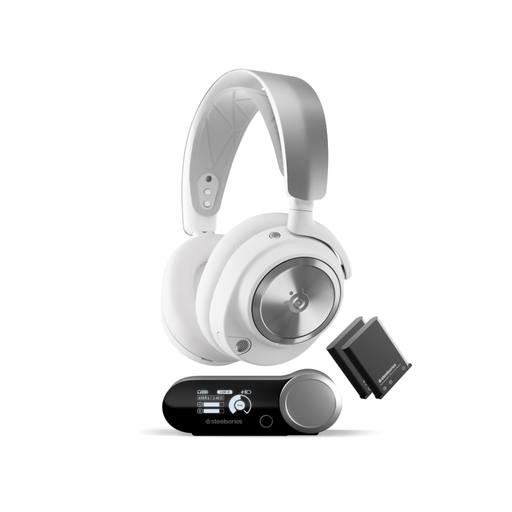 No image available
The product details list simultaneous Bluetooth audio alongside game audio, as well as two replaceable batteries for desk use.
They also mention a base station and a ClearCast microphone with noise cancellation. Check that the microphone works as you expect with your specific gaming device.
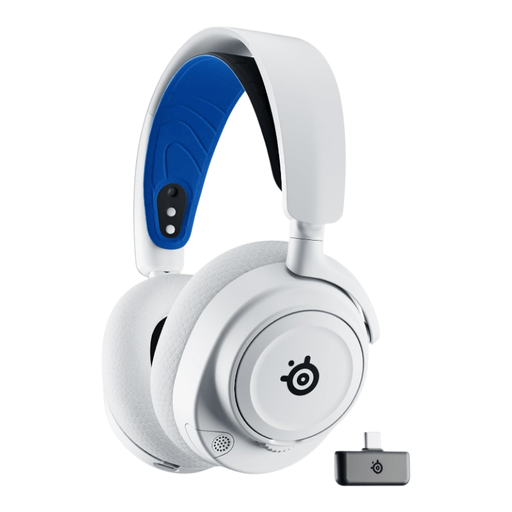 No image available
The product details list simultaneous connection options for 2.4 GHz game audio and an additional Bluetooth connection. Check that the playback and voice chat you want work with your platform.
The model is described as having a retractable ClearCast microphone, height-adjustable, swivelling earcups and AirWeave cushions.
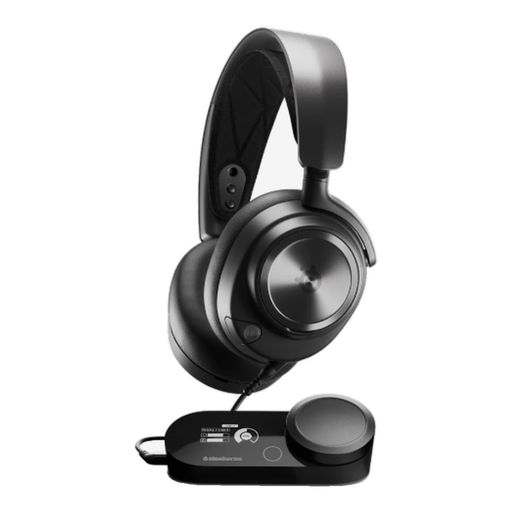 No image available
As a wired headset, it may suit a dedicated gaming setup if you would rather not charge a headset battery.
The product details list a GameDAC Gen 2, USB and 3.5 mm connections, and a retractable ClearCast microphone. Supported platforms include PS5, PC, Switch and Mac; check that the connection works with your device.
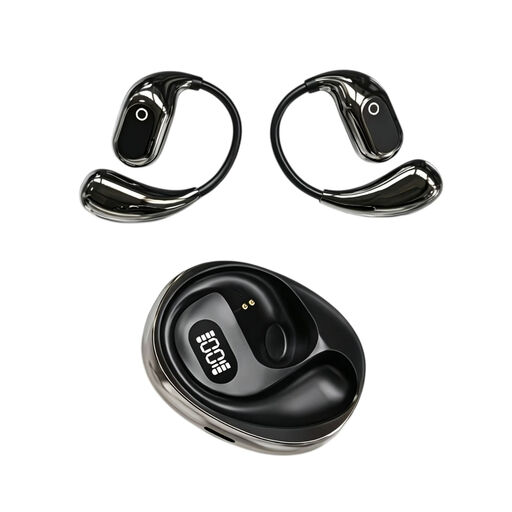 No image available
The product details list translation in 144 languages and a built-in condenser microphone, and include gaming as a use. Before buying, check that the connection and microphone work for game chat on your specific device.
They also list a charging case with a Type-C connection and a binaural mode.
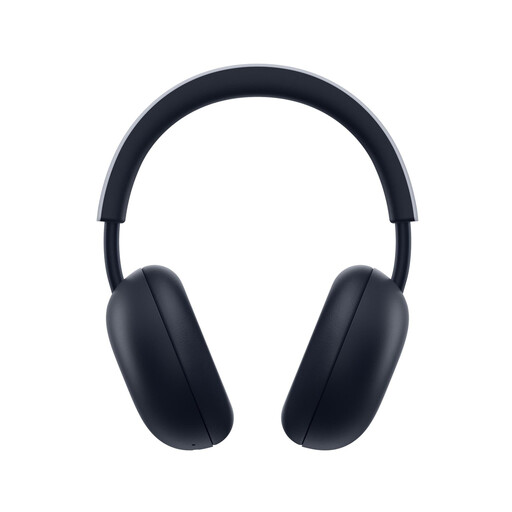 No image available
The details list PlayStation Link and Bluetooth for simultaneous connections, plus a built-in microphone with AI-powered noise cancellation. Check that these connections suit your gaming device and chat setup.
PS5 and PS4 are listed as compatible; the advertised battery life is up to 30 hours.
On your gaming device, select the headset connection you use for both input and output, then make a short recording with the usual room noise. Check the mute control too. HyperX lists an LED indicator for the Cloud III, but that alone says nothing about recording quality in your room.
No. According to SteelSeries, only one source can be active at a time on the Arctis Nova 5. SteelSeries describes simultaneous listening from both sources as a feature of the Arctis Nova 7 Wireless and Nova Pro Wireless.
Check whether cushions and cables are replaceable for the specific model; beyerdynamic lists these parts for the MMX 300 PRO and MMX 330 PRO. Keep the volume deliberately low during long gaming sessions: the World Health Organization identifies unsafe listening while gaming as a potential risk to your hearing.
For a typical online purchase from a trader, European Union guidance says you generally have 14 days from delivery to change your mind; exceptions and any conditions on return postage should be taken into account. Separately, faulty goods are covered by a statutory guarantee of at least two years from receipt. An additional voluntary warranty does not replace this statutory guarantee.