Gaming headsets at Joybuy
This selection includes wired and wireless gaming headsets for co-op chats. A wired headset can save you the hassle of charging if you always play in the same spot; with wireless models, the connection and compatibility with your platform are key.
 No image available
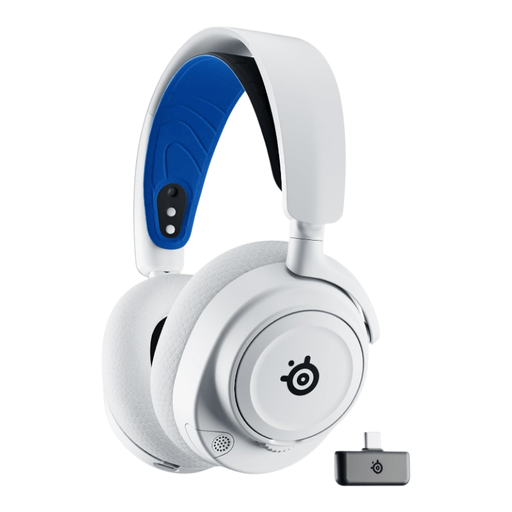
SteelSeries Arctis Nova 7P – White
This wireless model could suit a gaming setup without a headset cable; check that its connection works with your device.
Remember to factor in charging for longer sessions.
View at Joybuy
 No image available
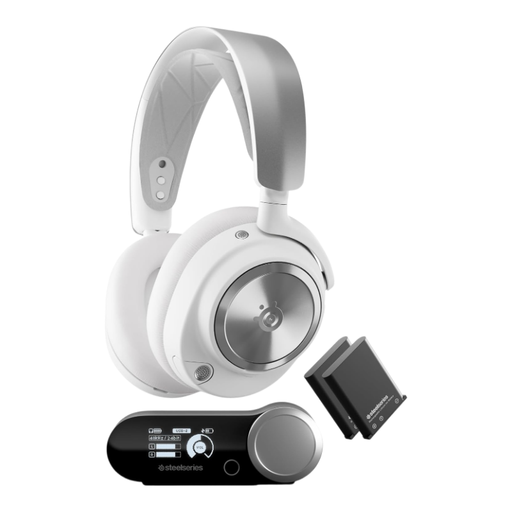
SteelSeries Arctis Nova Pro Wireless – White
This wireless model could suit a gaming setup where you’d rather not have a headset cable; check that the connection works with your platform.
Factor in charging when choosing a headset for longer sessions.
View at Joybuy
 No image available
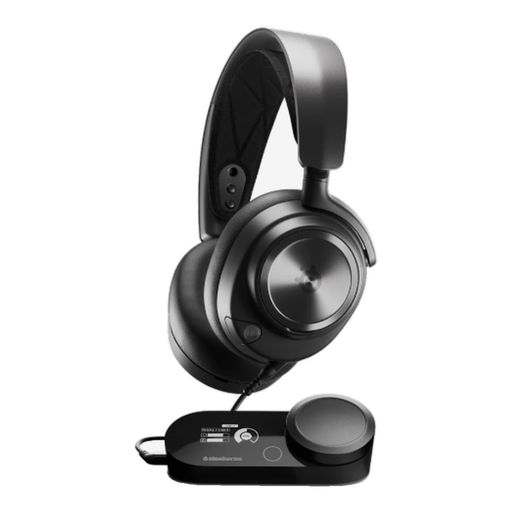
SteelSeries Nova Pro Wired – Black, PlayStation 5
This wired version is an option for a fixed gaming setup; check that the connections support game audio and the microphone on your device.
The cable gives you less freedom to move around than a wireless headset.
View at Joybuy
 No image available
AOC wired gaming headset for PS5, Xbox Series X|S, Xbox One and PC
The platforms listed in the product name can help guide you, but check that the connection works with your device and chat app before buying.
The cable limits how freely you can move around your gaming area.
View at Joybuy
 No image available
HyperX Cloud Alpha – Gaming headset with in-line audio controls
This wired model could suit a fixed co-op gaming setup; check that the connection works with your gaming device.
The cable gives you less freedom to move around than a wireless headset.
View at Joybuy
Frequently asked questions
How can I check that other players can hear me clearly once I’ve connected my headset?
Select your headset as the input and output device in your chat app, then make a test recording with the usual background noise in your room. Check that the mute function is off, too. In Discord, you can try Krisp to reduce non-speech background noise; Discord notes that processing can also affect voice quality in a quiet room.
What should I check if my PlayStation wireless headset has an unstable connection?
For its wireless headsets, PlayStation recommends making sure the USB wireless adapter is plugged in securely and removing any adapters you’re not using, among other things. This doesn’t confirm that every headset will be compatible with your console.
What should I consider with wireless use and replacement parts?
Charging is part of using a wireless headset. Check whether the ear cushions or microphone parts you need are available for the specific model; beyerdynamic, for example, lists ear and headband cushions for the MMX 150 wireless.
What consumer rights apply when buying a headset in Germany?
For goods bought in the EU, you’re entitled to a legal guarantee of at least two years from receipt if they’re faulty; this is separate from any voluntary manufacturer’s warranty. Online purchases generally come with a 14-day right to cancel, subject to legal exceptions. The European Union’s Your Europe website and the Council of the European Union explain these consumer rights.


