Explorers who care about sound
If dialogue, music and ambient sounds are all part of the game for you, compare the sound using familiar scenes rather than relying on a surround sound logo.


Choose a gaming headset based first on your gaming device, seating distance and connection. The wireless mode and microphone need to work with your console or PC. Then compare the sound and how clearly dialogue comes through in a game you know, as well as how comfortable the headset feels during longer sessions. Spatial audio effects alone won’t tell you whether you’ll like the sound tuning.
If dialogue, music and ambient sounds are all part of the game for you, compare the sound using familiar scenes rather than relying on a surround sound logo.
If you sit further from the screen, you’ll need a connection that suits your setup and a comfortable fit over time. Check whether a cable will reach comfortably or if wireless is better for where you sit.
If you switch between a console and PC, check the exact model variant, supported connection and voice chat functionality for each device.
First, check how the headset connects to your gaming device and how the signal will reach where you sit. Then compare sound, fit and, if needed, microphone performance based on how you play.
| What matters | What to look for when buying | Who is this especially important to? |
|---|---|---|
| Dialogue and atmosphere | Compare familiar dialogue and ambient sounds at a moderate volume. Pay attention to the sound tuning and whether the design is open or closed-back. | If I want to take in dialogue and atmosphere in exploration games, my own listening experience matters more than a surround sound logo. Around 26% of consumers put sound first. |
| Audio and microphone compatibility | Check the full model variant, connection and support for game audio and the chat features you want to use on your device. | If I want to use both game audio and voice chat on my console, I check that both work with the exact connection I plan to use. Around 26% of consumers prioritise device compatibility. |
| Comfort during long sessions | Consider the padding, adjustment range and weight together. If possible, try the exact model for a typical gaming session. | If I play for long periods, I want to avoid pressure points and need a fit that suits my head. Around 21% of consumers put long-term comfort first. |
| Freedom of movement where you sit | Plan the cable route to your controller or gaming device. For wireless models, check whether you need a receiver or whether a direct connection is supported. | If I play on the sofa, away from the screen, I don’t want to be restricted by an audio cable that’s too short or awkwardly routed. Around 16% of consumers prioritise freedom of movement. |
| Clear team chat | Check the microphone and mute function on your platform, and test the voice connection in the room where you usually play. | If I play with others, I want my voice to come through clearly and the mute button to be easy to reach. Around 11% of consumers put team chat first. |
A Bluetooth connection alone doesn’t guarantee game audio or chat on every console. Some models also support different wireless and USB connections depending on the console version.
Check the full model variant and the connection specified by the manufacturer for your gaming device and the chat features you want.
Audio through your TV doesn’t tell you whether the microphone is connected to your console or PC. PlayStation Support lists headphone and TV speaker audio as separate setup options.
Plan the game audio and microphone connections separately, from your gaming device to where you sit, and check both before buying.
Fit and sound are personal. The weight alone won’t tell you whether a headset will feel uncomfortable during longer gaming sessions.
If possible, try the exact model for a typical gaming session and compare the sounds that matter to you in the game.
Sony describes the INZONE H9 II as a wireless headset with noise cancelling.
The Arctis Nova range includes different wireless models. According to SteelSeries, the Arctis Nova Elite is designed to work with multiple devices through GameHub.
The Maxwell is available in separate Xbox and PlayStation variants, so make sure you choose the right one.
According to beyerdynamic, the MMX range includes open-back and closed-back wired models, as well as dedicated wireless models.
The updated Xbox Wireless Headset is designed to connect directly to Xbox consoles.
This selection includes wired headsets for compatible connections, as well as wireless models. Check the exact platform support for each product and plan the signal path to where you sit.
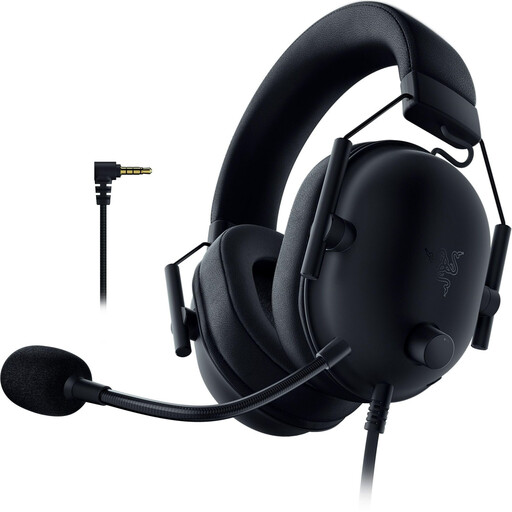 No image available
The wired version may suit you if your gaming device has a compatible 3.5 mm connection and the cable reaches your seat comfortably.
Specifications include 50 mm drivers, a weight of 240–260 g and passive noise isolation.
The 3.5 mm connection and flexible microphone are useful for game audio and voice chat.
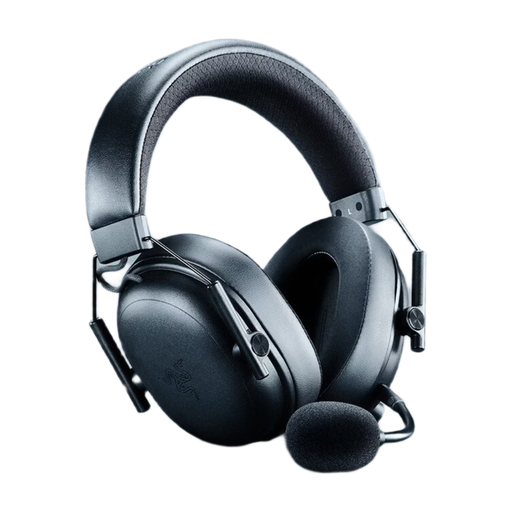 No image available
This wireless model may suit you if you don’t want to run an audio cable to your seat. Check that it connects to your specific gaming device in the way you need.
Listed connections include 2.4 GHz wireless, Bluetooth and USB wired mode, along with a detachable microphone.
Product specifications list 50 mm drivers, a weight of 270 g and up to 70 hours of battery life. THX Spatial Audio requires Windows 11 version 23H2 or later.
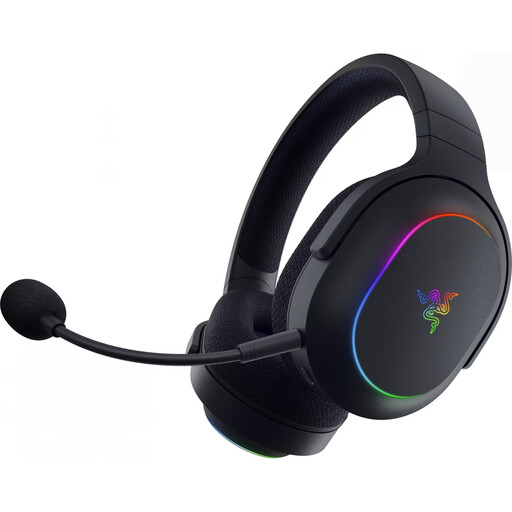 No image available
The specifications list PC, PS4, PS5 and Switch. Before buying, check that your chosen platform and connection are supported by the exact product variant.
Listed features include 2.4 GHz wireless, Bluetooth 5.3 and SmartSwitch for switching between connections.
Specifications include 40 mm drivers, a weight of 285 g, up to 70 hours of battery life and a built-in microphone with mute function. The description also lists virtual surround sound.
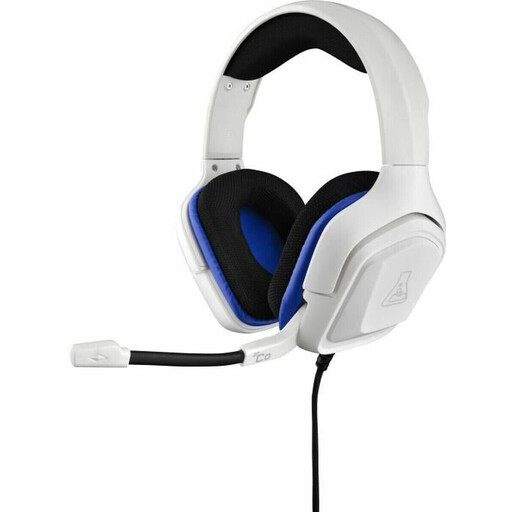 No image available
This wired model is an option if your gaming device has a compatible 3.5 mm connection and the cable is practical for your seating setup.
Specifications include 50 mm drivers, stereo sound, a flexible microphone and an in-line volume control.
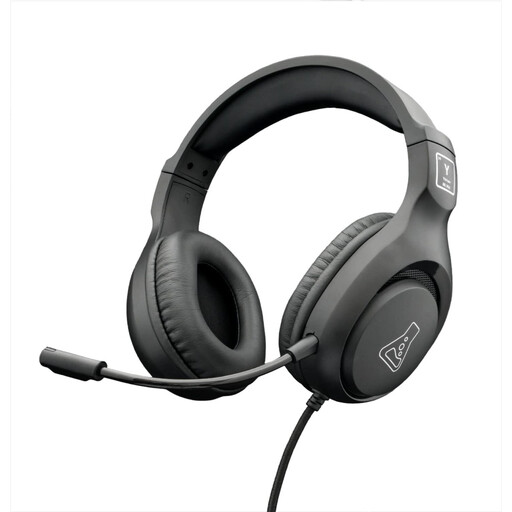 No image available
The product specifications list PC, PS4, PS5, Xbox and Switch. Check which connection option is intended for your device and the chat features you want to use.
Listed features include 3.5 mm and USB connection options, stereo sound, 50 mm drivers and an adjustable omnidirectional microphone.
The cable is listed as 2.1 m long, so plan the route to your seat accordingly.
You can’t assume that it will. PlayStation Support explains that compatible wireless PS5 headsets use a USB adapter and notes that incompatible Bluetooth audio devices can’t be connected. If you connect through your TV, check the audio output and microphone connection to your gaming device separately.
According to PlayStation Support, you can create a personal profile or use a preset under ‘Settings > Sound > 3D Audio (Headphones)’. Compare the effect with stereo. The PS5 also has a separate 3D audio setting for TV speakers.
Keep the volume moderate and take breaks. The World Health Organization gives 80 dB for up to 40 hours a week as an example of safe listening; at higher levels, the safe listening time decreases. This isn’t a measurement of the volume of any headset mentioned here.
The Verbraucherzentrale explains that online purchases generally come with a 14-day right to cancel, and you must notify the seller that you’re cancelling. Your statutory rights and a voluntary guarantee are not the same thing. Also check whether any receiver, cables or replacement ear cushions you need are included or may be available separately.
No. The Umweltbundesamt explains that waste electrical equipment in Germany must be collected separately from mixed household waste. Suitable collection and take-back points are possible disposal options. Where possible, remove any batteries and dispose of them separately.