Solo explorers
If you play long story quests, dialogue, atmosphere and a comfortable fit are especially important. You may not need a microphone all the time.


For long quests in a quiet room that you don’t share, an open-back wired headset could be a good fit, provided no one is bothered by sound leaking out. In a shared space, a closed-back model is a more obvious choice. For calls and co-op chat, you’ll also want to consider the microphone controls and whether the connection suits the device you’ll be using. Wired headsets don’t need charging, while wireless models give you more freedom to move around your desk, but you’ll need a compatible connection and a charging routine.
If you play long story quests, dialogue, atmosphere and a comfortable fit are especially important. You may not need a microphone all the time.
You’ll want to balance game audio with the sounds around you, while being considerate of housemates or other people working nearby.
If you also use your desk for calls or switch between devices, easy microphone controls, a mute function and a compatible connection are essential.
Start by considering your room and sound preferences, then check the fit and microphone. Finally, make sure the connections and wireless modes work with your devices.
The percentages show which concern consumers rank as their top priority; they may have other requirements too.
| Priority | What to check before buying | Who it matters most to |
|---|---|---|
| Game audio and atmosphere | Open-back or closed-back design; compare the sound with the games you play. | If dialogue and atmosphere are my focus during long solo quests, I pay particular attention to the headset’s sound profile. Around 29% of consumers put game audio first. |
| Comfort during long quests | Cushion material and clamping force; if possible, try the fit for the length of a typical gaming session. | On long expeditions, I want to avoid pressure points and know how the cushions feel. Around 23% of consumers put comfort first. |
| Noise in the home office | Open-back or closed-back ear cups; assess the noise cancellation on the specific model. | If I share a room, I want to be able to hear what’s going on around me or keep game audio from leaking out as much as possible. Around 18% of consumers prioritise the room’s noise conditions. |
| Chat and muting | Check the microphone controls and the connections for audio and microphone on the device you use. | For co-op sessions or calls, I want to control my microphone reliably and be able to talk at my desk. Around 18% of consumers put chat and microphone controls first. |
| Connection and freedom to move | Check device compatibility, wireless mode and what’s included with the exact model variant. | If I switch between gaming and work devices, the connection needs to work with the device I actually use. Around 12% of consumers prioritise connectivity and switching between devices. |
Wireless and wired compatibility can vary by device. The beyerdynamic MMX 150 wireless does not list Xbox and Bluetooth as the same connection option; SteelSeries describes a USB-C dongle for gaming with the Arctis Nova 5 Wireless.
Before buying, check the full model variant, the connection for audio and microphone, and what’s included in the box.
In a shared home office, noise from the room and game audio leaking out may make an open-back model less suitable.
Choose based on the room you’ll actually use it in: open-back can work well in a quiet room you don’t share; if isolation matters more, look at closed-back models.
Manufacturers’ battery-life claims don’t replace choosing a wireless connection that suits your needs or planning when to charge your headset.
Compare battery-life claims only for the exact model variant, and consider a wired model if you’d rather not charge it.
The MMX range includes different designs and connection options that may suit quiet solo setups or changing use cases.
The wired Cloud III may suit a fixed desk setup, with several connection types listed.
The Arctis Nova 5 Wireless is aimed at users who want to use a USB-C wireless receiver with their gaming device and Bluetooth with other audio sources.
The INZONE H9 II is a wireless model with active noise cancellation for players looking to reduce distractions in the home office.
The wired BlackShark V2 X is a closed-back option if passive noise isolation matters more to you than going wireless.
This selection includes wired and wireless over-ear headsets for gaming, longer sessions and occasional voice chat at your desk.
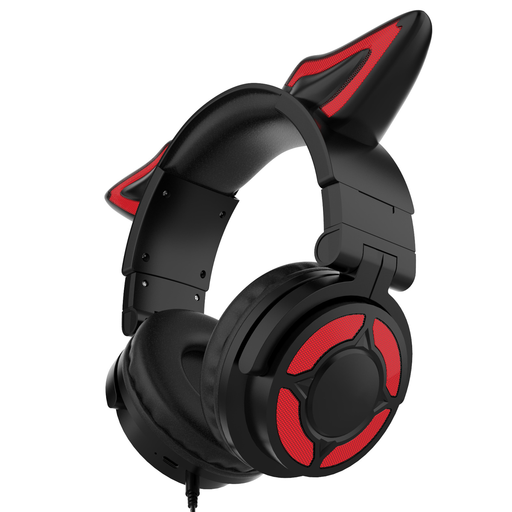 No image available
Could suit gaming and longer sessions if you’re looking for a built-in microphone and an adjustable fit.
Closed-back speaker system; wireless use with a battery. The description mentions breathable ear cushions and an adjustable headband.
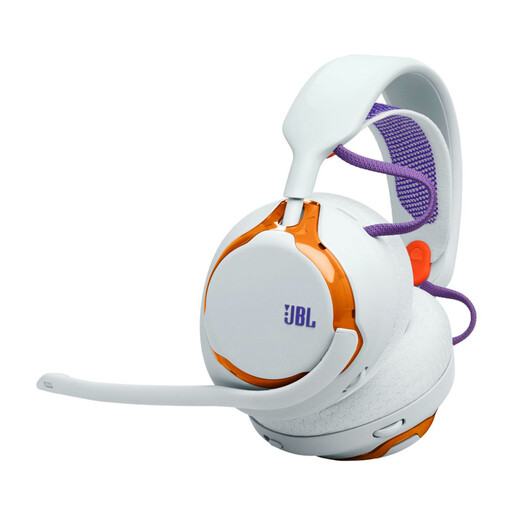 No image available
Could suit a wireless desk setup with the occasional team chat.
The product description lists a 2.4 GHz connection for PC and consoles, Bluetooth and a microphone. Breathable ear cushions and a mesh headband are also mentioned.
 No image available
Could suit gaming and occasional voice chat if you’re looking for a wireless connection and a microphone that mutes when flipped up.
The product description lists Bluetooth, a detachable 3.5 mm cable and active noise cancellation. Memory foam ear cushions and a play-and-charge function are also specified.
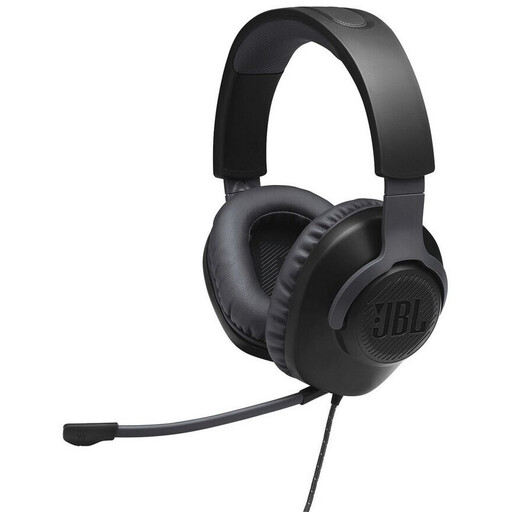 No image available
Could work well for a fixed desk setup and occasional co-op chat if you don’t need a wireless model.
The product description lists a 3.5 mm connection, a detachable boom microphone and memory foam ear cushions. Check the mute function and audio compatibility with your device beforehand.
 No image available
Could suit a wired desk setup for calls or co-op chat.
The product description lists a closed-back design, detachable cable and microphone, and a 3.5 mm connection. Memory foam ear cushions and in-line audio control are also specified.
No. A surround-sound label alone won’t tell you whether a headset suits your games. First, compare dialogue, atmosphere and fit. If you want to use an advertised surround feature, check its platform requirements. Razer states that Windows 11 is required for the advertised 7.1 feature on the BlackShark V2 X.
Connect the headset using a connection supported by both the specific model and your PC, then select it for audio input and output in your game and chat software. Next, test the microphone, recording and mute function. The Cloud III’s connections differ from the Arctis Nova 5 Wireless’s wireless modes, so check the exact model variant and your device.
Check the fit and cushions, keep the volume low and take listening breaks. The World Health Organization notes that volume and listening time together affect the risk to your hearing. beyerdynamic lists replacement ear and head cushions, as well as cables, for the MMX 330 PRO.
For online purchases, you generally have a 14-day right to cancel, and you must notify the seller that you wish to cancel. If a product is faulty, statutory consumer rights against the seller are separate from a voluntary guarantee. The Verbraucherzentrale says that newly purchased goods generally have a two-year period for statutory rights; check the terms of your specific purchase.