What should you look for when buying?
First check the connection to your gaming device, then decide how important sound tuning, comfort and chat are for your gaming session.
| What matters |
What to look for when buying |
Who is it important to? |
| Dialogue and gaming atmosphere |
Compare reviews of the exact model and, if possible, listen to familiar dialogue and music scenes. COMPUTER BILD notes that sound reviews vary between some of the models it has tested. |
If I want to hear voices, music and subtle effects clearly, I look for sound tuning that suits the games I play. Around 33% of consumers put sound first when choosing. |
| Connecting from the sofa |
Check your console, the exact model version, the receiver and support for game audio and chat. PlayStation describes using a USB adapter for its wireless headsets; Microsoft says its Xbox Wireless Headset pairs directly with Xbox consoles. |
If I want to move away from the screen while playing, the connection needs to work with my console. Around 27% of consumers prioritise a compatible connection. |
| Comfort during long gaming sessions |
Check the adjustment range and padding; weights are only useful to compare when measured on the same basis. Sony lists the INZONE H9 II at 260 g without the microphone. |
If I play long story sections, I want a headset that feels comfortable, not just one that looks light on paper. Around 27% of consumers prioritise comfort. |
| Quiet and voice chat |
Tell the difference between noise cancellation in the headphones and how the microphone processes your voice. Also consider whether you still want to hear sounds around you; PlayStation offers settings for input devices, microphone levels and muting. |
If I want to block out background noise or chat from time to time, I check these features separately. Around 13% of consumers prioritise quiet or chat. |
Joybuy products for different connections
This selection includes wired headsets with a 3.5 mm jack and wireless models for different gaming systems and ways to play.
 No image available
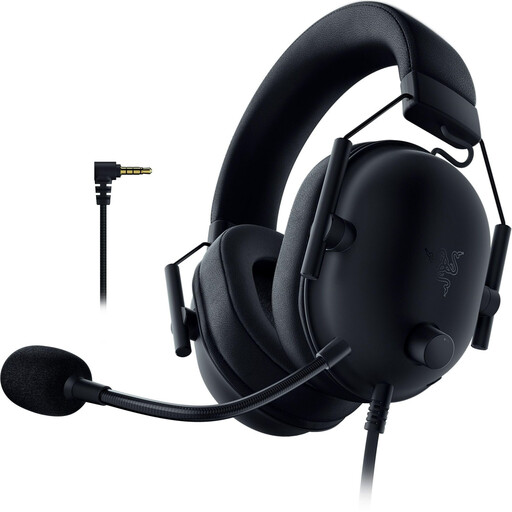
Razer BlackShark V2 X (PlayStation Licensed)
A wired option if your gaming device or controller has a compatible 3.5 mm connection.
3.5 mm connection, 50 mm drivers and microphone; listed weight is 240 g.
Memory foam ear cushions; wired connection.
Joybuy
 No image available
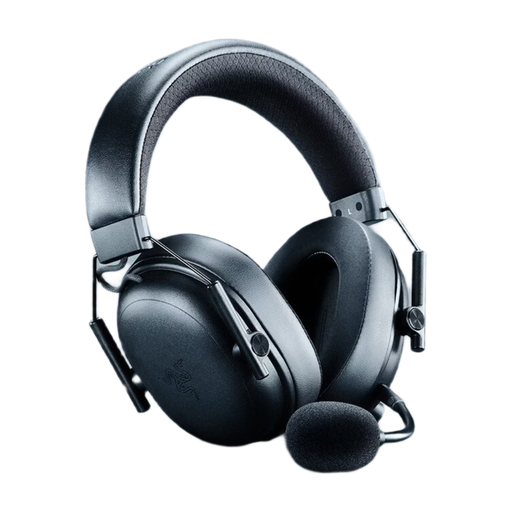
Razer BlackShark V3 Wireless
For wireless gaming, provided the connection and listed platform support suit your device.
2.4 GHz wireless, Bluetooth and USB; PS5 and Xbox are listed as compatible platforms.
Up to 70 hours of battery life and weighs 270 g; with memory foam ear cushions and a detachable microphone.
Joybuy
 No image available
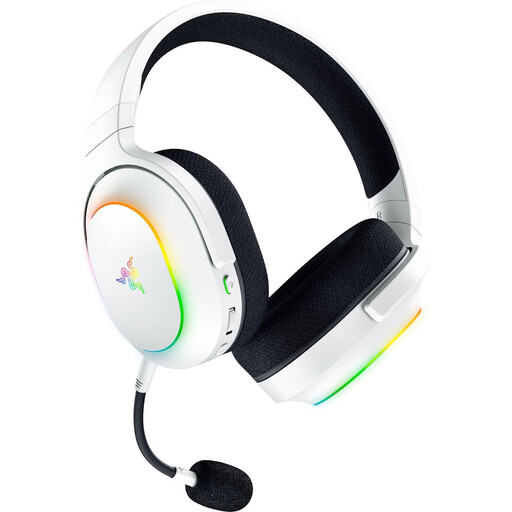
Razer Barracuda X Chroma Wireless (White)
A wireless option if you want to switch between the listed gaming systems and the USB-C receiver suits your device.
2.4 GHz wireless and Bluetooth; 40 mm TriForce drivers.
Up to 70 hours of battery life and weighs 285 g; with a detachable microphone.
Joybuy
 No image available
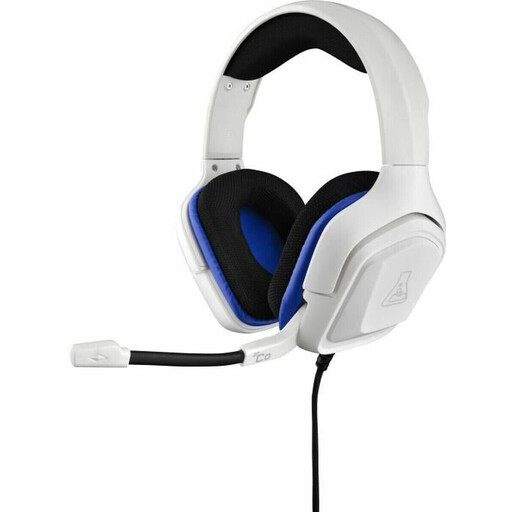
The G-Lab KORP-COBALT-W
For a wired connection, provided your gaming device or controller has a compatible 3.5 mm connection.
3.5 mm connection, stereo sound and omnidirectional boom microphone.
Joybuy
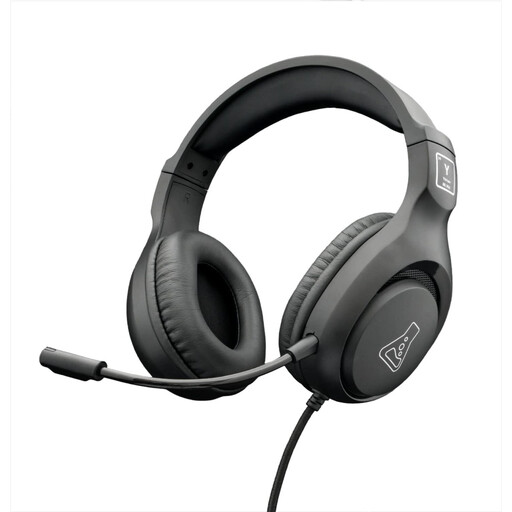 No image available
The G-Lab KORP-YTTRIUM
A wired option if your gaming device or controller has a compatible 3.5 mm jack.
3.5 mm connection, stereo sound and omnidirectional microphone; listed for several gaming platforms.
Joybuy
Frequently asked questions
Is Bluetooth enough for a wireless headset on PS5?
No, a Bluetooth mention alone isn’t enough. In its PS5 troubleshooting guide, PlayStation says that Bluetooth audio devices connected directly are incompatible, and describes pairing its wireless headsets using a USB adapter. Check the connection explicitly supported by the specific model.
Do I need a particular headset for spatial audio in games?
Not just because it has a spatial audio logo. First check the audio features offered by your game and console; PS5 has its own settings for audio output and connected headphones. Whether you prefer a particular setting is a matter of personal taste.
What should I check if there’s no sound or chat through my headset on PS5?
First check the output device, headphone and microphone input, and mute settings on PS5. If you have a PlayStation wireless headset, also check that the USB adapter is securely connected, the battery is charged and there’s no wireless interference.
What rights do I have when buying online in Germany?
When you buy online as a consumer, you generally have a 14-day right to cancel; you must notify the other party to the contract that you wish to cancel. The Verbraucherzentrale distinguishes this right from statutory rights relating to faulty goods and a voluntary guarantee. The details depend on the contract and the circumstances.


