Replay analysts using a PC or console with a TV
If you review gameplay footage repeatedly, the headset needs to connect to the device playing the recording – not simply to the big screen.


When choosing a gaming headset, start by checking which device will actually play the tournament footage and which connection it supports. A wired headset is a good fit if the connection and cable length work for where you sit. A wireless USB receiver gives you more freedom to move, but it must be explicitly compatible with the playback device. Bluetooth with a TV is only an option if the specific model supports it and the picture and sound stay in sync during playback.
If you review gameplay footage repeatedly, the headset needs to connect to the device playing the recording – not simply to the big screen.
For longer discussions, a comfortable fit and clear gameplay and speech audio can make all the difference. If you want to join in, check that the microphone connection is suitable too.
If you switch between a PC and console, or use an additional source for conversations, it’s the connections and features of the specific model that matter. Switching between sources and mixing them at the same time are two different requirements.
A good fit if: there’s an accessible, compatible connection and you don’t need a wireless receiver.
Bear in mind: the cable limits how far away you can sit; the plug configuration and microphone function must also match the connection.
A good fit if: you want to sit away from your PC or console and the specific device supports the headset and its receiver.
Bear in mind: the receiver must connect to a compatible playback device; your setup will also need to account for the battery and, where applicable, a base station.
A good fit if: your specific TV supports Bluetooth audio and can pair with the headset.
Bear in mind: Sony warns that Bluetooth audio may be delayed, so check that the sound stays in sync with your footage.
| What to consider | What to check when buying | Who it matters most to |
|---|---|---|
| Connection to the playback device | Check the device, headset version, inputs and plugs together; for wired headsets, also consider whether the cable is long enough to reach. | If I play the footage on a PC or console, the headset needs to work with that device. Around 28% of consumers put finding the right connection first. |
| Audio and picture synchronisation | Check speech and distinctive gameplay sounds with your own video source; if using Bluetooth, test playback on the specific TV. | When I replay footage, the sounds I hear need to match what’s on screen. Around 22% of consumers prioritise clear, synchronised replay audio. |
| Comfort during long sessions | Check the fit, adjustment range and ear cushions on the specific model; make sure replacement cushions are compatible with your model version. | When I watch long recordings, fit matters more to me than extra features. Around 22% of consumers prioritise comfort during longer sessions. |
| Freedom to move and audio sources | Check separately that each source is supported, and whether the headset switches between sources or mixes them at the same time. | Once I’ve confirmed device compatibility, I want the freedom to move around or use multiple audio sources. Around 17% of consumers put this need first. |
| Microphone and voice recording | Check the microphone connection, mute function and recording device separately; if needed, make a short test recording. | If I comment on analysis myself or join conversations, I need a suitable microphone connection. Around 11% of consumers prioritise recording their own voice. |
A wireless USB receiver that works with a console isn’t automatically supported by a TV as well.
Only plan to use the receiver with devices explicitly supported by your specific headset. Follow the signal path from the source of the replay footage to the headset.
Audeze distinguishes between the versions in their USB and low-latency wireless connections. Using a 3,5 mm connection is a separate case.
Before buying, check the full headset version against your console and the connection you want to use.
Sony warns that Bluetooth audio may be delayed during playback.
Try a familiar scene on your own TV to check that the sound and picture match.
A TV headphone output doesn’t tell you whether your own voice will be transmitted or recorded.
Test the microphone and playback separately with the PC, controller or recording device you plan to use.
The INZONE H9 II may suit setups using a compatible PC or console and a USB-C transceiver. Sony also lists Bluetooth and a detachable audio cable.
According to SteelSeries, the Arctis Nova Elite is designed for people using multiple audio sources, with its GameHub.
The wireless Maxwell range has separate Xbox and PlayStation versions.
The wired, closed-back MMX 300 PRO may suit a setup with a compatible analogue connection.
HP lists 3,5 mm, USB-A and USB-C connection options for the wired Cloud III.
This selection includes wired headsets with a 3,5-mm connection and wireless models for compatible playback devices. Before choosing how to connect, check that the specific model works with your audio source.
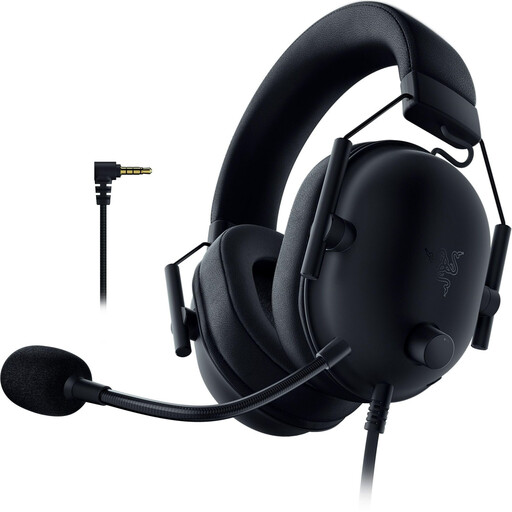 No image available
For a setup with an accessible, compatible 3,5-mm connection; this headset connects by cable.
The description lists PS5, PS4 and PC as compatible devices, as well as memory foam ear cushions and a weight of 240–260 g.
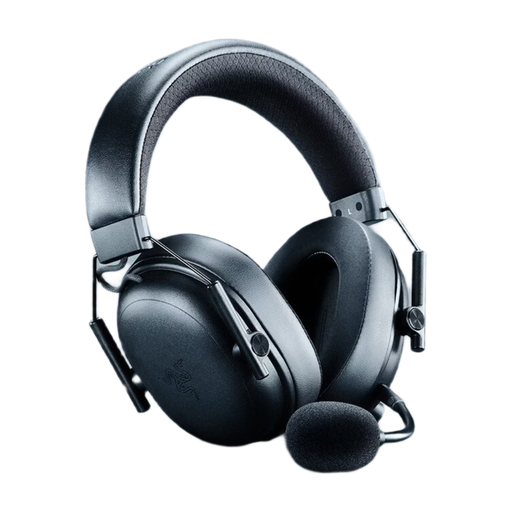 No image available
For wireless playback and switching between or mixing audio sources at the same time, as long as the connection works with the playback device you’re using.
The description lists 2,4-GHz wireless, Bluetooth and USB, as well as a detachable microphone with volume and mute controls.
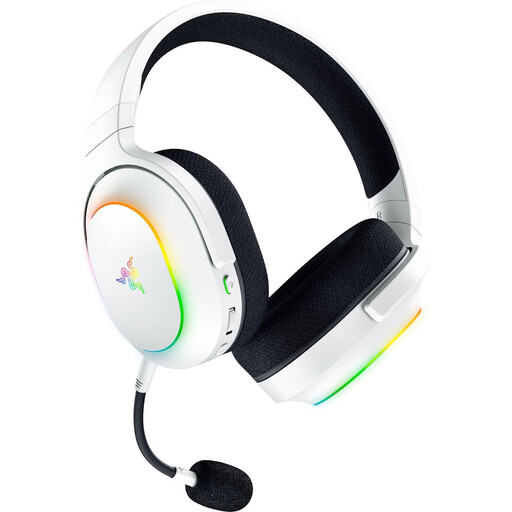 No image available
For gaming and mobile audio sources, provided the connection you want to use is supported by the playback device.
The product title lists SmartSwitch Dual Wireless and Bluetooth 5.3. The description says you can switch between HyperSpeed Wireless and Bluetooth.
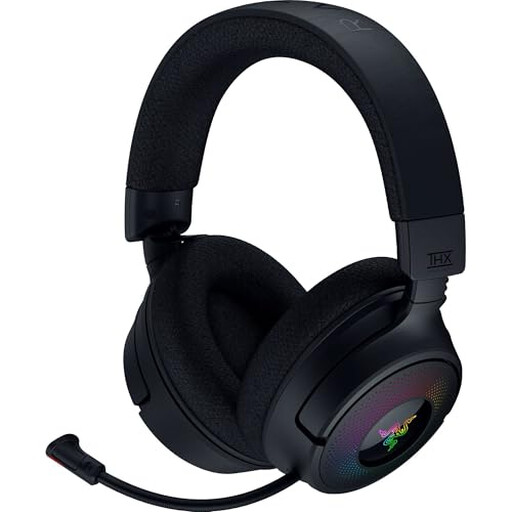 No image available
For wireless playback with a compatible PC or playback device; check it works with your setup first.
The description lists 2,4-GHz wireless via USB dongle, Bluetooth and USB, as well as a retractable microphone and an adjustable balance between game and chat audio.
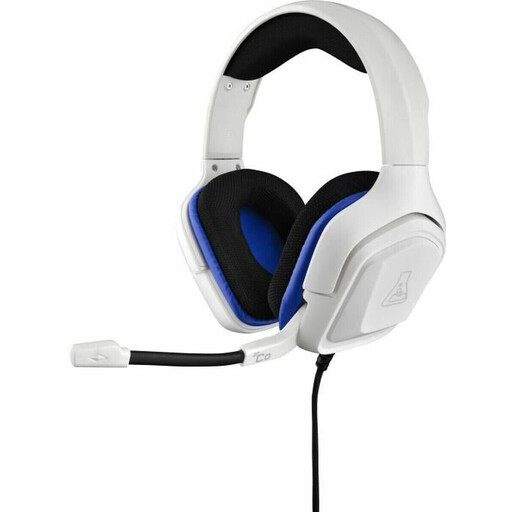 No image available
For a setup with an accessible, compatible 3,5-mm connection; the headset connects by cable.
The description lists a 2,1-m cable and compatibility with PS4, PS5, Xbox, Switch and PC.
Connect it to the device the headset is explicitly designed to work with. PlayStation describes connecting the adapter to the PS5; that doesn’t mean the TV’s USB port will support the headset.
No, it depends on the specific TV and headset. For the pairing process described for its Android or Google TVs, Sony specifies support for the A2DP profile. Check your TV’s manual, then test that the sound stays in sync with your footage.
Connecting to the TV over Bluetooth isn’t the same as connecting the headset to the PS5. PlayStation says that Bluetooth audio devices aren’t compatible with the PS5 when this type of connection error occurs. Instead, it describes using the USB adapter with its wireless headsets.
Check the replacement part against the full model name. beyerdynamic specifically lists the ear cushions for the MMX 300 PRO; this doesn’t mean they’ll fit other headsets.