For detective games on a small desk, a 75% layout is a sensible place to start if you’re happy to go without a number pad but want the arrow keys and frequently used keys close at hand. A 60% keyboard takes up even less space, but some commands may require secondary functions; TKL gives you more keys within easy reach, but needs more room than smaller formats. Measure the space available for your keyboard and mouse, and check the specific German key layout before deciding.
Which keyboard suits which player?
Players with very little room for a mouse
If your keyboard and mouse need to fit on a narrow desk, an especially compact layout can help. On the Razer Huntsman Mini, additional commands are assigned to secondary functions; according to Razer, it has no dedicated function keys, Home-key cluster or number pad.
Puzzle players who use menus often
If you regularly move through dialogue, menus or notes, check which keys are easy to reach. The Sharkoon SKILLER SGK25 and Corsair K65 PLUS WIRELESS TACTILE (DE) are compact options with documented navigation or additional keys.
Players using a shared desk
If you want to be considerate of others when typing for longer periods, or need to use your keyboard with different devices, the switch type and connectivity matter as well as the size. SteelSeries describes the Apex 3 TKL switches as quiet; Corsair and Keychron list several sound-dampening or connectivity features for their respective models.
What to look for when buying
60%: as much room for your mouse as possible
A good fit if: every centimetre of desk space counts and you’re happy to use secondary functions for keys that aren’t directly available.
The trade-off: The Razer Huntsman Mini has no dedicated function keys, Home-key cluster or number pad.
75%: compact, with arrow keys
A good fit if: you want to save space while keeping frequently used arrow and additional keys close at hand.
The trade-off: Key layout, case width and connectivity vary by model, so the percentage alone isn’t enough to compare them.
TKL: a less condensed layout
A good fit if: you can do without a number pad but would prefer the other key sections to be less condensed.
The trade-off: A TKL keyboard takes up more space than especially small layouts. Check that there’s still enough room for your mouse.
First, decide how much space you need to leave for mouse movement. Then compare the key layout, typing noise and connectivity with the way you plan to use the keyboard.
| What matters |
What to check before buying |
Who it matters most to |
| Desk space and mouse movement |
Measure the available width and compare the case dimensions, not just the layout designation. Sharkoon lists the SKILLER SGK25 as measuring 331 × 139 × 40 mm. |
If I need to fit a keyboard and mouse into a tight space, every centimetre of room to move counts; around 36% of consumers put desk space first. |
| Direct access to navigation keys |
Check the layout image to see whether the arrow keys and the keys you use most in your games are directly accessible. On the Huntsman Mini, additional commands are assigned to secondary functions. |
If I often move through dialogue or menus, I don’t want to use a key combination for every command; around 29% of consumers prioritise directly accessible input keys. |
| Typing noise and feel |
Check the specific switch type and, if possible, try out the typing noise for yourself. SteelSeries describes the Apex 3 TKL as quiet; Corsair lists two sound-dampening layers for the K65 PLUS WIRELESS TACTILE. |
If I’m typing longer texts at a shared desk, I want the typing noise to suit my surroundings; around 21% of consumers prioritise noise and feel. |
| Connectivity and switching between devices |
Check whether you need a cable or multiple connection options, and whether the layout you choose suits the way you type. The SKILLER SGK25 has a detachable cable; several connection options are listed for the Keychron K2 Max. |
If I move my keyboard or use it with different devices, having the right connection option matters to me; around 14% of consumers prioritise connectivity and switching between devices. |
Common buying mistakes to avoid
-
Assuming a 60% layout keeps all keys just as accessible
The Razer Huntsman Mini has no dedicated function keys or Home-key cluster. Frequently used commands may therefore require additional key combinations.
Before choosing an especially small layout, think about which keys you use regularly in your games.
If you often use commands assigned to other keys, you’ll need to use more key combinations in-game.
-
Assuming “gaming” features or fast switches give you an advantage in puzzle games
The layout and switch features listed here don’t, on their own, prove that you’ll do better in detective games.
Weigh up desk space, key layout and typing feel based on what you actually use in your games.
-
Overlooking the layout or switch option within a model range
Features can vary between versions. The information for the Corsair K65 PLUS WIRELESS TACTILE refers to the DE Tactile version; with the Keychron K2 Max, the layout version you choose matters.
Before buying, check the specific product version rather than relying on the model range name alone.
A different key layout may take extra time to get used to.
A guide to the key brands
Razer
The Huntsman Mini is a particularly compact 60% layout.
- Razer lists secondary functions for additional commands.
- The Huntsman Mini has no dedicated function keys, Home-key cluster or number pad.
Sharkoon
The SKILLER SGK25 is a wired 75% model with a DE layout.
- Sharkoon lists the case dimensions as 331 × 139 × 40 mm; the cable is detachable.
- If you want a wireless connection, look for a different version or model.
SteelSeries
The Apex 3 TKL DE combines a TKL layout with switches that the manufacturer describes as quiet.
- SteelSeries lists IP32 protection for this model.
- TKL takes up more desk space than especially small formats. IP32 doesn’t mean spills won’t cause damage, and the noise claim isn’t based on an independent volume comparison.
Corsair
The K65 PLUS WIRELESS TACTILE (DE) is a wireless 75% version with arrow keys.
- Corsair lists hot-swap switches and two sound-dampening layers for this version.
- The manufacturer’s description of the typing acoustics isn’t an independent volume test. The DE Tactile version shouldn’t be treated as identical to versions with different layouts or switches.
Keychron
The K2 Max is a 75% alternative with different connection options and a DE-ISO version to consider.
- Keychron lists wireless, Bluetooth and wired connection options.
- Hot-swap is available only on the relevant version. Check that the specific option you choose is DE-ISO.
Joybuy products for small desks
This selection includes compact 75% and 60% keyboards. Pay particular attention to the key layout when choosing a product version, as both DE and US layouts are listed.
 No image available
Ticktype EVO75, tri-mode, ISO-DE
The 75% format and ISO-DE layout are a good option if you want to save space while using a German layout.
Tri-mode connectivity; hot-swap.
Joybuy
 No image available
Akko 3084B Plus, 75%, ISO-DE
The 75% layout with ISO-DE keys is a good fit if you prefer a compact format and German input.
Bluetooth, 2.4 GHz and USB-C; hot-swap; V3 Pro Cream Yellow Switches; Black & Gold colour option.
Joybuy
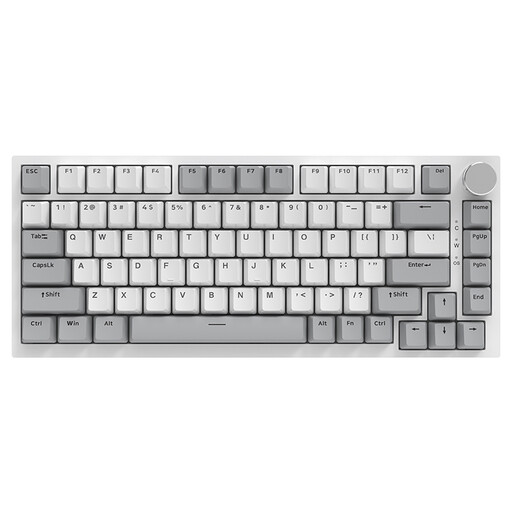 No image available
AJAZZ AK820, 75%, wired, QWERTY US
The compact layout can save space on a small desk. Before buying, check that the listed US layout suits the way you type.
83 keys; wired; volume control; hot-swap.
Joybuy
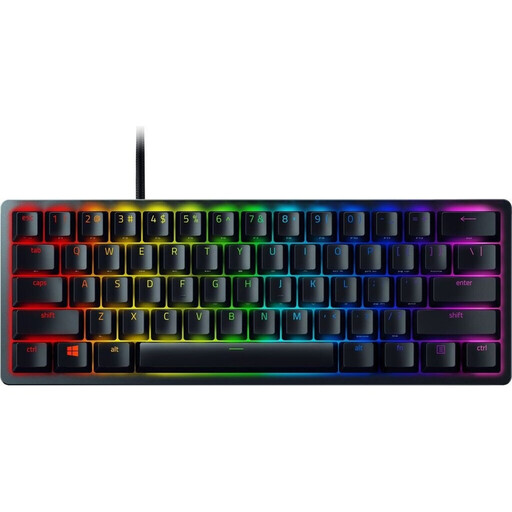 No image available
Razer Huntsman Mini, Red Switches, QWERTZ DE
The 60% format is a good option if you want to keep as much desk space free as possible and are happy to use secondary functions for additional commands.
Linear optical-mechanical Red Switches; detachable USB-C cable. No dedicated function keys or Home-key cluster.
Joybuy
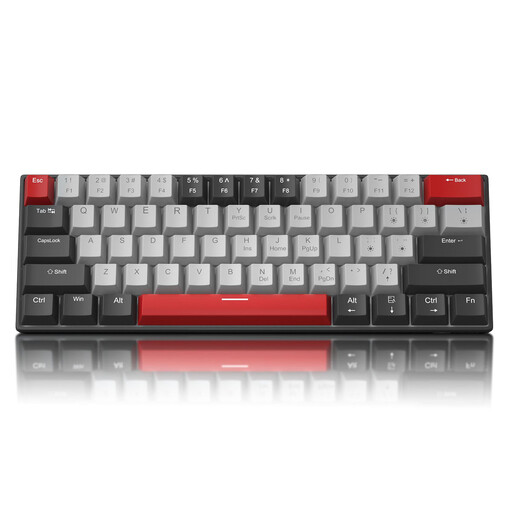 No image available
MageGee STAR 61, 60%, QWERTY US
The 60% format is designed for particularly limited desk space. Check that the US layout suits the way you type, and that using the function layer for arrow keys works for you.
Wired with detachable USB-C cable; arrow keys on the Fn layer.
Joybuy
Frequently asked questions
Should I automatically choose the smallest keyboard for detective games?
No, not automatically. If you often use arrow keys, menus or additional commands, first check that the keys you need are directly accessible. On the Razer Huntsman Mini, additional commands are assigned to secondary functions; 75% models may retain arrow keys.
How do I measure whether a keyboard will fit on my small desk?
Measure the space available for your keyboard and mouse, then compare it with the case dimensions of the specific model. Sharkoon lists the SKILLER SGK25 as measuring 331 × 139 × 40 mm. If you’re choosing a wired model, remember to allow room for cable routing too.
What are my rights in Germany if a product is faulty or I change my mind about an online purchase?
Your statutory rights against the seller are separate from any voluntary guarantee. Online purchases generally come with a right to cancel; the period is usually 14 days from the day you receive the goods. You must notify the seller that you’re cancelling—simply returning the goods isn’t enough. The Verbraucherzentrale explains the difference and the time limit.
Can I put an old keyboard in the household rubbish?
No. The German Environment Agency advises that waste electrical equipment should be collected separately. Where possible, removable batteries should be taken out before disposal and handed in separately.


