What should you look for when buying?
First, match your software and scene requirements to the processor and memory. Then decide whether demanding 3D visuals call for extra graphics performance, and finally check the space available, portability and specifications of the exact model variant.
| What matters |
What to look for when buying |
Who should prioritise this? |
| Physics calculations and accuracy |
Compare the processor, memory and scene size. Unity notes that additional physics steps and certain collision modes can put more demand on the CPU. |
If I want to run repeatable collision tests quickly, physics performance comes first for me. Around 29% of consumers would prioritise processing power for this. |
| Graphics for 3D scenes |
Check whether your application uses GPU rendering or a demanding 3D view. The Blender Foundation lists 2 GB VRAM as the minimum and 8 GB as the recommendation for Blender; these figures don’t automatically apply to other programmes or every scene. |
If I want to display or render complex scenes directly on my laptop, I need graphics performance to match. Around 24% of consumers would prioritise 3D visuals. |
| Space and using the laptop in your room |
Compare the dimensions of the laptop and power supply with your desk, and leave room for a mouse. PC-WELT describes gaming laptops as often bulkier and heavier; check noise measurements for the exact model variant. |
If my desk is small or I share my room with others, the footprint and behaviour under load matter to me. Around 18% of consumers would prioritise these room-related factors. |
| Portability and battery use |
Factor in the weight of the laptop and power supply, and check battery tests that reflect how you’ll use it. PC-WELT notes that battery life is shorter under intensive use. |
If I regularly take my laptop with me and can’t always plug it in, the overall weight is crucial. Around 18% of consumers would put portability first. |
| Specifications of the exact model variant |
Check the full model number, graphics card, memory, SSD and included operating system. MSI offers Katana 15 HX B14W variants with different specifications. |
If I want to avoid unnecessary costs while still getting the right specifications, I check every detail of the model variant. Around 11% of consumers would prioritise value for money. |
Joybuy models for collision projects
The Joybuy models below feature a GeForce RTX graphics card, making them options to consider for scenes where 3D visuals matter alongside collision calculations. Also compare the processor and memory with the requirements of your specific software and scene.
 No image available
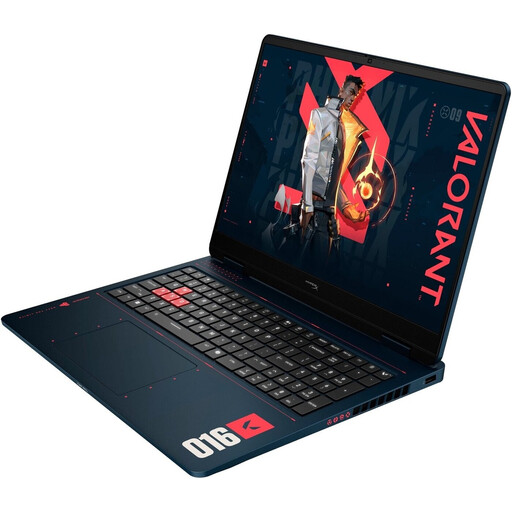
HP OMEN 16-ap1099ng
An option to consider if you’ll be working on demanding 3D scenes as well as collision calculations; check that the specifications suit your specific project.
16-inch, QHD, AMD Ryzen 9 8940HX, 24 GB RAM, 1 TB SSD, GeForce RTX 5070 and Windows 11 Home.
When using it intensively, keep the vents clear and make sure there’s enough airflow.
View at Joybuy
 No image available
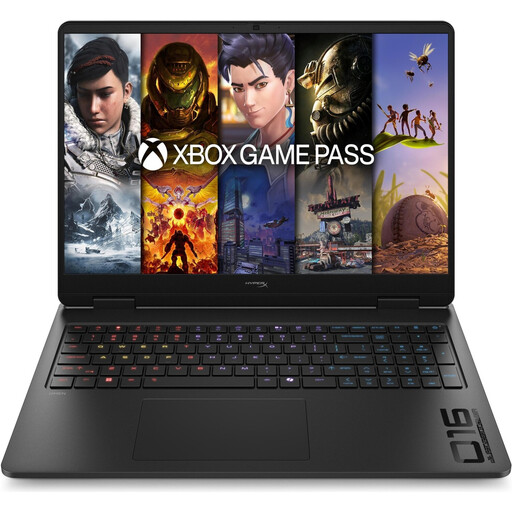
HP OMEN 16-ap1071ng
This model is worth considering if you want to balance the processor, memory and graphics for collision calculations and displaying your scene.
16-inch, QHD, AMD Ryzen 7 8745HX, 16 GB RAM, 1 TB SSD, GeForce RTX 5060 and Windows 11 Home.
When using it intensively, keep the vents clear and make sure there’s enough airflow.
View at Joybuy
 No image available
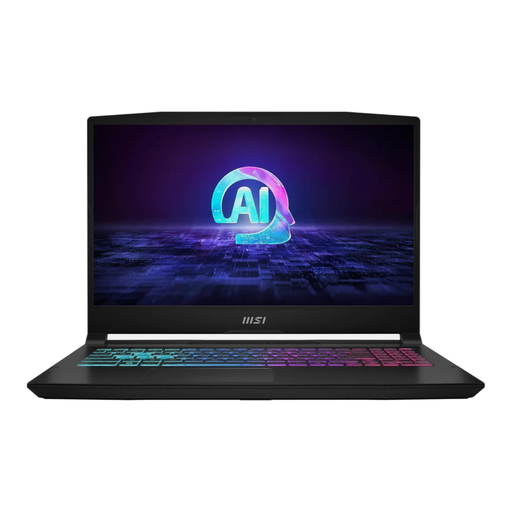
MSI Katana A15 AI B8VG-459
The listed processor and graphics specifications could suit projects where you’re assessing collision calculations and 3D visuals together.
15.6-inch display, AMD Ryzen 9 8945HS, 16 GB RAM, 1,000 GB SSD, NVIDIA GeForce RTX 4070 and Windows 11 Home.
View at Joybuy
 No image available
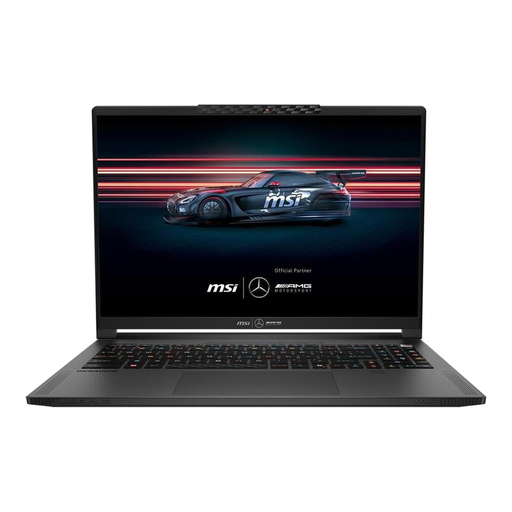
MSI Stealth A16 AI+ Mercedes-AMG Motorsport A3XWGG-052
If you’re weighing up a larger 3D view and the memory your project needs, compare this variant with the requirements of your software and scene.
16-inch, QHD+, AMD Ryzen AI 9 370, 32 GB RAM, 2 TB SSD, GeForce RTX 5070 and Windows 11.
View at Joybuy
 No image available
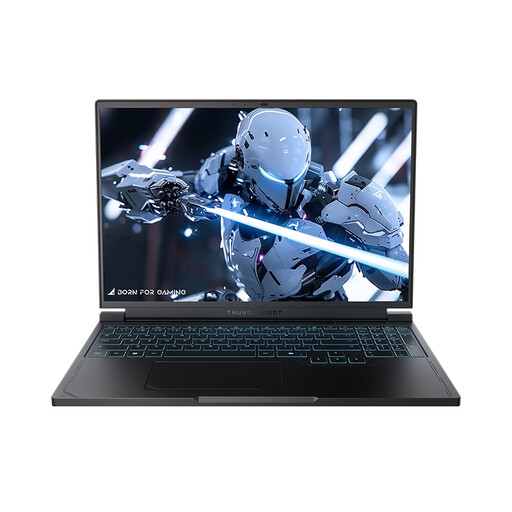
THUNDEROBOT Radiant S16
An option to consider if you also need a higher-resolution 3D view for your collision projects; the performance you need depends on your specific scene.
16-inch, QHD+, 240 Hz, AMD Ryzen 7 7745HX, 16 GB RAM, 1 TB SSD and NVIDIA GeForce RTX 5060.
Under heavy load, use it on a hard, flat surface and keep the vents clear.
View at Joybuy
Frequently asked questions
Will Unity’s minimum requirements be enough for my collision project?
Not necessarily. Unity recommends at least 8 GB RAM for the Editor and notes that larger, more complex projects may need more memory. Check the requirements for the version you’re using and the size of your project.
How can I stop fast-moving objects passing through other objects during tests?
In Unity, discrete collision detection can cause fast-moving objects to pass through others. Continuous modes can help, but they put extra demand on the CPU. Unity recommends using them selectively and measuring performance.
Do I always need to set the most accurate collision shape in Blender?
No. According to the Blender manual, simple collision shapes use less memory and processing power. Detailed mesh collisions can represent shapes more accurately, but may be slower or less stable. Choose a shape that suits the purpose of your test.
What should I know about my rights if something is faulty or I change my mind after buying?
For consumer purchases in Germany, your statutory rights regarding faulty goods are separate from any voluntary guarantee. For ordinary movable goods, § 438 BGB generally sets a two-year period from delivery; where the statutory online right of withdrawal applies, the period is generally 14 days. Check the terms that apply to your contract and any statutory exceptions.
Can I put an old laptop in my household rubbish?
No. The German Environment Agency says that old electrical equipment must be collected separately; local recycling centres accept it free of charge. Removable batteries should be taken out and disposed of separately before you hand it in.


