Joybuy products for desk use
This selection includes 15.6-inch gaming laptops for use with their built-in displays, provided the chassis and mouse fit on your desk.
 No image available
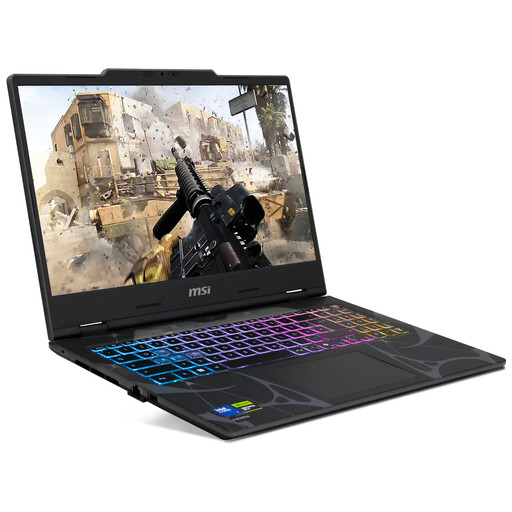
MSI Cyborg 15 B2RWEKG-067
An option if a 15.6-inch laptop fits on your desk and you want to use its built-in display.
Full HD at 144 Hz; Intel Core 7 240H; 16 GB DDR5; 512 GB SSD; NVIDIA RTX 5050; Windows 11 Home.
Allow enough room for your laptop and mouse.
View at Joybuy
 No image available
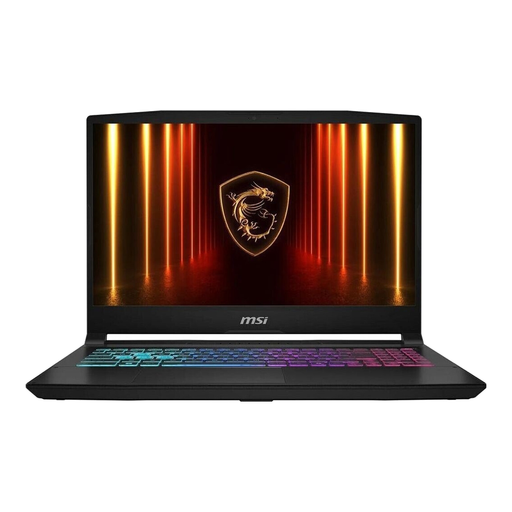
MSI Katana 15 HX B14WFK-487
This configuration may suit you if a 15.6-inch display fits on your desk.
Intel Core i7; 16 GB RAM; 512 GB SSD; RTX 5060; Windows 11.
Compare the complete specification with the requirements of the specific game you want to play.
View at Joybuy
 No image available
MSI Thin 15 B13UC-3475NN
The built-in 15.6-inch display may suit you if you have enough desk space and don’t plan to use an external monitor.
Full HD at 144 Hz; Intel Core i5-13420H; 16 GB RAM; 512 GB SSD; NVIDIA RTX 3050.
Before buying, check what setup is needed for the operating system you want to use.
View at Joybuy
 No image available
MSI Cyborg 15 A13VE-1005
Another 15.6-inch option for a desk with enough room for a laptop without an external monitor.
Full HD at 144 Hz; Intel Core i5-13420H; 16 GB DDR5; 512 GB SSD; NVIDIA GeForce RTX 4050.
Before you start playing, check what setup is needed for the operating system you want to use.
View at Joybuy
Frequently asked questions
Do I need a current high-end graphics card for Two Point Hospital?
The published requirements don’t point to a definitive answer. For Windows, SEGA Support lists a GeForce GT 1030 with 2 GB or Intel HD Graphics 630 among the minimum requirements. Its recommendations include a GTX 1060 with 3 GB and 8 GB RAM. These specifications don’t guarantee a particular frame rate on a specific laptop.
Do the requirements for Two Point Hospital also apply to Project Hospital?
No. The requirements for one game don’t prove that another title is compatible. Check the official system requirements for Project Hospital against your exact laptop configuration, rather than assuming the Two Point Hospital requirements apply.
What should I look for in an external monitor?
First, check that you have room for the monitor, laptop and mouse. Then make sure the monitor’s video input is compatible with the ports on your exact laptop configuration. For example, Lenovo’s LOQ 15IRX10 data sheet lists HDMI and USB-C with DisplayPort. Having the right port alone doesn’t prove the laptop can run a game at your chosen resolution.
What should I know about a laptop without a pre-installed operating system?
If you want to use a particular operating system for gaming, remember to allow time for installation and setup. Lenovo offers configurations in the LOQ 15IRX10 range both with Windows 11 and without a pre-installed operating system, so check the exact specification.
Is Windows 10 still a straightforward choice in 2026?
Game requirements and operating system support are separate issues. SEGA lists Windows 10 in the older recommended requirements for Two Point Hospital. Microsoft ended regular support for Windows 10 on 14 October 2025 and refers users to a separate Extended Security Updates programme.


