Game engine developers
If you test collisions and scenes in the editor, choose hardware to suit your engine version and project scope. Epic Games sets out the relevant hardware requirements for Unreal Engine.


For collision testing in a game engine, the exact laptop configuration should match your software version and project. For technical impact calculations, the solver you use matters more than a gaming ranking. For the documented version of Unreal Engine on Windows 11, Epic Games recommends, among other things, 32 GB of RAM and at least 8 GB of graphics memory. These are recommendations for this use case, not general minimum requirements for every collision task. For long test sessions at your desk, you should also consider clear ventilation, ports and the full specification of the particular variant.
If you test collisions and scenes in the editor, choose hardware to suit your engine version and project scope. Epic Games sets out the relevant hardware requirements for Unreal Engine.
In Blender, physics simulation and the rendering that follows are separate stages. The Blender Foundation explains how to save simulation results as a cache and covers GPU rendering separately.
If you’re investigating impact or deformation in components, check the requirements of your specific software, solver and model. Autodesk explains how additional CPU cores can benefit certain simulations in Fusion.
A good fit if: You develop scenes in the Unreal Editor and can match the specification to your engine version and project scope.
Bear in mind: The published recommendations don’t show how quickly a particular device will calculate your scene. Collision channels and event settings also affect the result.
A good fit if: You simulate collisions in Blender and want to display or render the results afterwards.
Bear in mind: The simulation cache and GPU rendering are separate stages. Check that your graphics card is compatible with your rendering backend.
A good fit if: You investigate components and contact processes using technical simulation software.
Bear in mind: Solver, model size and CPU requirements differ from those for in-game collisions. A gaming laptop recommendation doesn’t prove that a device is suitable for a particular solver.
Start with your software, version and project scope. For the documented version of Unreal Engine on Windows 11, Epic Games recommends, among other things, 32 GB of RAM and at least 8 GB of graphics memory. Autodesk also recommends 32 GB or more of RAM and a dedicated GPU with at least 8 GB of graphics memory for demanding work in Fusion. These recommendations apply to the specific software described and don’t replace checking the requirements of your particular solver and model.
| Buying priority | What to look for | Who should pay particular attention? |
|---|---|---|
| Processing power for your workflow | Check that the software version, solver, project size, CPU and RAM match the full configuration. | I want the CPU and memory to suit my specific simulation, rather than choosing based on gaming performance alone. Around 33% of consumers put processing power suited to their workflow first. |
| Graphics, previews and output | Check the graphics memory, driver support, rendering backend and monitor ports you need. | If I view scenes or render results, I want to know whether the GPU supports the relevant stage of my work. Visualisation is the top buying priority for around 27% of consumers. |
| Quiet working and desk space | Compare the dimensions of the case, ventilation positions, ports and noise levels of the specific configuration. | I work at my desk for long periods and want to factor ventilation and the space the device takes up into my decision. Around 20% of consumers prioritise quiet working and a practical home-office setup. |
| Specification and upgrade options | Check the full model number, installed RAM, storage slots and operating system. | If I need to tailor the specification to my project, I want to compare the exact variant, not just the model range. Total cost and future upgrade options matter most to around 20% of consumers. |
Blender treats the simulation cache and GPU rendering as separate stages, while technical simulation software has its own requirements. A powerful gaming GPU alone doesn’t prove that the solver you need will run faster.
First decide on your software, version and workflow. Then check that the CPU, RAM and GPU in the full laptop configuration meet the requirements.
Operating system, display, GPU and memory can vary within the same model range. A recommendation for the range therefore won’t necessarily apply to every variant on offer.
Check the full model identifier and the specification of the exact offer, including RAM, graphics memory and operating system.
A voluntary guarantee is not the same as your statutory rights against the seller if goods are faulty, and it doesn’t replace them.
Read the terms of any additional cover separately from your statutory rights, and check who each claim should be made to.
The notes below relate to specific ranges or documented configurations. Before buying, always compare the full model identifier and the specification of the exact offer.
The LOQ range is a useful starting point for comparing different RAM, GPU and port configurations for editor work.
Katana models may be worth considering when comparing different graphics and display specifications.
The OMEN 16-ap0793ng is a specific configuration you can compare with the requirements of demanding editor or visualisation work.
For Ultimate Gaming models, it’s important to check the full variant name when assessing a configuration for your workflow.
The gaming laptops listed here offer configurations for editor work and demanding projects. RAM and graphics memory specifications can help you check compatibility with software recommendations, but they don’t prove a particular level of solver performance. For Blender rendering or technical simulation, also check the requirements of your specific workflow.
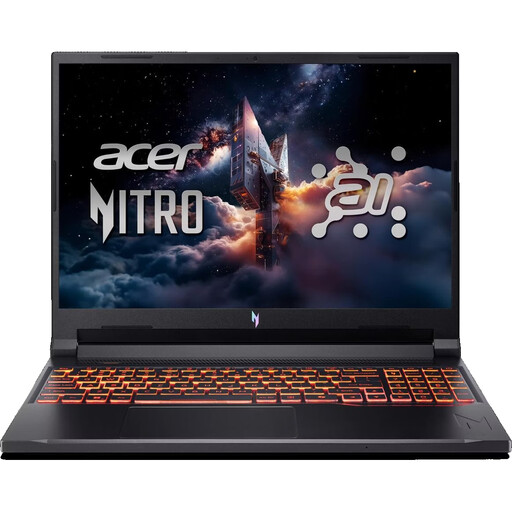 No image available
For Unreal Editor work on Windows 11, Epic Games recommends 32 GB of RAM and at least 8 GB of graphics memory for the documented version. This configuration lists both.
16-inch WUXGA display with 180 Hz; AMD Ryzen 7 260; RTX 5070 with 8 GB of graphics memory; 32 GB DDR5; 1 TB SSD; Wi-Fi 6E; Windows 11 Home.
For intensive tasks, use it on a hard, flat surface and keep the ventilation openings clear.
 No image available
The listed specification of 32 GB of RAM and 8 GB of graphics memory meets two of Epic Games’ recommendations for the documented Unreal Engine version. This doesn’t tell you how quickly your scene will run.
16-inch QHD+ display with 240 Hz; Intel Core i7-14700HX; RTX 5070 with 8 GB GDDR7; 32 GB RAM; 1 TB SSD.
When using it on a hard, flat surface, keep the ventilation openings clear.
 No image available
This configuration lists 32 GB of RAM and 12 GB of graphics memory. For longer editor sessions at your desk, also plan for the space it takes up and make sure the ventilation openings are clear.
18-inch QHD+ display with 240 Hz; Intel Core Ultra 9 275HX; GeForce RTX 5070 Ti with 12 GB of graphics memory; 32 GB DDR5; 1 TB SSD; Windows 11 Home.
Keep the ventilation openings clear during extended or intensive use.
 No image available
The variant described combines 32 GB of RAM with 8 GB of graphics memory. This can help you compare it with Unreal’s recommendations, but it isn’t a performance test for collision calculations.
16-inch QHD+ OLED display with 240 Hz; Ryzen AI 9 370; RTX 5070 with 8 GB of graphics memory; 32 GB RAM; 2 TB SSD; Windows 11. The case is listed as weighing 2.1 kg.
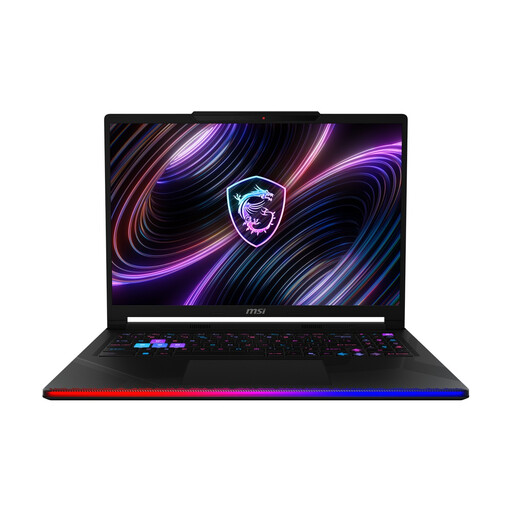 No image available
This variant lists 32 GB of RAM. Also check that the CPU and GPU suit your software and model size rather than assuming a particular level of solver performance.
16-inch OLED WQXGA display; Intel Core Ultra 9 290HX; GeForce RTX 5090; 32 GB DDR5; 2 TB SSD; Windows 11 Home.
Not necessarily. First work out whether you’re using engine collisions, Blender physics or a technical solver. The Blender Foundation treats GPU rendering as a separate stage, while Epic Games and Autodesk each publish hardware recommendations for their software.
Start by checking your project and collision settings. Unreal Engine distinguishes between blocking, overlapping and ignoring, among other behaviours; the relevant event settings matter too. An unexpected result doesn’t necessarily mean your laptop lacks processing power.
Place it on a firm, flat surface and keep the ventilation openings clear. Lenovo notes that blocked openings and high CPU or GPU loads can cause more heat and fan noise. Follow the instructions for your particular device when cleaning it.
For goods ordered online, consumers generally have a 14-day right of withdrawal, and you must notify the retailer if you wish to withdraw. The Verbraucherzentrale distinguishes your statutory rights against the seller if goods are faulty from a voluntary guarantee. Under EU law, new goods are generally covered by a minimum two-year period for the legal guarantee.
No. CE marking relates to the applicable EU product requirements, not the speed or technical suitability of a simulation programme. Check the conformity information for the specific offer separately from the requirements of your software and solver.