Choose your laptop based on the engine, renderer and project size first. A small 2D prototype doesn’t automatically need the same specs as a demanding Unreal 3D level. Then compare the full model configuration, including RAM, graphics memory, display and ports, and make sure there’s enough room for ventilation on your home-office desk.
Which specs are right for you?
Unreal level designers
If you’re planning a more demanding 3D level, check that the RAM, graphics memory and graphics features match your version of Unreal and your project. Epic Games recommends 32 GB RAM and at least 8 GB graphics memory for Windows development with Unreal Engine 5.
Developers working on simple 2D prototypes
For a small platform level in Godot, base your choice on the specific engine and renderer you’ve selected rather than assuming you need a high-end GPU. Godot notes that its requirements depend on the project.
Home-office developers working with multiple windows
If you have the editor, code and test view open at the same time, screen space, ports and room for clear ventilation openings all matter. Unity recommends 8 GB RAM for the Editor, but notes that larger, more complex projects need more.
What should you look for when buying?
When buying, your choice depends on what matters most for your platform level and home-office set-up. The table matches each shopper with their top buying priority.
| Priority |
What to check |
Who is it important to? |
| Engine and graphics |
Check the engine version, renderer, GPU model and graphics memory. For Unreal Engine 5 on Windows, Epic Games recommends 32 GB RAM and at least 8 GB graphics memory. |
If I’m planning a demanding Unreal level, I check that the graphics features match the engine and project. Around 31% of shoppers make engine and graphics performance their top priority. |
| RAM and project storage |
Choose RAM and SSD capacity to suit your project size and the programmes you run at the same time. Unity recommends 8 GB for the Editor, but notes that larger projects need more. |
If I’m running the editor, a test build and other programmes at the same time, I make sure there’s enough RAM and storage. Around 25% of shoppers prioritise RAM and project storage. |
| Display and desk space |
Check the resolution, aspect ratio, chassis dimensions and external monitor outputs available on the exact configuration. |
If I’m switching between the editor, code and test view, a practical amount of screen space matters, without taking up the whole desk. Around 19% of shoppers put a clear workspace first. |
| Cooling and noise |
Keep ventilation openings clear and, if you’re sensitive to noise, compare measurements for the specific model and power profile. |
If I’m working at my home-office desk for long periods, I want to position my laptop with its vents unobstructed and know how it behaves under load. Around 13% of shoppers prioritise cooling and noise levels. |
| Configuration and upgrades |
Check the RAM, SSD and upgrade options for the exact version on sale. Lenovo lists two DDR5 SO-DIMM slots for the LOQ-15IRX10 platform; this doesn’t automatically apply to every configuration. |
If I want to match the specs to a smaller project, I compare the exact configuration and possible upgrades. Around 12% of shoppers give the highest priority to keeping overall costs down and upgrading later. |
Common buying mistakes
-
Applying Unreal requirements to every 2D prototype
Recommendations for Unreal, Godot and Unity relate to different engines and project requirements. A demanding Unreal set-up isn’t automatically the right target for a small level.
Decide on your engine, version, renderer and expected project size before choosing a hardware class.
-
Comparing only the GPU name
RAM, graphics card, display and even the pre-installed operating system can vary between configurations within the same model range.
Check the full model number, RAM, graphics memory, SSD, display and operating system against the specific offer.
-
Assuming a place in a ranking means it’s right for your project
The CHIP ranking lists tested gaming laptops by their test scores; a model’s position doesn’t tell you whether it suits your engine and level.
Use test results only for features confirmed for the model tested, then choose based on your project, desk and working habits.
-
Only thinking about ventilation and noise after buying
Covered ventilation openings can hinder heat dissipation. Noise and power-profile measurements can’t necessarily be applied to other models.
Keep the ventilation openings clear and, if you’re sensitive to noise, check measurements for the exact model under a suitable load.
Relevant brands and model ranges
Lenovo
The LOQ-15IRX10 range and Legion Pro 5 are possible options to compare configurations.
- Lenovo lists two DDR5 SO-DIMM slots and external monitor ports for the LOQ-15IRX10 platform. Check that these details apply to the specific version on sale.
- For the LOQ 15IRX10 83JE001RGE it tested, CHIP reported limited battery life and said its performance was best suited to Full HD gaming. The test result applies to this model, not every LOQ configuration or level-design project.
ASUS
The TUF Gaming A16 is an option if you want to compare the display and specs of a specific configuration.
- ASUS lists 32 GB RAM, a 1-TB SSD and a 16-inch display with 1920 × 1200 pixels for the FA608UP-RV019W.
- These are details for this version on sale, not independent measurements of performance or noise. Other A16 configurations may have a different GPU.
MSI
The Katana 15 HX B14W range includes configurations with different GPUs and operating systems, so check the exact specifications.
- MSI lists an RTX 5060 Laptop GPU with 8 GB graphics memory and 16 GB RAM for the Katana 15 HX B14WFK-487.
- Other configurations may differ in GPU, operating system and other features. A CHIP ranking for the Titan 18 isn’t an assessment of the Katana.
HP
The OMEN 16 range offers further configurations to compare.
- HP lists 16 GB RAM, a 1-TB SSD and an RTX 5060 with 8 GB for the OMEN 16-ap0790ng, also known as C65D9EA#ABD.
- HP’s statements about cooling are manufacturer claims, not independent measurements or a reflection of the entire OMEN range.
Comparing Joybuy products
The following Joybuy models are worth comparing for simple prototypes and more demanding Unreal projects. Your choice still depends on the specific engine, model configuration and space available on your desk.
 No image available
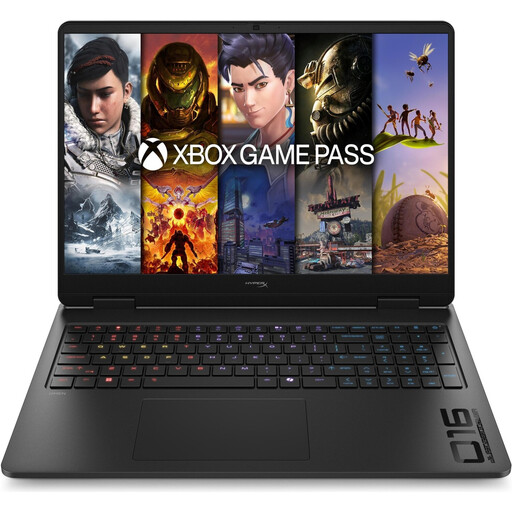
HP OMEN 16-ap1071ng, Ryzen 7 8745HX
A possible configuration to compare for a simpler prototype, if you want to check the engine and project requirements before buying.
16-inch QHD display, RTX 5060, 16 GB RAM, 1 TB SSD and Windows 11 Home.
View at Joybuy
 No image available
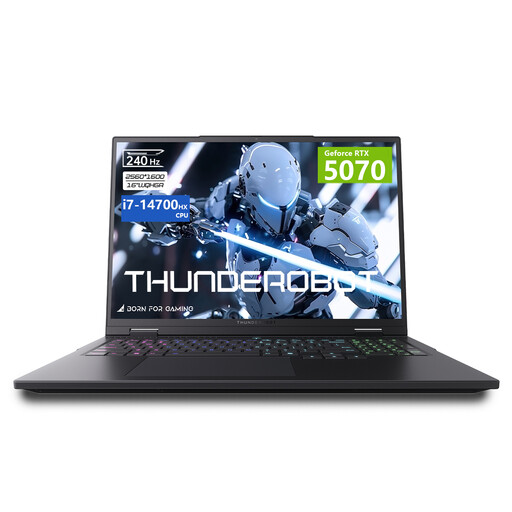
THUNDEROBOT Radiant 16
The listed specs offer a point of comparison for a more demanding 3D project; check them against your engine’s recommendations.
Intel Core i7-14700HX, RTX 5070 with 8 GB graphics memory, 32 GB RAM and a 16-inch display with 240 Hz refresh rate.
View at Joybuy
 No image available
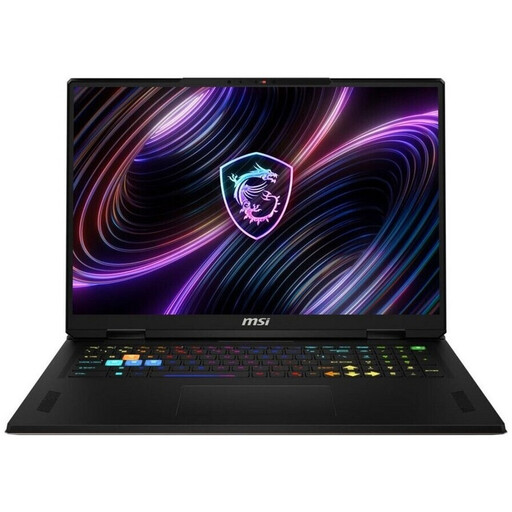
MSI Raider 18 HX A2WH-1088
The larger display may be useful for working in an editor at your desk. Check first that the chassis fits your space and that the ventilation can remain unobstructed.
Intel Core Ultra 9 275HX, RTX 5070 Ti with 12 GB graphics memory, 32 GB DDR5, 1 TB SSD and an 18-inch QHD+ display with 240 Hz refresh rate.
View at Joybuy
 No image available
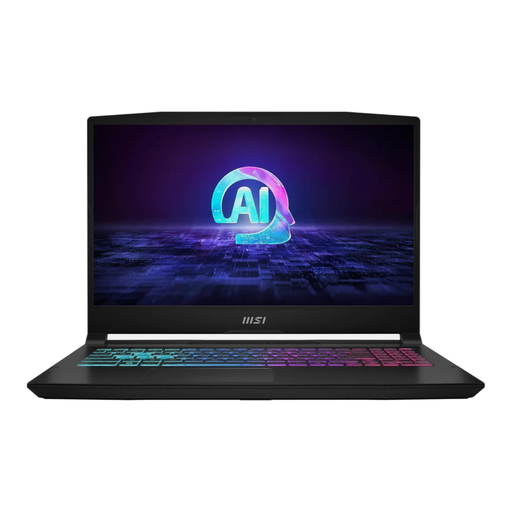
MSI Katana A15 AI B8VG-459
A possible configuration for a simpler prototype, if you check your engine and renderer requirements first.
RTX 4070 with 8 GB graphics memory, 16 GB RAM and a 1-TB SSD. The listing also specifies a matt 15.6-inch FHD display with 144 Hz refresh rate, a German QWERTZ keyboard, HDMI 2.1 and USB-C with DisplayPort. Epic Games recommends 32 GB RAM for Unreal Engine 5.
View at Joybuy
 No image available
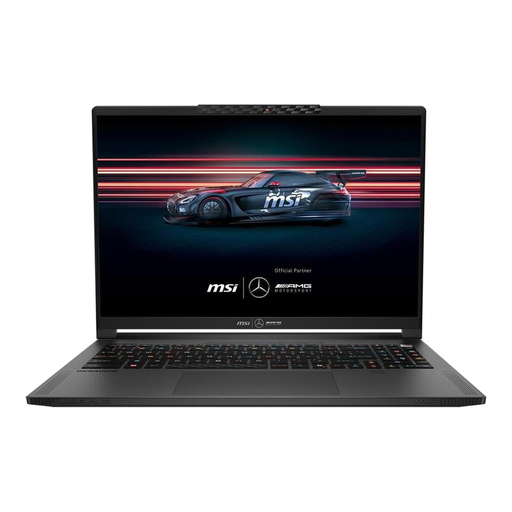
MSI Stealth A16 AI+ Mercedes-AMG Motorsport A3XWGG-052
The listed RAM and graphics memory can be compared with recommendations for more demanding Unreal projects; whether it’s suitable still depends on your project.
Ryzen AI 9 370, RTX 5070 with 8 GB graphics memory, 32 GB RAM, 2-TB SSD and a 16-inch QHD+ OLED display with 240 Hz refresh rate.
View at Joybuy
Frequently asked questions
Do I need 32 GB RAM and 8 GB graphics memory for every platform level?
No. Epic Games gives these figures as recommendations for Windows development with Unreal Engine 5. Godot documents different requirements for simple projects, while extra RAM needs in Unity depend on the size and complexity of the project. Check your engine version and project requirements.
How should I position my laptop while working?
Keep the ventilation openings clear and don’t place the laptop on a soft surface that could cover them. Lenovo warns that this can block ventilation and cause the device to overheat.
What are my rights if a laptop bought online is faulty?
For a consumer purchase, the seller is generally responsible for the statutory warranty; the Verbraucherzentrale states that the period is two years. Consumer contracts made online generally come with a right to cancel, usually within 14 days of receiving the goods. A voluntary manufacturer’s guarantee has its own terms and doesn’t replace your statutory rights.
Does the CE mark mean an EU authority has tested this specific laptop?
No. According to the European Commission, the manufacturer uses the CE marking to declare that the product meets the relevant legal requirements. The mark is not a guarantee of the safety of an individual device.


