Creating maps on your laptop screen
If you mainly work on terrain and editor windows on the built-in screen, compare the screen size and available resolution together.


If you create maps mainly on your laptop, start by comparing the screen size and native resolution of the specific configuration; an 18-inch display alone won’t tell you how much room you’ll have for your editor windows. Epic Games recommends 32 GB of RAM and at least 8 GB of VRAM for UEFN. For other map-making software, check its own requirements. If you carry your laptop around often, a smaller model with an additional screen at your regular workstation could suit your day-to-day routine better.
If you mainly work on terrain and editor windows on the built-in screen, compare the screen size and available resolution together.
If you use either of these editors, check the RAM, graphics memory and operating system requirements for the specific software you use.
If you take your laptop with you often, consider whether a smaller model will do, with an external screen at your desk when you need one.
First, decide which editor you use and whether a large built-in display or a more portable setup matters most to you. Then compare the specifications and what’s included with the specific configuration.
A good choice if: you often create maps directly on your laptop and prefer a large built-in display.
Consider: compare the specific configuration and think about whether you’ll need to carry the larger device around often.
A good choice if: a large screen matters to you, but you don’t want to use UEFN’s recommended RAM as your automatic benchmark for buying.
Consider: the HP configuration featured here pairs a 17.3-inch screen with Full HD and 16 GB of RAM. Check that the resolution and memory are sufficient for your editor.
A good choice if: you work in different locations and only need extra screen space at a fixed workstation.
Consider: an external screen takes up space. Check the ports and what’s included, as compatible accessories may be sold separately.
| Buying priority | What to check | Who it matters most to |
|---|---|---|
| Visible workspace | Compare the screen size and native resolution of the specific configuration together. | If I want to see both terrain and control panels on my laptop at the same time, I’ll check the screen size and resolution together. Around 36% of shoppers put visible workspace first. |
| Editor performance | Choose your editor and project type; for UEFN, distinguish Epic’s minimum requirements from its recommendations. | If I use UEFN or another demanding editor, I’ll choose RAM and graphics memory to meet its requirements. Around 29% of shoppers prioritise performance suited to their editor. |
| Working in different locations | If you’re considering a monitor, check the ports, where you’ll set it up and what’s included. | If I use my laptop in different places, I want a manageable device on the go and more screen space at my desk when I need it. Around 21% of shoppers put portability first. |
| Overall cost | Check whether the monitor or additional protection you need is included or sold separately. | If I want to keep the cost of the laptop and necessary accessories down, I’ll compare only the configuration I’m actually choosing. Around 14% of shoppers prioritise overall cost. |
The configurations featured here pair different screen sizes with different resolutions: the MSI Raider 18 HX A2WH-1088 is listed with an 18-inch display and 2,560 × 1,600 pixels, while the HP OMEN 17-db1771ng has a 17.3-inch display and 1,920 × 1,080 pixels.
For your editor windows, compare the screen size and native resolution of each variant rather than looking at the inch measurement alone.
For UEFN, Epic Games lists a minimum of 16 GB of RAM and recommends 32 GB of RAM or more.
Match the specifications of your chosen configuration to the software you actually use and the relevant requirement level.
Lenovo lists compatible accessories for the Legion Pro 7, part number 83RU004EGE, as optional and sold separately. A statutory legal guarantee is different from an additional commercial warranty; the European Union states that goods bought in the EU are covered for at least two years from receipt.
Check what’s included and distinguish your statutory rights from paid extras.
An external screen or optional additional protection could add to your costs.
These examples relate to specific product lines and configurations; they are not a blanket assessment of entire brands.
The Raider 18 HX A2WH-1088 is a specific 18-inch example for creating maps directly on a laptop.
The Alienware 18 Area-51, model AA18250, is an 18-inch option with a choice of configurations.
The OMEN 17-db1771ng is an example of a 17.3-inch configuration with a Full HD display.
The Legion Pro 7, part number 83RU004EGE, is a specific 16-inch alternative.
The following Joybuy listings are 18-inch MSI gaming laptops for creating maps on the built-in screen. Check that each model’s listed specifications suit your software, and consider how often you’ll need to carry it around.
 No image available
For creating maps directly on the built-in 18-inch display; this variant is listed with QHD+ (2,560 × 1,600 pixels), 32 GB DDR5, 12 GB of graphics memory and a 1 TB SSD.
Its listed weight is 3.6 kg, which may be a consideration if you carry it around often.
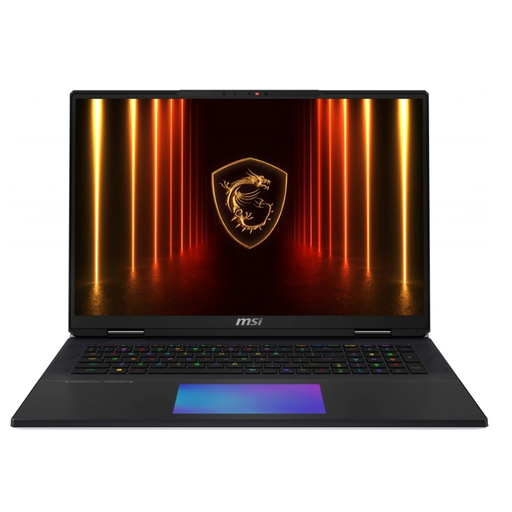 No image available
An 18-inch model for working on the built-in screen; the product name lists an Intel Core Ultra 9 285HX, 64 GB of RAM, a 6 TB SSD and an NVIDIA GeForce RTX 5090.
Its listed weight is 3.6 kg, which may be a consideration if you carry it around often.
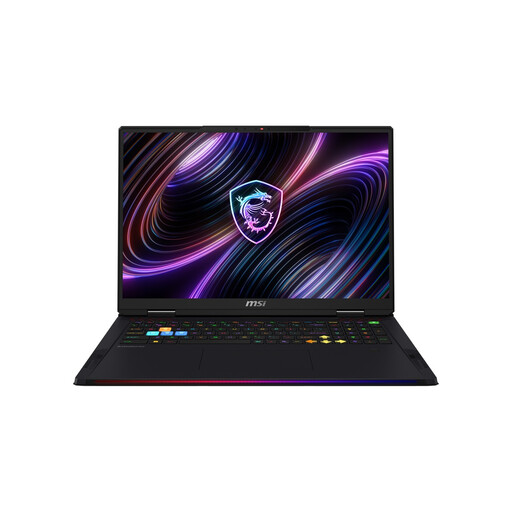 No image available
For creating maps on the built-in 18-inch display; the product name lists a Mini LED display with UHD+ resolution, 64 GB DDR5, a 2 TB SSD and an NVIDIA GeForce RTX 5090.
Its listed weight is 3.6 kg, which may be a consideration if you carry it around often.
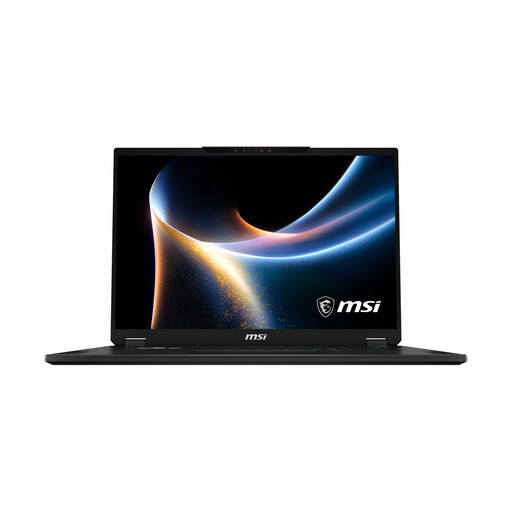 No image available
An 18-inch option for creating maps directly on your laptop; the product name lists a Mini LED display, 32 GB of RAM, a 2 TB SSD and an NVIDIA GeForce RTX 5080.
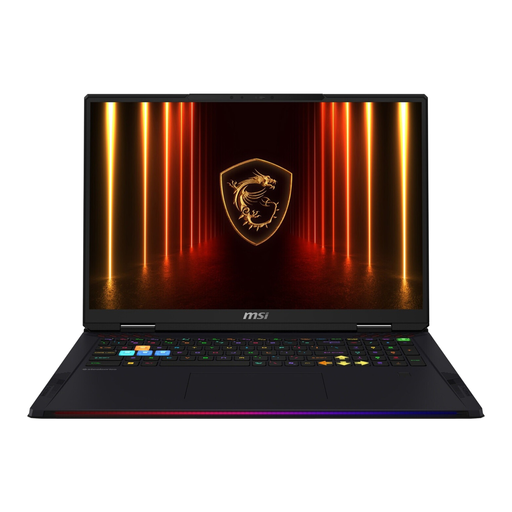 No image available
For working on the built-in 18-inch display; the product name lists UHD+, 64 GB of RAM, a 4 TB SSD and an NVIDIA GeForce RTX 5090.
Its listed weight is 3.6 kg, which may be a consideration if you carry it around often.
No. Epic Games lists 16 GB of RAM as the minimum for UEFN and recommends 32 GB or more. Epic also recommends 32 GB of RAM for Unreal Engine on Windows. These requirements apply to the software specified and aren’t a universal requirement for every map editor.
If you use UEFN, Epic Games says you’ll need a PC. Epic’s setup instructions cover creating an Epic Games account, installing the Epic Games Launcher, and downloading Fortnite and UEFN. Check the editor’s requirements first.
Check the ports and what’s included with your chosen configuration; Lenovo lists compatible accessories for the Legion Pro 7 featured here as optional and sold separately. For goods bought in the EU, the European Union states that the statutory legal guarantee lasts for at least two years from receipt. This is separate from an additional commercial warranty.
For most consumer purchases made at a distance, you have a 14-day right to withdraw without giving a reason. The European Consumer Centre Germany lists exceptions, such as bespoke products, so the specific contract will determine your rights. Simply returning the item doesn’t replace notifying the seller that you’re exercising your right to withdraw.