Gamers short on desk space
If you game at a small desk, you’ll need to make room for a mouse, power adapter and clear airflow, as well as the laptop itself. ASUS Germany lists the TUF Gaming A14 FA401 as a 14-inch model.


If desk space and room for a mouse and power adapter are your priorities, a compact 14-inch laptop is the better choice. A 15- to 16-inch model gives you a larger built-in screen, but takes up more space. You’ll also need to consider the requirements of the specific game, the exact GPU configuration, available SSD storage and enough room for ventilation. Screen size alone tells you neither how well a game will run nor whether the laptop will fit on your desk.
If you game at a small desk, you’ll need to make room for a mouse, power adapter and clear airflow, as well as the laptop itself. ASUS Germany lists the TUF Gaming A14 FA401 as a 14-inch model.
Check the requirements for your specific game against the laptop’s complete configuration. Bethesda lists 16 GB RAM, an SSD and 125 GB of available storage as the minimum requirements for Starfield.
If you want to keep several games installed, available SSD storage and the exact storage specification of your chosen version matter. The manufacturer’s stated SSD capacity is not the same as the storage available after setup.
A good fit if: Desk space and room for your mouse are especially important.
The trade-off: The display is smaller, and GPU, RAM and SSD specifications can vary across models in the range.
A good fit if: There’s enough room on your desk for the larger laptop, with airflow left unobstructed. Lenovo lists the Legion 5 83F1004BGE as having a 15.1-inch display.
The trade-off: This particular Lenovo configuration is sold without an operating system, so you shouldn’t assume that Windows is installed.
| What to consider | What to check before buying | Who should pay particular attention? |
|---|---|---|
| Game requirements | Compare the specific game and resolution you want with the full model number and GPU power rating. | If I want to play a demanding space game, I need to compare its requirements with the exact laptop configuration. Around 29% of consumers put game requirements first. |
| Desk space and display | Check the laptop’s dimensions and ports, and leave extra room for a mouse and power adapter. | If my desk has limited space, I need a setup that can accommodate a mouse and cables too. Around 29% of consumers prioritise available desk space. |
| Ventilation and noise | Locate the vents on the specific laptop and keep them clear when setting it up. | If the laptop sits on a cramped desk, I want to keep its intake and exhaust vents unobstructed. Around 24% of consumers say cooling is their main concern. |
| SSD and specifications | Check available SSD space, whether the specific version can be upgraded and which operating system is included. | If I want to keep several games installed, I need to make sure there’s enough free storage and check exactly what’s included. Around 18% of consumers prioritise this. |
Bethesda lists 16 GB RAM, an SSD and 125 GB of available storage as the minimum requirements for Starfield. These figures apply to this game and don’t guarantee a particular frame rate or indicate the requirements of other space games. NVIDIA lists different power levels for laptop GPUs, so the GPU family name alone doesn’t tell you the full configuration.
The display size doesn’t tell you whether the laptop, mouse, power adapter and clear airflow will all fit on your desk.
Measure the available space and check the dimensions, ports and vent positions of the specific version.
NVIDIA lists different power levels for laptop GPUs. The GPU name alone therefore doesn’t guarantee a particular level of gaming performance.
Compare the full model number and GPU power rating. For noise or gaming performance, reviews of the same configuration are more useful than comparing family names alone.
Bethesda lists 125 GB of available SSD storage for Starfield, and any other games you install will take up space too.
Allow for the storage available after setup and check whether the specific version can be upgraded.
The TUF Gaming A14 FA401 is one example of a 14-inch gaming laptop.
The Legion 5 Gen 10, model number 83F1004BGE, is a configuration with a 15.1-inch display, RTX 5060, 32 GB RAM and a 1 TB SSD.
The Katana 15 HX B14WFK-487 is a 15.6-inch configuration with a Full HD display, RTX 5060, 16 GB RAM and a 512 GB SSD.
According to Acer, the Nitro V 15 range includes 15.6-inch gaming laptops in a variety of configurations.
The Joybuy models below have displays ranging from 15.6 to 16 inches. If you have a small desk, leave extra room for a mouse, power adapter and clear airflow.
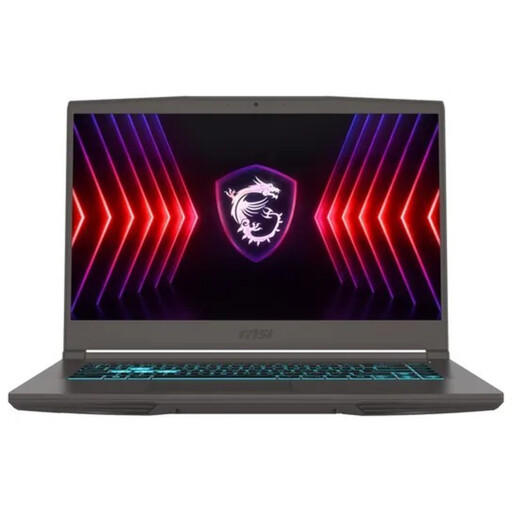 No image available
Compare the listed specifications with the requirements of your specific game. The 15.6-inch display takes up more desk space than a 14-inch model.
15.6-inch Full HD display with 144 Hz; RTX 3050 with 4 GB GDDR6; 16 GB RAM; 512 GB SSD.
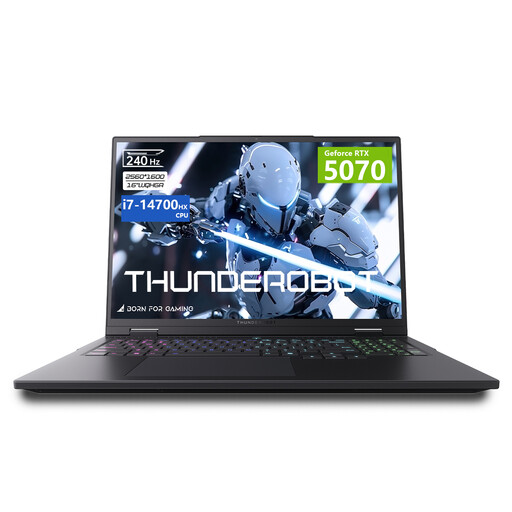 No image available
Compare the specifications with the requirements of a demanding game. The 16-inch format takes up extra room on a small desk.
16-inch QHD+ display with 240 Hz; RTX 5070 with 115 W GPU power; 32 GB RAM.
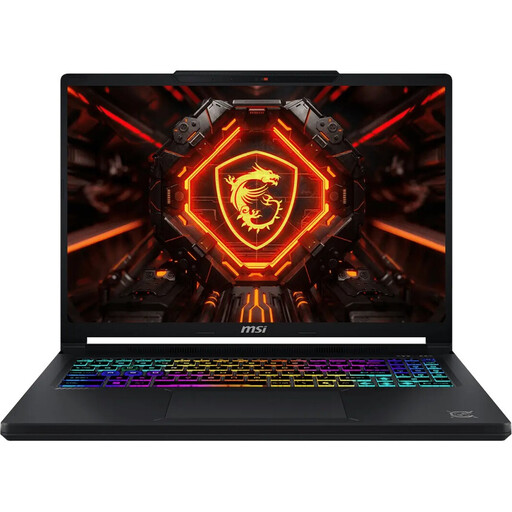 No image available
The stated SSD capacity may matter if you want to install several games, although the amount of storage actually available may differ.
16-inch QHD+ OLED display with 165 Hz; RTX 5070 with 12 GB GDDR7; 16 GB RAM; 1 TB SSD; Windows 11 Home.
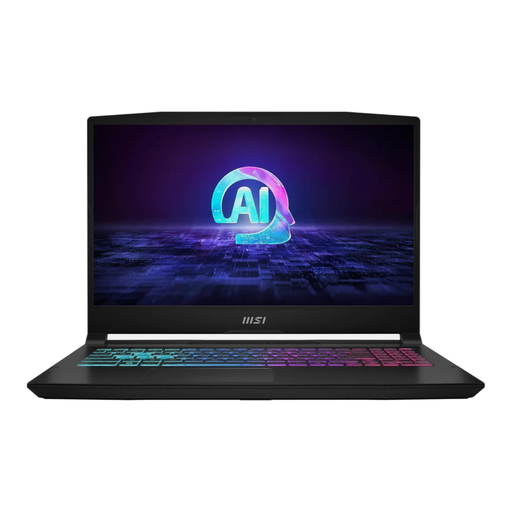 No image available
Compare the stated storage capacity and GPU with the requirements of the game you want to play. Make sure to allow extra desk space for this 15.6-inch model.
15.6-inch display; RTX 4070 with 105 W TGP; 16 GB RAM; 1 TB SSD; Windows 11 Home.
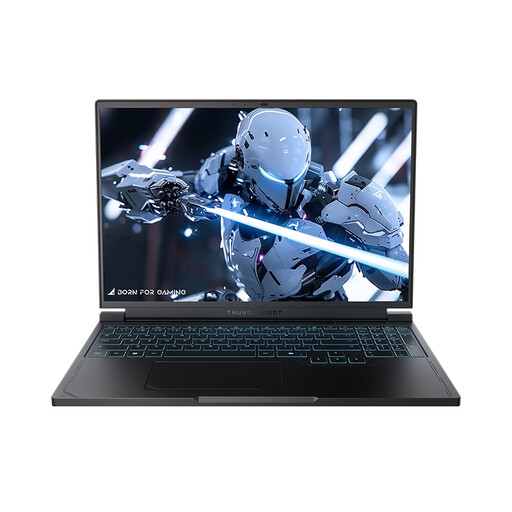 No image available
The 1 TB SSD may be useful if you want to install several games. Check how much storage is available after setup.
16-inch QHD+ display with 240 Hz; RTX 5060; 16 GB RAM; 1 TB SSD.
Bethesda lists 16 GB RAM as the minimum requirement for Starfield. This doesn’t guarantee a particular frame rate, so compare the other requirements with the exact laptop configuration too.
Place the laptop on a firm, level surface and keep its vents clear. ASUS notes that blocked airflow can affect cooling and performance.
Check the available SSD storage and the operating system included with the specific model number. Lenovo lists configuration 83F1004BGE without an operating system. When you buy from a trader in the EU, you’re entitled to a minimum two-year legal guarantee; this is separate from any additional manufacturer’s warranty.
For a standard online distance purchase from a trader, you generally have 14 days from delivery to withdraw from the contract without giving a reason. You may have to pay the return postage if you were told about this before buying and the seller doesn’t cover it. Check separately for any legal exceptions.