What to consider when buying
Start with the display size and the space where you’ll play. Then compare the resolution and specific GPU with the requirements of your games. Extra performance matters most when it suits the games you play and the resolution you want.
| Buying consideration |
What to check before buying |
Who is this most relevant to? |
| A clear view on the built-in screen |
Compare the screen size, native resolution, aspect ratio, matte or glossy finish, and the space needed for the exact configuration. ASUS Germany lists the TUF Gaming A18 (2025) with either 1920 × 1200 or 2560 × 1600 pixels, depending on the variant. |
If I want to see maps and menus clearly without an external monitor, I compare the display area and picture quality with the space on my desk. Around 36% of consumers put visibility on the built-in display first. |
| Suitability for the games you play |
Check the requirements for each game, operating system, RAM, available SSD space and the exact laptop GPU. For Baldur’s Gate 3 on Windows, Larian Studios lists 150 GB of free SSD space and recommends 16 GB RAM; 2K lists different minimum requirements for XCOM 2. |
If I want to play specific games at a particular resolution, I compare their requirements with the full specification instead of assuming a frame rate based on the GPU name. Around 29% of consumers prioritise compatibility with their games and settings. |
| Portability, space and noise |
Check the dimensions and weight of both the laptop and power adapter. Notebookcheck recorded a weight of 3.64 kg for the tested MSI Raider A18, plus a 1.375 kg power adapter; these figures apply to that specific test configuration. |
If I often change where I play or have limited space, I also want to factor in the power adapter and fan behaviour. Around 21% of consumers prioritise everyday practicality and portability. |
| Cost, storage headroom and future use |
Compare like-for-like, complete configurations and check the SSD space available, not just the advertised capacity. Distinguish between the seller, your statutory rights and any voluntary guarantee. |
If I don’t want to pay for extra performance my games don’t need, I compare the specification with how I actually use the laptop and keep storage needs and the terms of any extra guarantees in mind. Around 14% of consumers prioritise value for money and suitability for the games they play. |
Gaming laptops at Joybuy
This Joybuy selection includes gaming laptops with large built-in displays, including 17.3- and 18-inch models.
 No image available
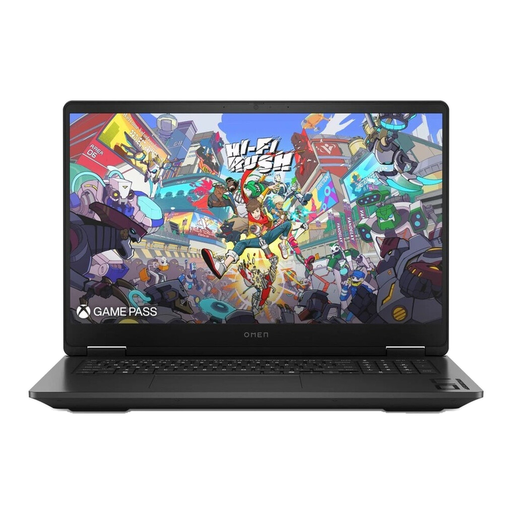
HP OMEN 17-db1077ng
A 17.3-inch model for anyone who wants a large built-in display instead of using an external monitor.
17.3 inches, QHD, 240 Hz, AMD Ryzen AI 7 350, 24 GB RAM, 1 TB SSD, GeForce RTX 5070 and Windows 11 Home.
View at Joybuy
 No image available
MSI Titan 18 HX Dragon Edition Draco Epic A2WJ-1218
An 18-inch configuration to compare with the games you want to play on the built-in display and at your preferred resolution.
18 inches, UHD+ Mini-LED, 240 Hz, Intel Core Ultra 9 290HX Plus, GeForce RTX 5090 with 24 GB, 96 GB DDR5 RAM, 4 TB SSD and Windows 11 Home.
View at Joybuy
 No image available
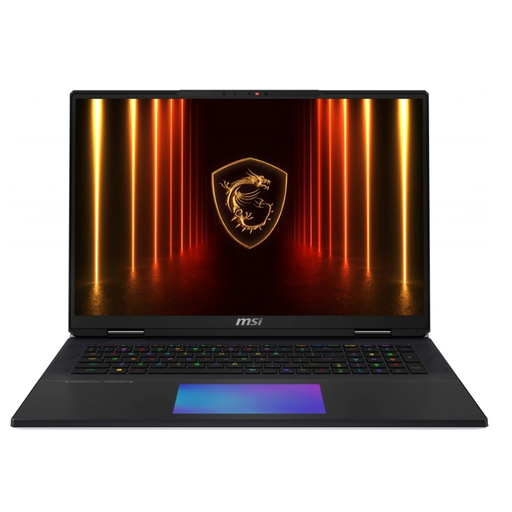
MSI Raider 18 HX A2WH-1088
An 18-inch model for anyone looking to compare a large built-in display with the requirements of their games.
18 inches, QHD+, 240 Hz, Intel Core Ultra 9 275HX, GeForce RTX 5070 Ti with 12 GB, 32 GB DDR5 RAM, 1 TB SSD and Windows 11 Home.
View at Joybuy
 No image available
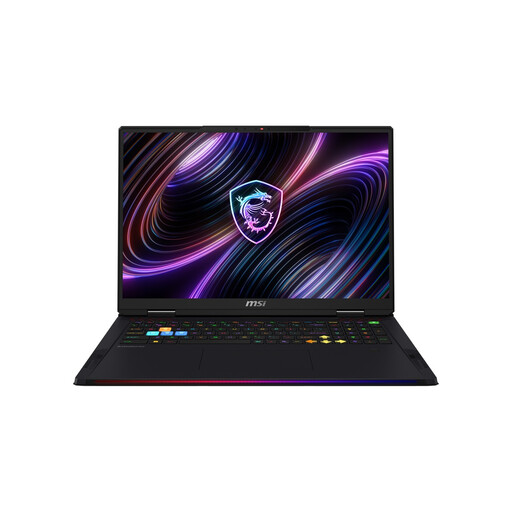
MSI Titan 18 HX AI A2XWJG-656
An 18-inch laptop with specifications you can compare against the requirements of your games.
18 inches, UHD+ Mini-LED, Intel Core Ultra 9 285HX, GeForce RTX 5090 with 24 GB, 64 GB RAM and 6 TB SSD.
View at Joybuy
 No image available
MSI Raider 18 Max HX A2WJ-1074
An 18-inch model for comparing the display resolution and complete graphics specification with the games you play.
18 inches, UHD+ Mini-LED, 120 Hz, Intel Core Ultra 9 290HX Plus, GeForce RTX 5090 with 24 GB, 64 GB DDR5 RAM, 2 TB SSD and Windows 11 Home.
View at Joybuy
Frequently asked questions
Is a large display enough to make Baldur’s Gate 3 run well?
No. For the Windows version, Larian Studios lists 150 GB of free SSD space and recommends 16 GB RAM, among other requirements. It also lists desktop graphics cards. Compare the full laptop specification with your preferred resolution, as these requirements don’t guarantee a particular frame rate on a laptop.
What should I allow for when setting up a large gaming laptop?
As well as the laptop’s dimensions, make room for your mouse, ports and unobstructed ventilation. If you’ll be carrying the laptop, factor in the power adapter too: Notebookcheck recorded an additional weight of 1.375 kg for the power adapter supplied with the MSI Raider A18 it tested. This figure applies to the tested configuration.
How much SSD space should I check for my games?
Check the available storage, not just the advertised capacity. Larian Studios lists 150 GB of free SSD space for Baldur’s Gate 3. Check whether you can upgrade the RAM or SSD later for the exact configuration you’re considering.
Are a manufacturer’s guarantee and statutory rights the same thing?
No. In Germany, consumers can generally exercise their statutory rights against the seller if a new product is faulty, within two years of receiving it. A guarantee is an additional voluntary service, and its scope depends on the terms and conditions.
Can I cancel an online laptop purchase in Germany?
Consumers generally have a right to cancel an online contract, with a cancellation period that is usually 14 days from receiving the goods ordered. You need to notify the other party to the contract that you’re cancelling, as simply returning the goods isn’t a reliable way to give notice.


