UI designers without a second monitor
If you mainly work on the built-in display, you’ll need room for your design, preview and tool panels all on screen. So compare the display specifications and chassis size, not just the GPU.


If you mainly work in Figma, start by looking at the usable screen area, the specifications of the exact display variant and how much desk space you have. You won’t automatically need a particularly powerful dedicated GPU. If you use Photoshop, run several programmes at once or play more demanding games, also check the exact RAM and GPU specification, upgrade options, fan noise and chassis size.
If you mainly work on the built-in display, you’ll need room for your design, preview and tool panels all on screen. So compare the display specifications and chassis size, not just the GPU.
If you also use Photoshop alongside a browser-based design tool, check the memory, storage and upgrade options for the full model variant. For the Photoshop version specified, Adobe recommends 16 GB RAM or more.
If you want to create designs and play more demanding games on the same device, check the exact GPU configuration against the games you play. Fan noise under load may also matter when working from home; Notebookcheck lists it as a drawback of the ASUS ROG Zephyrus G14 GU405AR it tested.
Start by considering the display and the space you have available. Extra GPU power becomes important mainly when your other programmes or games call for it.
| What to consider | What to look for | Who is it important to? |
|---|---|---|
| Usable screen area | Check the diagonal, resolution, aspect ratio and stated colour gamut for the exact variant; also consider the chassis dimensions. | If I need to fit my design, preview and toolbars on the built-in display, usable screen space matters most. Around 33 % of consumers put screen area first. |
| RAM and running several programmes | Check the memory and available slots against the programmes you use; find out whether the memory is soldered. | If I use image-editing and other programmes alongside my UI tool, I want to check the RAM specification and upgrade options in advance. Around 27 % of consumers prioritise running several creative programmes at once. |
| Gaming performance | Compare the requirements of your games with the full GPU model and check reviews for fan behaviour under load. | If I want to play more demanding games as well as create designs, I need a suitable GPU configuration and want to take noise levels in the same home office into account. Around 20 % of consumers prioritise gaming performance. |
| Connections for your workspace | Check the video and USB ports on the exact variant, its dimensions and what’s included in the box. | If I want to connect an external monitor and other devices to my home-office setup, the ports and footprint need to work for me. Around 20 % of consumers prioritise how well a laptop fits into their workspace. |
Figma describes its graphics requirements as low. For UI work, the display at your workstation may therefore matter more than a particularly powerful graphics card.
First, decide which programmes and games you actually use. Then compare a more powerful graphics card with those requirements.
ASUS lists different specifications for the TUF Gaming A18 range. The Joybuy product page for model FA808UH-S8017W specifies an RTX 5050; this is not the same configuration as the ASUS TUF Gaming A18 FA808UM-S8012W with RTX 5060.
Before ordering, check the full model number, GPU, display specification, RAM and what’s included in the box.
Notebookcheck reports that the tested ASUS ROG Zephyrus G14 GU405AR has soldered memory. By contrast, Lenovo documents two DDR5 SODIMM slots for the Legion 5 15IRX10 range; specifications for a model range don’t automatically apply to the exact model on sale.
Check whether the exact configuration can be upgraded before choosing a lower RAM specification.
The examples here position ROG Zephyrus as a more compact range of gaming and creative laptops, while the TUF Gaming A18 has a larger format. The specifications refer to the specific models listed.
The Legion 5 range includes examples for comparing display, connection and upgrade options.
The OMEN 16-ap0750ng is a 16-inch gaming configuration with detailed specifications.
The Alienware 16 Aurora AC16250 is a configurable 16-inch option for a permanent workspace.
These models are suited to UI design alongside other creative work or gaming. Compare the display, memory and GPU specifications of each variant with your workflow.
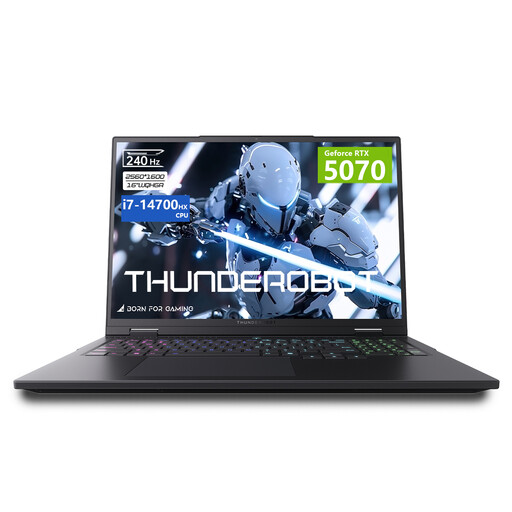 No image available
If your workflow combines UI design with other creative work or gaming, compare the stated GPU and display specifications with your actual needs.
Specifications listed in the product name: Intel Core i7-14700HX, 32 GB RAM, 1 TB SSD and a 16-inch display with 240 Hz. It also lists 100 % DCI-P3 and 500 nits.
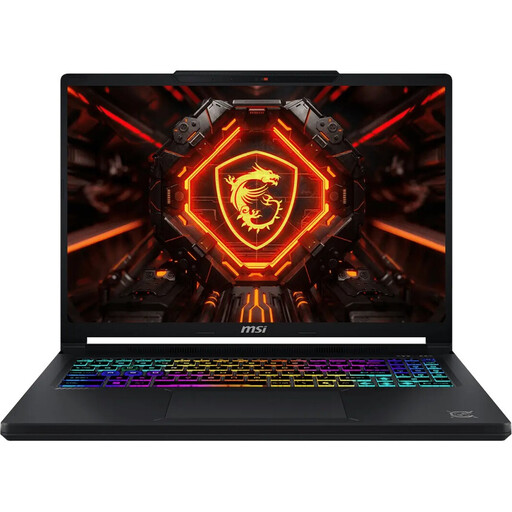 No image available
If you combine UI design with several programmes running at once and gaming, check the memory and GPU specifications, as well as the display details, for this specific variant.
Specifications listed in the product name: Intel Core Ultra 9 275HX, GeForce RTX 5070 with 12 GB, 16 GB DDR5, 1 TB SSD and a QHD+ OLED display with 165 Hz.
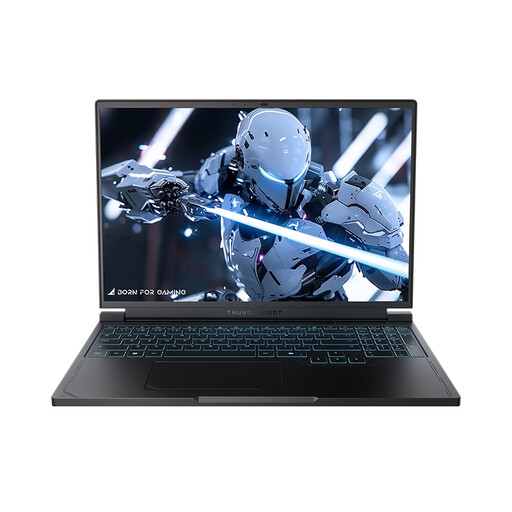 No image available
The stated 16-inch display size and listed video connections may be useful for working on designs on the laptop or setting up a monitor. Check that the exact configuration suits your desk and the programmes you use.
Specifications listed in the product name: AMD Ryzen 7 7745HX, 16 GB DDR5, 1 TB SSD and a QHD+ display with 240 Hz.
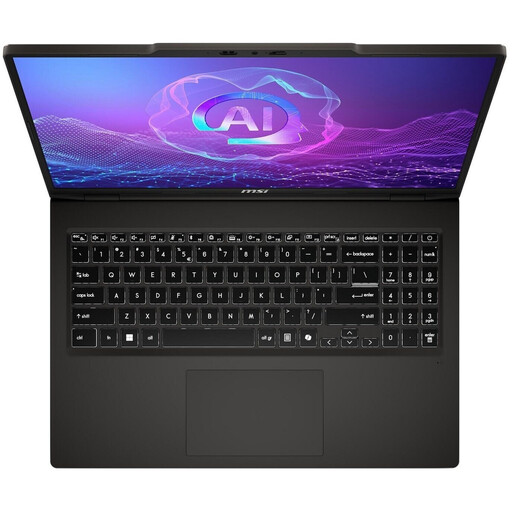 No image available
For UI design alongside other creative work or gaming, compare the specifications listed in the product name with the requirements of your programmes and games.
Specifications listed in the product name: Ryzen AI 7 350, 16 GB RAM, 1 TB SSD and GeForce RTX 5050.
No, a particularly powerful gaming graphics card isn’t essential for Figma. The Figma Help Centre describes its graphics requirements as low and says that Figma runs in most browsers. On a laptop with two GPUs, the dedicated GPU may improve performance, but it can also increase battery consumption.
Check the video outputs on the exact laptop variant and the inputs on your monitor. Lenovo lists HDMI and USB-C ports for the Legion 5 15IRX10 range; nevertheless, check these details against the model you’re buying.
When you buy as a consumer, you generally have 14 days from receiving the complete order to cancel. You must notify the seller that you’re cancelling; simply returning the goods isn’t enough. If a new item is faulty, you generally have two years of statutory rights against the seller. The Verbraucherzentrale distinguishes these legal rights from a voluntary guarantee.
Depending on the product, electrical and electronic equipment is subject to EU rules on CE marking. The European Union describes the marking as the manufacturer’s declaration that the product meets the applicable requirements. It is not an independent quality mark or proof of display quality or performance.
Take electrical waste to a suitable collection point rather than putting it in your household rubbish. The Umweltbundesamt recommends removing batteries or rechargeable batteries separately before disposal, where this can be done easily.