Gaming mice at Joybuy
This selection includes wired and wireless gaming mice. If you have a small desk, compare the cable route, power supply, shape and controls you actually need.
 No image available
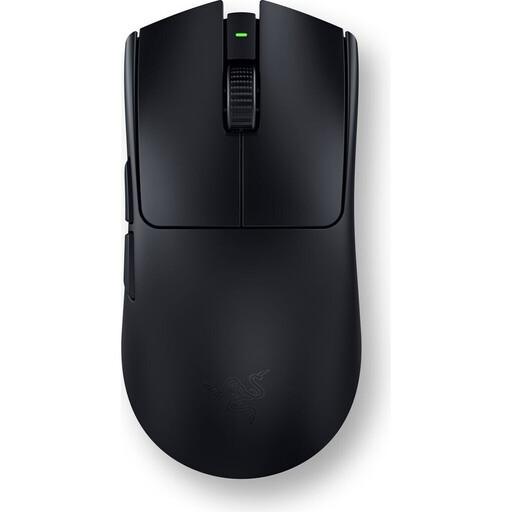
Razer Viper V3 Pro – Black
This wireless option could suit you if a cable gets in the way when you move your mouse.
54 g, according to the manufacturer, for the black version.
View at Joybuy
 No image available
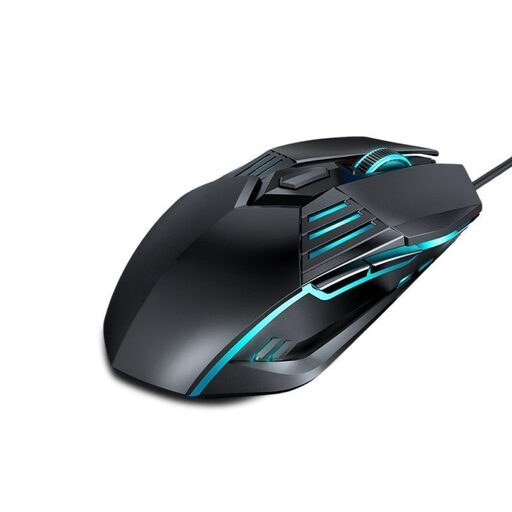
Ergonomic wired gaming mouse
A wired option if you can route the cable freely and don’t need a wireless connection.
Four DPI settings: 1200, 1800, 2400 and 3600 DPI.
View at Joybuy
 No image available
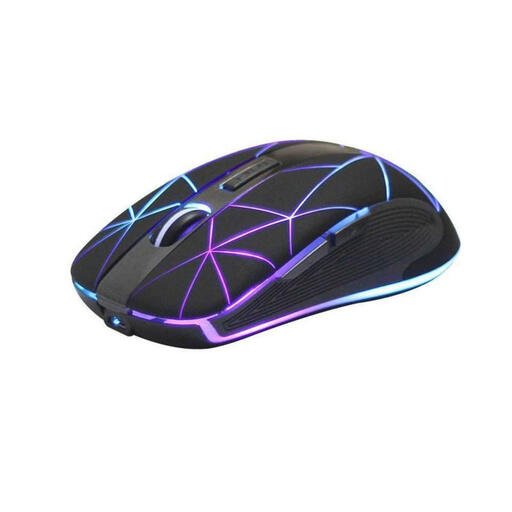
RM200 Wireless Optical Mouse
This could suit you if you’re looking for a wireless mouse with several buttons and a rechargeable battery.
Five buttons; rechargeable via USB.
View at Joybuy
 No image available
ATTACK SHARK X11 Wireless Gaming Mouse
A wireless gaming mouse with several connection options if you want to avoid a cable across your desk.
62 g; 2.4 GHz wireless, Bluetooth and USB-C, according to the product name. A charging dock is also mentioned.
View at Joybuy
 No image available
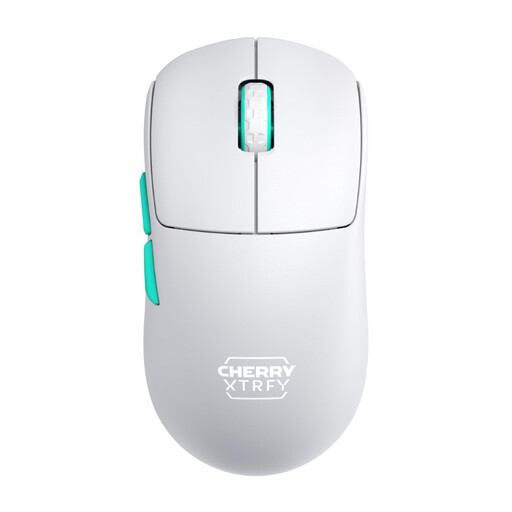
CHERRY XTRFY M68 Wireless, White
This symmetrical wireless shape could suit you if you want to avoid cable drag.
53 g; symmetrical shape with a low front; rechargeable.
View at Joybuy
Frequently asked questions
Is a smaller mouse enough for a cramped desk?
No, choosing a smaller mouse won’t give you more room to move. Measure the space available and check whether you can make the movements you need at your chosen game sensitivity. Endgame Gear lists the OP1 8k v2 as measuring approximately 118.2 × 60.5 × 37.2 mm; this doesn’t tell you how much space you’ll need on your mouse mat.
What should I check when buying a wireless gaming mouse?
Check the connection options for the specific model, whether you’ll need space for a USB receiver and how the mouse is powered. CHERRY lists 2.4 GHz wireless, Bluetooth and wired connections for the M50 Wireless; these options aren’t automatically available on other mice.
How do I find a mouse shape that suits me?
Compare the shape and dimensions with your hand, and check that you can grip the mouse securely and reach the buttons you need. Endgame Gear describes the OP1 series as designed for small to medium-sized hands and claw or fingertip grips; ZOWIE classifies the EC2-CW as a medium-sized ergonomic shape.
What upkeep is involved with rechargeable or battery-powered mice?
A mouse with a rechargeable battery needs charging, while replacing the battery is part of using a model powered by an AA battery. Logitech lists up to 250 hours of use from one AA battery for the G305. This figure applies to that model and isn’t a battery life estimate for other mice.
How should I dispose of an old mouse and removable batteries?
In Germany, old electrical equipment must not be put in household rubbish. The German Environment Agency recommends removing batteries and rechargeable batteries from old electrical equipment before returning it, if they can be taken out easily, and disposing of them separately.


