Focused on shooters
You practise rapid target changes and want to compare motion clarity and input lag, rather than relying on a high refresh rate alone.


For aim training that involves rapid target changes, a compact Full HD monitor is an obvious choice if your PC can reach the frame rate you want and desk space is limited. If you also use the same screen regularly for reading and writing, a 27-inch QHD model may suit your work and gaming needs better; consider resolution, connection and frame rate together. A high refresh rate or a low millisecond figure alone does not guarantee clear motion or low input lag, and you should bear static office content in mind when choosing an OLED screen.
You practise rapid target changes and want to compare motion clarity and input lag, rather than relying on a high refresh rate alone.
You use the same desk for reading, writing and shooters, and weigh up image sharpness, screen size and gaming performance together.
You need to fit the screen and its stand into limited space, so you check the dimensions and placement options first.
First consider whether aim training or daily text work matters more to you. Then check that the resolution and frame rate suit your desk space, PC and connection.
| Buying priority | What to look for | Who is it important to? |
|---|---|---|
| Clear motion | Compare independent measurements of motion clarity and overshoot at the frame rates you actually play at. Don’t treat advertised GtG and MPRT figures as equivalent. | When I’m tracking moving targets, I want to know how clearly they appear at the frame rate I usually play at. Around 33 % of consumers put motion clarity first. |
| Low display latency | Check input lag at the native resolution and intended refresh rate; consider pixel response time separately. | When making quick inputs, I want to know when my signal appears on screen, not just how quickly the pixels change. Around 25 % of consumers prioritise low display latency. |
| Work and gaming in the same space | Consider the screen and stand dimensions, placement options and how you want text to look. | If I use the same screen for office work and shooters, I want to weigh up screen space and desk space together. Around 25 % of consumers prioritise having space for both work and gaming. |
| Getting the desired frame rate from your PC | Check the resolution and connection signal modes against your graphics card and intended cable. | Before buying, I want to be sure my PC can output the resolution and frame rate I want through the connection I intend to use. Around 17 % of consumers prioritise system and connection compatibility. |
An advertised peak figure may only be available with a particular signal path or at a lower resolution.
Check the mode table for the resolution and connection you actually plan to use.
Pixel transitions, overshoot and input lag describe different aspects of a display. A low GtG figure does not automatically tell you how long the signal takes to appear.
Compare independent measurements of motion clarity and latency taken under conditions that are as similar as possible.
Screen size, resolution and desk space all affect how well the same monitor suits daily text work. With OLED, you should also consider static content that stays on screen for long periods.
Measure your available space and factor in your daily text work when choosing a model.
The XL2566K is a compact 24.5-inch TN monitor with Full HD, 360 Hz and DyAc⁺, according to the manufacturer.
The AW2524HF is a 24.5-inch Full HD option with a Fast IPS panel and an advertised 500 Hz refresh rate.
The 27GS85QX-B combines a 27-inch screen, QHD resolution and a nominal 180 Hz refresh rate for work and gaming.
The TUF Gaming VG27AQ3A is a 27-inch QHD IPS model with a 180 Hz refresh rate, while the ROG Swift OLED PG27AQWP-W offers a different dual-mode approach.
The range includes monitors for aim training and for using the same screen for work and gaming, from Full HD models to QHD and switchable-resolution options. Always compare the stated frame rate with the resolution and connection.
 No image available
The two resolution and refresh rate modes let you choose between faster Full HD and higher-resolution UHD.
27 inches, Mini-LED, Rapid IPS; FHD at 320 Hz or UHD at 160 Hz, according to the product details.
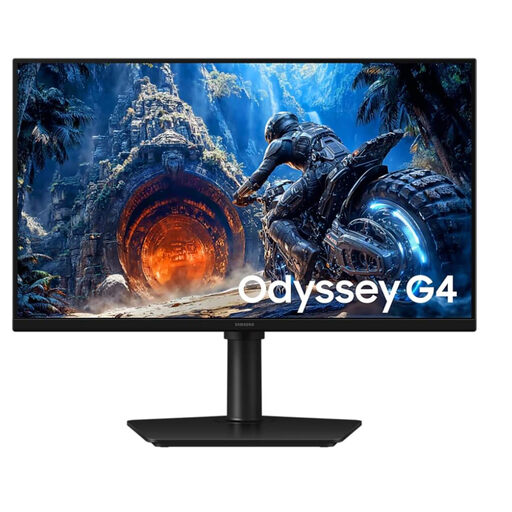 No image available
This compact Full HD model suits a shooter-focused setup, provided you check the frame rate against the connection you use.
25 inches, Full HD; according to the product details, 300 Hz via DisplayPort and 240 Hz via HDMI.
 No image available
QHD is an option if you want to use one screen for work and gaming; with OLED, bear in mind that static office content may remain on screen for long periods.
27 inches, QD-OLED, QHD (2560 × 1440), 240 Hz and Adaptive-Sync, according to the product details.
 No image available
If you want to use one QHD screen for work and shooters, check the stated frame rate against your connection and PC.
27 inches, QHD, Fast IPS and up to 275 Hz, according to the product details. The stated FreeSync range is 48–144 Hz via HDMI and 48–275 Hz via DisplayPort.
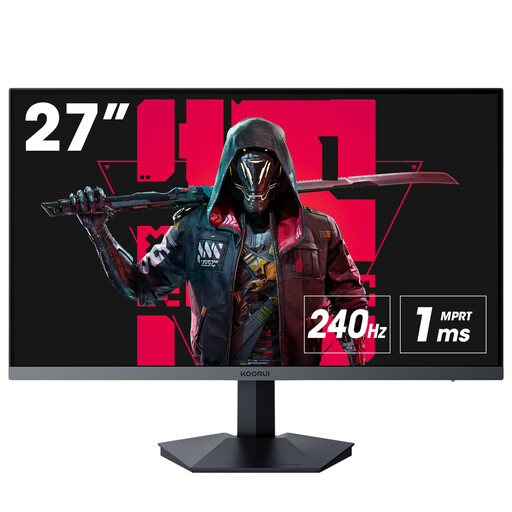 No image available
This Full HD model is an option for shooters if DisplayPort and the stated frame rate are compatible with your PC.
27 inches, Full HD, VA and 240 Hz, according to the product details. The product description recommends DisplayPort to achieve the full stated refresh rate.
No. Pixel response time describes image transitions and possible motion artefacts; input lag is the delay between signal processing and the image appearing on screen. For fast-paced shooters, compare the two separately and check the conditions under which each was measured.
First check that the resolution and refresh rate you want are supported by the specific monitor connection and graphics card. Then select a supported mode in your display or graphics card settings. According to the manufacturer, DyAc⁺ must be turned off on the ZOWIE XL2566K to use VRR.
ASUS warns that static, high-contrast images displayed for long periods may pose a burn-in risk on OLED screens. Use the protection features as described in the instructions for your specific model and check the warranty terms; protection features do not rule out burn-in.
According to the European Commission, when you buy new goods from a trader in the EU, you have consumer rights that include a legal guarantee of at least two years for faulty goods. Online distance purchases generally come with a 14-day right to cancel. These rights are separate from any additional manufacturer’s warranty advertised with the product; details and exceptions depend on the purchase contract.
Electrical waste must be returned separately. The German Federal Ministry for the Environment describes take-back obligations that depend, among other things, on the retailer’s sales, dispatch and storage areas; in some cases, a new purchase also affects your return options. Check with the retailer in advance to find out which return route applies to your monitor.