FPS movement trainers
If you often practise fast target switching, consider motion clarity and input lag together, and check the frame rates your PC can achieve in the games you play.


For fast-paced FPS movement training, check motion clarity and input lag on the specific model rather than choosing based on the Hz figure alone. If you also use the same monitor for working from home, resolution, ergonomics and how you manage static images on an OLED screen matter too. The frame rate you actually achieve will also depend on your PC and connection. In a study by NVIDIA Research involving 101 FPS players, there was no significant performance difference between 144 and 360 Hz in the target acquisition task they tested.
If you often practise fast target switching, consider motion clarity and input lag together, and check the frame rates your PC can achieve in the games you play.
For everyday use with text and static windows, resolution, adjustability and care for static images on OLED screens matter just as much as gaming speed.
If your PC can’t reliably achieve high resolutions or frame rates in the games you play, choose a monitor that suits the combination your system can actually support.
For a screen that serves both gaming and working from home, weigh up motion, readability, system connectivity and OLED care according to what matters most in your day-to-day use.
| Buying priority | What should you check? | Who is it important for? |
|---|---|---|
| Motion clarity and input lag | Check independent measurements for the specific model and compare them with the frame rates your games can achieve. | If I practise fast target switching, I want to assess motion clarity and input lag on the specific model. Around 36% of consumers put these factors first. |
| Readability and ergonomics | Check the resolution, screen size, height adjustment and stand dimensions against your workspace and seating position. | If I work with text or static windows for long periods, I need a clear display that can be positioned to suit me. Around 29% of consumers prioritise suitability for working from home. |
| PC, connection and variable refresh rate | Check your graphics output, monitor input and cables alongside your chosen resolution and frame rate. If your frame rate fluctuates, also check for VRR support. | If I want to train using my existing PC, I want to make sure the connection and game can make good use of the display I choose. Around 21% of consumers put system compatibility first. |
| OLED care and energy use | Compare the care guidance and warranty terms for the exact model variant, as well as its EU energy label. | If static windows and taskbars are often visible on my screen, I want to check the protective features, warranty terms and energy information. Around 14% of consumers prioritise care and ongoing costs. |
A higher stated refresh rate does not, by itself, prove lower input lag or better training results. In a study involving 101 FPS players, NVIDIA Research found no significant performance difference between 144 and 360 Hz in the target acquisition task they tested.
Compare measurements for the exact model and first check the frame rates your PC can achieve in your games.
A compact Full HD option and a higher-resolution screen offer different benefits. Resolution, screen space and positioning also affect how well a monitor suits your workspace.
Measure the available space and compare the resolution, stand and adjustability with your seating position.
If the display or positioning doesn’t suit your needs, you may need extra space for a second screen.
Manufacturers describe protective features for OLED displays. This doesn’t automatically mean that burn-in is ruled out in all usage conditions or that every type of damage is covered by the warranty.
Read the care guidance and warranty terms for the exact model variant before you decide.
The XL series, including the XL2566X+, is aimed at FPS players who prioritise motion performance and a compact stand.
According to Dell, the AW2725DF combines QHD and 360 Hz with a QD-OLED panel for gaming and work.
According to MSI, the MPG-271QRX product family combines QHD, 360 Hz and OLED Care 2.0.
According to Samsung, the Odyssey OLED G81SF variant LS27FG814SUXEN combines a 27-inch screen, 4K and 240 Hz.
The documented 23.8-inch Full HD Fast IPS model in the 24G4X series offers an IPS alternative to OLED and higher resolutions.
The following Joybuy offers include QHD models with high refresh rates, as well as a compact Full HD option. For each model, check whether the stated refresh rate is native or overclocked, and what ergonomic adjustments the stand offers.
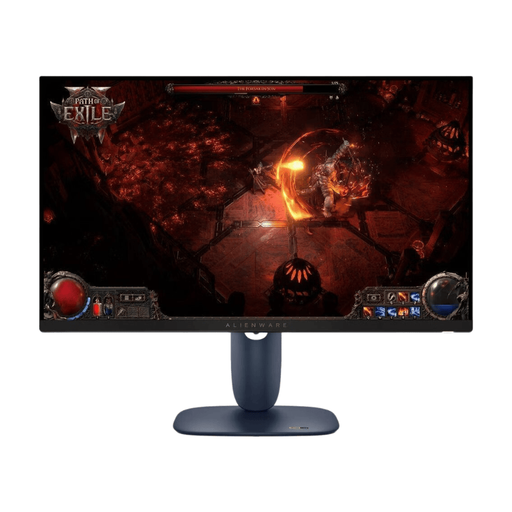 No image available
For gaming and work on a 27-inch screen with WQHD resolution and an IPS panel.
The product title also lists 180 Hz and a 16:9 aspect ratio.
 No image available
For gaming and work if you’re looking for a QHD display with a high refresh rate stated in the product title.
The title lists 275 Hz, 1 ms, an IPS display and 1152 zones.
 No image available
For gaming and work with a QHD Fast IPS display. Compare the native refresh rate with the overclocked figure.
The title lists 240 Hz native and up to 275 Hz overclocked, as well as 1 ms, HDMI 2.0 and DisplayPort 1.4.
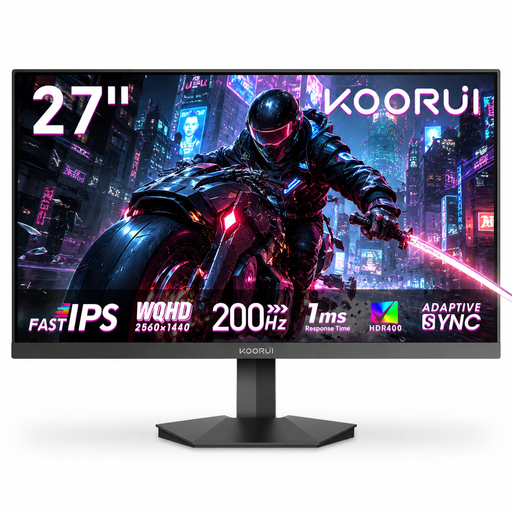 No image available
For QHD gaming and work content if tilt adjustment is enough to suit your seating position.
The title lists 200 Hz and Adaptive Sync. According to the product description, the stand isn’t height-adjustable.
 No image available
For a compact gaming and work setup with an emphasis on the high refresh rate stated in the product title. Full HD offers fewer pixels for work content than QHD or 4K.
The title lists a Fast IPS panel, 0.5 ms and AMD FreeSync Premium.
Base your decision on the games you play, the frame rates your system can achieve and measurements for the specific monitor. In a study published by NVIDIA Research involving 101 FPS players, performance in the target acquisition task they tested didn’t differ significantly between 144 and 360 Hz. The result doesn’t necessarily apply to every game or every person.
Choose a resolution and refresh rate combination supported by your connection. If your frame rate fluctuates, check whether VRR is available. Position the screen to suit your workspace. German standard ASR A6 applies to workplaces and telework locations within its defined scope, but not automatically to every home gaming setup.
Follow the care guidance and check the protective features of the specific model, especially if windows or taskbars stay visible for long periods. MSI and Samsung describe features designed for this purpose, but they don’t rule out burn-in in all conditions or determine warranty claims across the board.
The EU energy label for electronic displays, including monitors, provides information about efficiency and energy consumption. The European Commission includes monitors within the scope of its rules for electronic displays. Compare individual models using their stated values, as an energy class alone doesn’t tell you how much you’ll pay in euros.