Joybuy products for compact desks
The following options include compact Full HD monitors for playing tower defence on a small desk. Before choosing, compare the screen dimensions, resolution, connections and the requirements of your source device.
 No image available
KOORUI MB24V29FS4, 24 inches
Could suit you if you’re looking for a compact Full HD screen with a VESA mount.
Full HD, IPS and 120 Hz; VESA 100 × 100 mm. Stated dimensions: 541,9 × 185,1 × 424,7 mm.
View at Joybuy
 No image available
KTC H24B9S, 24 inches
Could be worth considering if you’re looking for a compact Full HD monitor with Adaptive Sync and DisplayPort.
Full HD, IPS and 144 Hz; Adaptive Sync, HDMI and DisplayPort.
View at Joybuy
 No image available
ASUS Eye Care VY249HF-W, 24 inches
Could suit you if you’re considering a compact IPS model with Full HD and AdaptiveSync.
100 Hz, HDMI 1.4 and VESA 100 × 100 mm; the product title specifies 1920 × 1080 pixels.
View at Joybuy
 No image available
Acer Vero B247YGbmiqprx, 24 inches
Could be worth considering if you’re looking for a compact Full HD model with a height-adjustable stand.
IPS, 1920 × 1080 pixels and 120 Hz; VGA, HDMI, DisplayPort and VESA 100 × 100 mm. Stated dimensions: 540,30 × 186,1 × 350,90 mm.
View at Joybuy
 No image available
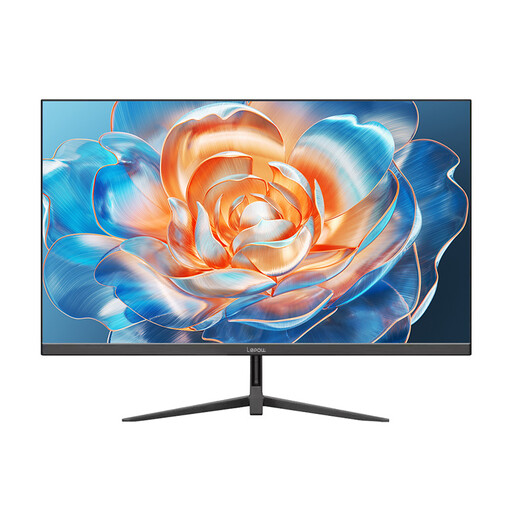
Lepow HC-24Z2, 23.8 inches
Could suit you if you’re considering a compact Full HD monitor with an HDMI connection.
1920 × 1080 pixels and 100 Hz; HDMI connection and metal stand.
View at Joybuy
Frequently asked questions
Is “24 inches” enough to tell whether a monitor will fit on my desk?
No. Compare the monitor’s width and depth with the stand fitted against the free space on your desk. MSI lists the G244F E2 as 541,9 mm wide and 231,9 mm deep; LG gives the 24GS65F-B’s dimensions as 540,8 mm wide and 291,2 mm deep.
What should I check when choosing a monitor arm?
Check the VESA hole spacing and the monitor’s weight without the stand against the mount’s specifications, and make sure you know how it attaches to your desk. The documented VESA measurements vary: MSI lists 75 × 75 mm for the G244F E2, while Gigabyte lists 100 × 100 mm for the GS27QA.
How can I compare monitors’ running electricity costs?
Compare the EU energy label and product data sheet for each model using the same assumptions about use. The European Commission describes an A to G scale for electronic displays; HDR display information is also part of the labelling. The actual cost in euros depends on how you use the monitor and your electricity tariff.
What rules apply when buying a monitor online in Germany?
EU energy-labelling rules apply to electronic displays, and the label must also be shown online for products covered by the rules. Consumers generally have a right to cancel when buying at a distance. The usual period is 14 days and, for a standard purchase of goods, starts when you receive them. Legal exceptions and the terms of your specific purchase should also be taken into account.


