Gamers short on desk space
If your monitor, stand and input devices all need to fit in a small area, the dimensions of the specific model matter more than the screen size in inches alone.


First, measure the available desk space, including the stand, and check your viewing distance. A compact Full HD monitor takes up less room than the 27-inch and ultrawide options compared here. WQHD can show more detail if your desk and computer can accommodate it. Ultrawide is only a good choice if both your particular game and your desk support the wider format.
If your monitor, stand and input devices all need to fit in a small area, the dimensions of the specific model matter more than the screen size in inches alone.
If you want instruments and text to be easy to make out, consider WQHD – provided the larger screen fits on your desk and your computer can handle the display settings you want.
Ultrawide could be a good fit if your desk and the game you play support it. Before buying, check how the game displays its view and user interface.
A good fit if: desk space is limited and the specific model’s dimensions work for your setup.
The trade-off: The compact models featured here have fewer pixels than the WQHD and ultrawide examples.
A good fit if: you have enough desk space and want more image detail rather than the smallest possible monitor.
The trade-off: The larger screen takes up more room, and the higher resolution places greater demands on your graphics hardware.
A good fit if: you want a wider cockpit view and your desk and the game you play make good use of 21:9.
The trade-off: The wide design can be difficult to fit on a small desk.
| Factor | What to check before buying | Who it matters most to |
|---|---|---|
| Desk space and viewing distance | Measure the available width and depth, then compare them with the monitor’s dimensions, including the stand. If relevant, also check the VESA mount and make sure the mount and desk are suitable. | If I need to fit my keyboard and controls beside the screen, every centimetre counts; around 36% of consumers put available space first. |
| Clear cockpit detail | Compare the native resolution and screen size, and consider whether your computer can reach the frame rate you want in your game. | If I want instruments and text to be easy to read, resolution matters; around 29% of consumers prioritise image detail. |
| Refresh rate and connection | Check the stated refresh rate separately for HDMI and DisplayPort, as well as any overclocking conditions and your computer’s outputs. | If I want smooth motion when docking, the refresh rate needs to suit my computer and connection; around 21% of consumers prioritise the refresh rate they can actually use. |
| Wider field of view | Measure the desk space you’ll need and check how the specific game displays 21:9 and its user interface. | If I prefer a wider cockpit view, desk space and how my game displays are key; around 14% of consumers prioritise a wider field of view. |
The monitor casing and stand also take up space, potentially leaving less room for your keyboard or controls.
Measure the available desk width and depth, then compare them with the exact model’s dimensions, including the stand. Only plan to use a mount if the monitor, arm and desk are all suitable.
Depending on your setup, you may also need a monitor arm of the right size.
The available refresh rate can vary depending on the input or overclocking mode. Dell lists 320 Hz via DisplayPort and 255 Hz via HDMI for the AW2525HM at 1920 × 1080 pixels; LG lists 180 Hz as standard and 200 Hz with overclocking for the 27GS75QX-B.
Check the figures for the connection you’ll actually use against your computer’s outputs and the refresh rate it can support.
Samsung’s 1 ms figure for the Odyssey G5 is MPRT; LG describes the 27GS75QX-B’s figure as GtG. These different manufacturer specifications aren’t a direct comparison of input lag.
Check the measurement type and compare like-for-like test conditions, rather than using a single millisecond figure to judge how quickly the monitor responds to your controls.
A 21:9 monitor doesn’t guarantee that a particular game will display its cockpit view or user interface as you’d expect.
Check how your game displays and measure the space the wider model needs before choosing this format.
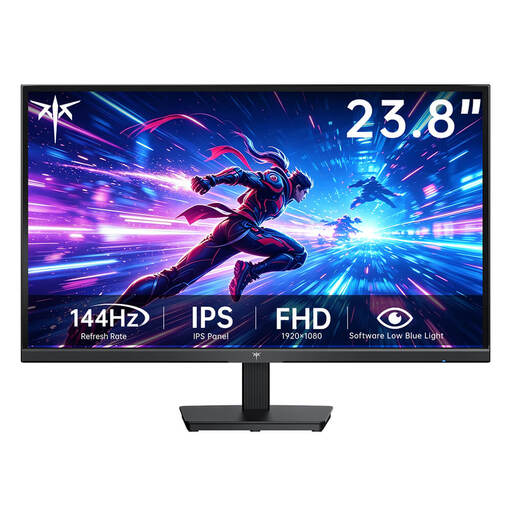
The 24G4XE is a manufacturer example of a compact 23.8-inch Full HD monitor.
The UltraGear 27GS75QX-B is an example of a 27-inch WQHD option for desks with enough space.
The AW2525HM is a 24.5-inch Full HD example with a stated high refresh rate.
The Odyssey G5 LC34G55TWWPXEN is an example of a 34-inch ultrawide monitor.
The G274QPF E2 is a manufacturer example of a 27-inch WQHD IPS monitor.
This selection includes compact Full HD monitors and a 27-inch QHD model for more image detail, if you have room for it on your desk.
 No image available
A compact Full HD option if you’re short on desk space.
Fast IPS panel, 1920 × 1080 pixels and 144 Hz, according to the product name.
The description lists a 75 × 75 mm VESA mount.
 No image available
A 24-inch option for a compact gaming setup.
IPS, Full HD, 120 Hz and 5 ms, according to the product name and description.
The description lists HDMI, VGA, a 100 × 100 mm VESA mount and tilt adjustment. It also states that there are no built-in speakers.
 No image available
A compact gaming option if you’re looking for Full HD and a stated refresh rate of 144 Hz.
The product name lists IPS, Adaptive Sync, HDMI and DisplayPort.
The description lists tilt adjustment from −5° to 15°.
 No image available
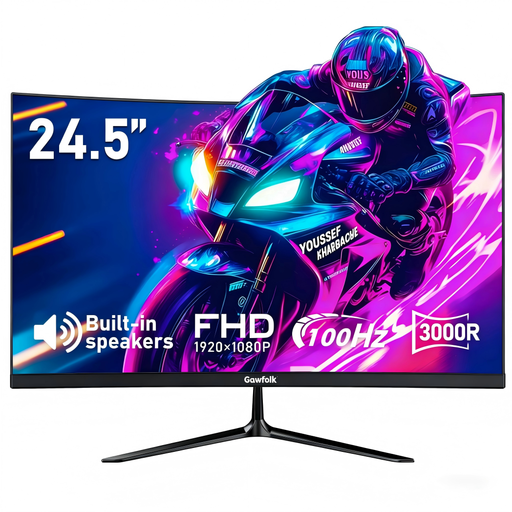
A compact curved Full HD option if a 24.5-inch monitor fits your desk.
The product name lists 100 Hz, AMD FreeSync, HDMI and DisplayPort; the description lists a 3000R curvature.
The 1 ms figure is specified as MPRT, so it shouldn’t be treated as a measurement of input lag.
 No image available
A 27-inch QHD option for cockpit detail if your desk can accommodate the larger screen.
The product name lists 1440p, Fast IPS, 144 Hz, FreeSync, DisplayPort and HDMI.
According to the description, 144 Hz at QHD requires a DisplayPort cable and a compatible dedicated graphics card.
Compare the available width and depth with the exact model’s dimensions, including the stand, and leave room for your keyboard and controls. The German Federal Institute for Occupational Safety and Health’s guidance on screen work takes the task and viewing distance into account; it isn’t a general legal measurement for a home gaming desk.
Check the output, cable, monitor input and display settings together. Dell lists 320 Hz via DisplayPort and 255 Hz via HDMI for the AW2525HM at 1920 × 1080 pixels; LG explicitly states that the 27GS75QX-B’s 200 Hz figure requires overclocking.
It depends on how the game displays: check whether it supports 21:9 and the user interface in this format. Also measure the width and depth you’ll need before choosing a wide model.
The European Commission explains that energy labels for electronic displays include efficiency ratings from A to G and also take HDR display into account. To compare costs, you’ll also need the specific model’s energy consumption, how long you use it and your electricity tariff.
When you buy online from a business seller, you generally have a 14-day right to cancel, subject to statutory exceptions. Faulty goods are covered by a statutory guarantee for at least two years; a voluntary manufacturer’s warranty doesn’t replace it.