Gaming monitors at Joybuy
The Joybuy selection below includes gaming monitors with 27 or 32 Zoll screens and QHD or 4K resolution. Compare the format, connections and refresh rate with your games and source device.
 No image available
TCL 32x3A 32-Zoll OLED monitor
If you’re looking for a large 4K display for maps and menus, compare this model’s listed resolution and picture modes with your PC.
32 Zoll; 3840 × 2160; OLED+; 240 Hz at 4K or 480 Hz in FHD mode.
View at Joybuy
 No image available
MSI MAG 274UPDFDE E16M
For detailed maps on a 27-Zoll screen, compare the two listed resolution and refresh rate modes with your setup.
27 Zoll; UHD 160 Hz or FHD 320 Hz; Mini-LED; Rapid IPS.
View at Joybuy
 No image available
Gigabyte GS27QCA
This 27-Zoll QHD model is worth considering if you want to display maps and menus at QHD; check the connections you need for your headphones separately.
27 Zoll; QHD; 180 Hz; curved display.
View at Joybuy
 No image available
ASUS ROG Strix WOLED XG27AQWMG
If you’re looking for a 27 Zoll WQHD monitor, compare its listed refresh rate with your PC and games.
27 Zoll; 2560 × 1440; WOLED; 280 Hz.
View at Joybuy
 No image available
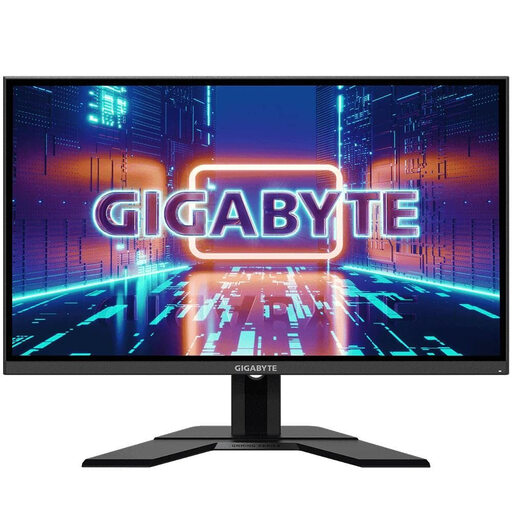
Gigabyte GS27QA
As a 27-Zoll QHD IPS model, this monitor is worth comparing with your preferred resolution and refresh rate; check the audio connection you need for the specific version.
27 Zoll; 2560 × 1440; IPS; 165 Hz.
View at Joybuy
Frequently asked questions
Do I need speakers in my monitor if I play with headphones?
No, as long as the sound reaches your headphones through another suitable signal path. To connect them to the screen, check that it has a clearly specified headphone output. If you’re sending audio over HDMI or DisplayPort, you may also need to select the monitor as your playback device.
Will my headset microphone work automatically through the headphone output?
No. A listed headphone output doesn’t imply that the monitor has a microphone input. If you need a microphone, check its signal path and connections separately, for example through your PC or console.
What refresh rate does the Dell G2725D support at QHD?
For QHD at 2560 × 1440 pixels, Dell Germany lists up to 180 Hz via DisplayPort and up to 144 Hz via HDMI. Check which connection you intend to use.
What should I bear in mind with OLED and long sessions with static menus?
Check the care features and warranty terms for the specific model. MSI identifies static images and high brightness as factors that can increase the risk of burn-in; manufacturer guidance doesn’t guarantee protection against it.
Is a 21:9 monitor suitable for historical war games?
It depends on how each game displays maps and interfaces in 21:9. Check your specific games before choosing an ultrawide model; the ViewSonic VX3418C-2K is listed as having a 34 Zoll screen with 3440 × 1440 pixels.


