
Lieferung heute & morgen

Qualitätsgarantie
App herunterladen
Kategorien
Choosing a gaming mouse is a decision that critically depends on technical specifications and individual user requirements. Parameters like sensor precision, polling rate, connectivity, and ergonomics are crucial factors that directly impact in-game performance. This guide analyses the essential technical features to provide you with a solid basis for an informed decision.
Identifying the right model requires an understanding of the underlying technology. The following criteria are relevant for an objective evaluation.
The sensor is the heart of any mouse. It determines how precisely and quickly movements are translated to the screen. DPI indicates how sensitive the mouse is to physical movement. A high DPI value means a small hand movement results in a large cursor movement.
While manufacturers often advertise figures exceeding 20,000 DPI, most gamers use settings between 800 and 3,200 DPI. More important than a maximum DPI value is a high-quality optical sensor (e.g., from PixArt) that ensures flawless tracking without acceleration or smoothing across the entire DPI range. Another relevant metric is IPS (Inches Per Second), which indicates the maximum speed at which the sensor can still accurately track movement.
The polling rate, measured in Hertz (Hz), indicates how often the mouse reports its position to the computer. A standard office mouse often has a 125 Hz rate (every 8 milliseconds). For gaming mice, 1000 Hz (every millisecond) is the established standard. A high-DPI mouse benefits from a high polling rate, as finer movement data is transmitted more frequently.
Newer models offer polling rates of 4,000 Hz (4K) or even 8,000 Hz (8K). This reduces latency to under a millisecond and can provide a measurable advantage in fast-paced FPS games, but it also requires more CPU resources.
The choice between a wired and a wireless mouse depends on personal preference.
Weight and shape are crucial for comfort and handling.
Programmable buttons offer a functional advantage, especially in MOBA, MMO, or RTS games. They allow you to assign macros, commands, or key combinations for faster in-game access. The accompanying software should allow for intuitive configuration of DPI levels, key bindings, and the RGB gaming mouse lighting.
Based on an analysis of technical specifications and practical benefits, here are some models we recommend.
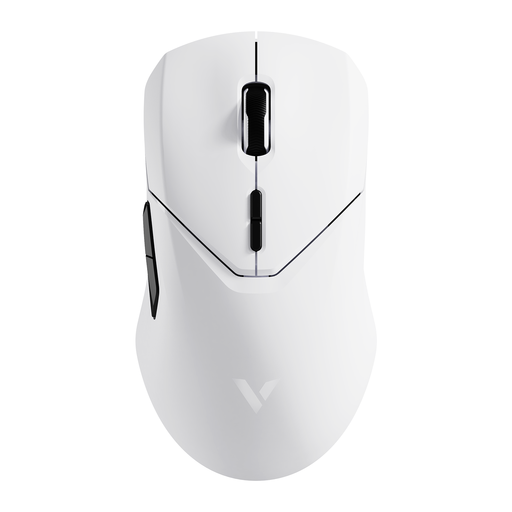
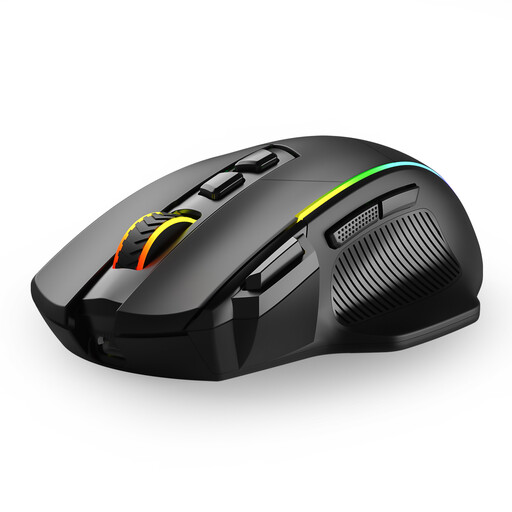
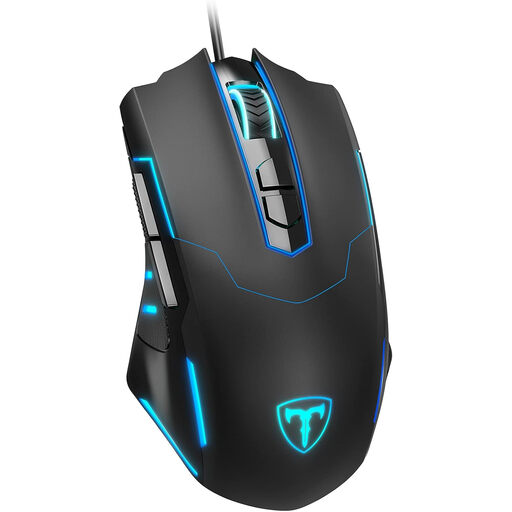
The models featured here cover a broad spectrum of requirements. If you are specifically looking for compact solutions for mobile use, you can find more specialised models in our Gaming Mouse for Laptop category.
1. How much DPI does a good gaming mouse need? For most use cases and screen resolutions (Full HD to WQHD), a range of 800 to 3,200 DPI is sufficient. However, a sensor that can flawlessly handle high DPI values is an indicator of its quality. More important than the maximum value is the ability to adjust the DPI in fine increments to suit your personal preferences.
2. Is a wireless gaming mouse as good as a wired one? Modern wireless gaming mouse models with 2.4 GHz radio technology achieve latency levels that are indistinguishable from wired mice for the human player. Signal stability is very high. Factors like battery life and potentially higher weight remain the main differences.
3. What is the benefit of programmable buttons on a gaming mouse? Programmable buttons increase efficiency by reducing complex actions to a single click. In MMOs, you can map abilities or items to them; in FPS games, actions like throwing a grenade or switching weapons. This allows for faster reactions, as your left hand can remain on the movement keys (WASD).