Joybuy products
The Joybuy products below include wired mice as well as wireless models with multiple connection options or assignable buttons.
 No image available
Razer Basilisk V3 35K, wired gaming mouse
For a fixed PC setup if you’re looking for a wired mouse with extra controls.
11 programmable buttons; HyperScroll wheel with tilt function; ergonomic right-handed shape; USB cable. Configuring buttons, lighting and profiles requires compatible Razer software.
View at Joybuy
 No image available
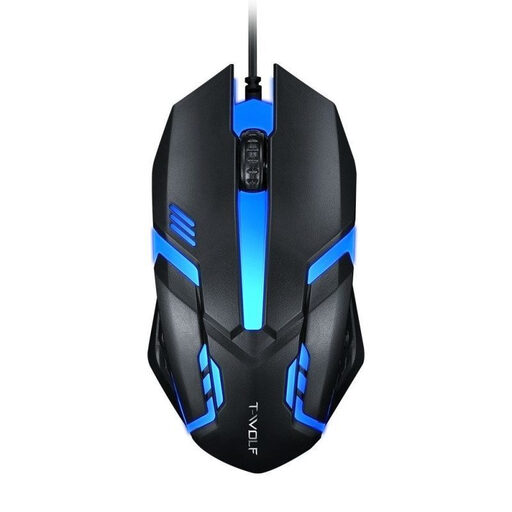
Wired optical USB mouse for desktop and laptop
An option for a fixed desktop or laptop setup if you’re looking for a wired optical mouse.
Optical USB mouse for desktop computers and laptops.
View at Joybuy
 No image available
ATTACK SHARK X11 Wireless Gaming Mouse
For you if you want to switch between wireless, Bluetooth and USB-C, and assign extra gaming commands.
2.4 GHz wireless, Bluetooth and USB-C; PAW3311 optical sensor; 22,000 DPI; five programmable buttons; 62 g. The product title also lists an RGB charging dock and grip tape as included.
View at Joybuy
 No image available
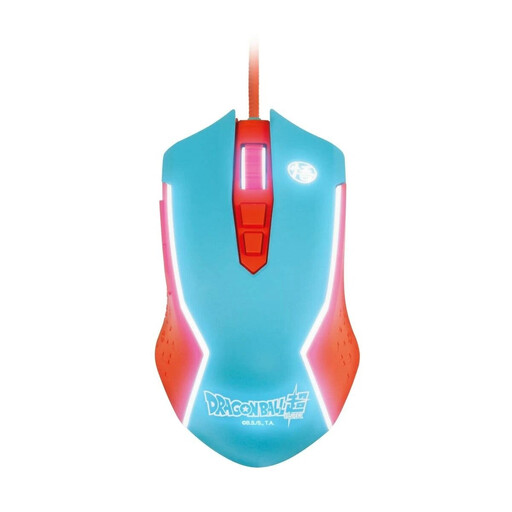
Blade Dragon Ball Goku, wired PC gaming mouse
For a fixed PC setup if you’re looking for a wired gaming mouse.
Described as a wired PC mouse.
View at Joybuy
 No image available
Razer Naga V2 HyperSpeed, wireless MMO gaming mouse
For you if you want to play wirelessly and access extra commands using programmable buttons.
19 programmable buttons; 2.4 GHz wireless and Bluetooth; Focus Pro 30K optical sensor; AA battery powered. The product title lists a battery life of up to 250 hours. Regular battery changes are part of using the mouse.
View at Joybuy
Frequently asked questions
Do I need a special gaming mouse to decorate while wearing headphones?
No, wearing headphones doesn’t call for any special mouse features. Instead, check your game’s controls, as well as the feel, connections and controls you want from a mouse. For example, EA describes mouse and keyboard controls for rotating objects in The Sims 4.
Can I rotate objects with the mouse in The Sims 4?
Yes. EA explains that, in Build Mode on PC with the standard camera controls, you can repeatedly right-click to rotate a selected object in 45° increments, then left-click to place it. With The Sims 3 camera option enabled, the mouse controls work differently; other games have their own control rules.
What should I check when choosing a mouse with assignable buttons?
Check that the software supports the exact model and your operating system, and that your game actually offers the commands you need. Razer describes extra features for the Basilisk V3 35K through Synapse; this doesn’t mean every game will automatically support them.
Who can help if the mouse is faulty, and what are my returns rights when buying online?
In Germany, the seller is generally responsible for dealing with defects under the statutory warranty, which is separate from a voluntary guarantee. According to the Verbraucherzentrale, consumers generally have a 14-day right to cancel an online purchase from the date they receive the goods, subject to statutory exceptions. For purchase contracts made on or after 31 July 2026, the Verbraucherzentrale also describes a one-off 12-month extension to the warranty period if you choose a repair when a fault arises.
How should I dispose of an old mouse or its battery in Germany?
According to the German Environment Agency, electrical waste must not go in household rubbish. If the mouse has a removable used battery, take it separately to a battery collection point where possible; you can take the mouse to a local recycling centre or a suitable retailer take-back point.


