Choose a gaming mouse for replay analysis based on whether your game or replay software supports the commands you need, and whether you can assign them to buttons that are easy to reach. For long review sessions, hand shape and ease of use matter too. If you also use the same mouse for gaming, its weight and button layout should suit both tasks. Headphones alone don’t require any special mouse features.
Which mouse is right for you?
Replay navigators
If you often jump between rounds, points in time or camera angles, buttons that are easy to reach can be useful. Whether they trigger the actions you need depends on the commands supported by your game or replay software. VALORANT / Riot Games documents replay controls, while Logitech Support explains how to assign keyboard commands.
Analysts with long sessions
For longer review sessions, a shape that suits your hand and controls that are easy to reach are important factors to consider. CHERRY describes the shape of the M50 Wireless, while COMPUTER BILD highlights differences in handling and suitability for right- or left-handed users across the models it tested.
Players who use their mouse for both
If you want to use the same mouse for replay analysis and competitive gaming, you can weigh up its button layout and weight together. SteelSeries lists nine programmable buttons and a weight of 66 g for the Aerox 5 Wireless. These specifications don’t prove that it will suit every hand or play style.
What should you look for when buying?
First, check whether your replay software accepts the inputs you need. Then consider the mouse shape and button layout for long review sessions, or for using it to play as well.
| Buying criterion |
What to check |
Who is this important for? |
| Replay commands |
Check which shortcuts the specific programme supports and whether the buttons can be assigned. |
If I often pause or jump between rounds during a replay, I want to be able to assign the commands I need to buttons that are easy to reach. Around 36% of consumers give replay shortcuts top priority. |
| Handling during long review sessions |
Compare the shape, suitability for your hand and accessibility of frequently used buttons. |
During long analysis sessions, I need a mouse that fits my hand and has buttons I can reach without changing my grip. Around 29% of consumers put ease of use during extended sessions first. |
| Analysis and gaming |
Check whether the weight and button layout work for both uses. |
If I also use the same mouse in a match, its replay controls need to work with the way I prefer to move. Around 21% of consumers prioritise this dual use. |
| Connection |
Check the connection type, supported connections and, for wireless models, how the specific version is charged. |
At my analysis station, I want to work without a cable getting in the way, switch between devices or avoid having to plan around battery charging. Around 14% of consumers prioritise a suitable connection. |
Common buying misconceptions
-
More mouse buttons automatically improve replay control
Replay features and their controls depend on the game or replay software in question. An assignable mouse button can’t provide a feature that the programme doesn’t offer.
Make a note of the actions you need, then check which commands and shortcuts your programme supports before choosing a mouse.
-
G502 models with similar names are identical
The G502 Lightspeed, G502 Hero and G502 X LIGHTSPEED are different models. Buttons, the scroll wheel and connectivity can vary between versions.
Compare the full model name and the specifications of the version on offer.
-
Wireless use doesn’t need any extra planning
With wireless models, charging and supported connections are part of the overall experience. According to CHERRY, the CHERRY XTRFY M50 Wireless supports 2.4 GHz, Bluetooth and USB. The manufacturer lists Windows 10 or later as the required software environment.
Check the connection, charging options and operating system support for the specific version.
A guide to relevant brands
Razer
The Basilisk V3 35K is a wired option with a customisable scroll wheel. This description applies to the model named here.
- Razer describes both tactile and free-spin scrolling, as well as a Smart-Reel mode that can be configured through Synapse 4.
- COMPUTER BILD rates the Basilisk V3 35K’s handling as good, but notes that it feels somewhat sluggish and is suitable only for right-handed users.
Logitech G
The G502 Lightspeed, G502 Hero, G Pro Wireless and G502 X LIGHTSPEED are distinct models with different features.
- COMPUTER BILD highlights the many function buttons on the G502 Lightspeed and G502 Hero. Logitech lists a tilting scroll wheel and 13 programmable controls for the G502 X LIGHTSPEED.
- Features of the G502 X LIGHTSPEED can’t be assumed to apply to the older G502 Lightspeed. COMPUTER BILD considers the G Pro Wireless suitable for both right- and left-handed users.
SteelSeries
According to the manufacturer, the Aerox 5 Wireless combines a lightweight design with several side buttons.
- SteelSeries lists a weight of 66 g and nine programmable buttons.
- The manufacturer’s claims about weight and buttons don’t, on their own, prove greater comfort or better analysis results.
CHERRY XTRFY
The M50 Wireless is aimed at buyers who want to consider multiple connection options and an ergonomic shape.
- CHERRY lists 2.4 GHz, Bluetooth, USB and five customisable profiles stored on the device.
- In COMPUTER BILD’s test, the glide and click feel were rated positively. However, the review also noted that the hand could feel a little cramped. Personal fit remains key.
Gaming mice at Joybuy
The following models include lightweight or more straightforward gaming mice, as well as options with extra programmable buttons and scroll wheel features.
 No image available
AJAZZ AJ200 AI MC Wireless Gaming Mouse
A possible choice if you’re looking for a lightweight mouse with several connection options and customisable button functions.
63 g; Tri-Mode: Bluetooth, 2.4 GHz and USB-C; PAW3311 sensor; 24,000 DPI.
View at Joybuy
 No image available
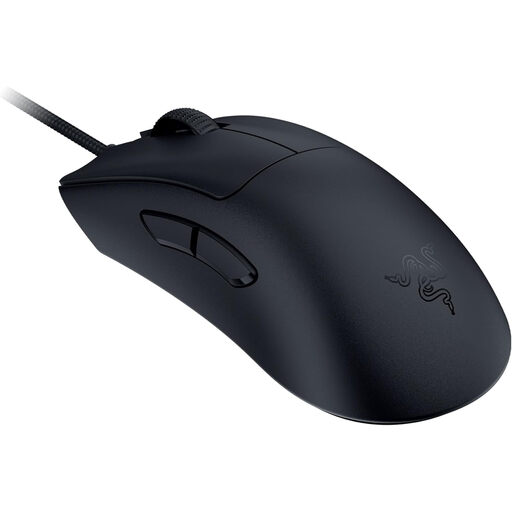
Razer DeathAdder V3 Wired Esports Gaming Mouse
A wired option if you want to consider a low stated weight for using the mouse for both tasks.
59 g; Focus Pro 30K sensor; 8K HyperPolling.
View at Joybuy
 No image available
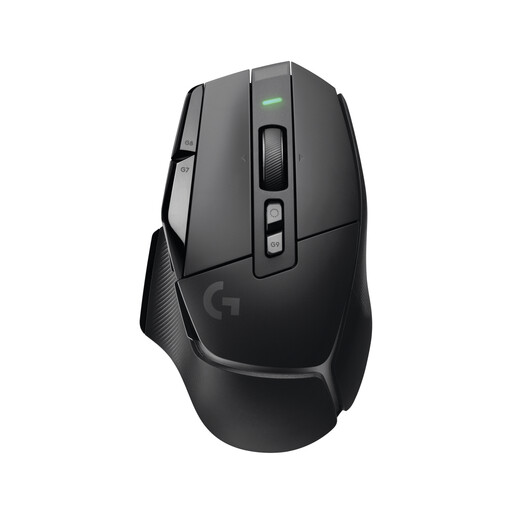
Logitech G G502 X LIGHTSPEED Wireless Gaming Mouse
Worth considering if you want to assign several replay actions and use the scroll wheel for additional inputs.
13 programmable controls; tilting scroll wheel with two modes; 102 g.
View at Joybuy
 No image available
Logitech G G502 Hero High Performance Gaming Mouse
A wired option if you want to assign several buttons and adjust the scroll behaviour.
11 programmable buttons; dual-mode scroll wheel; adjustable weight system.
View at Joybuy
 No image available
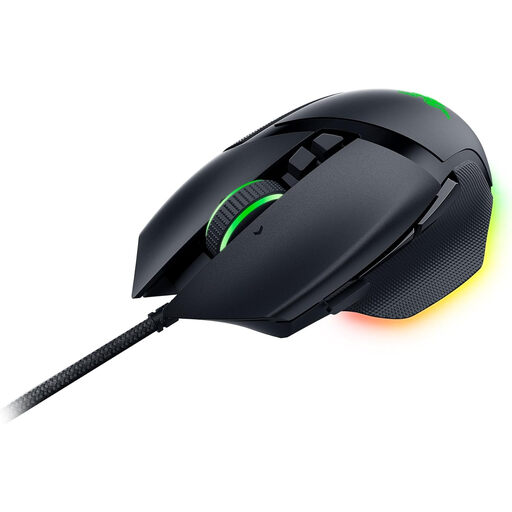
Razer Basilisk V3 Wired RGB Gaming Mouse
A wired option if you want to consider programmable buttons and a tilting scroll wheel for replay control.
11 programmable buttons; tactile and free-spin scrolling; tilting HyperScroll wheel; 26,000 DPI optical sensor.
View at Joybuy
Frequently asked questions
Can replay functions be assigned to mouse buttons?
Only if the specific game or replay software supports the inputs you need. For PC replays, VALORANT / Riot Games lists controls including pause, speed changes and jumping between rounds. Logitech Support explains how to assign keyboard commands to programmable buttons in G HUB. Check which commands are available and test your assignments in the programme.
How should I set up a mouse for longer replay sessions?
Start by assigning only frequently used commands to buttons that are easy to reach, then check that you don’t trigger inputs by accident. Logitech Support explains how to assign, reset and disable button mappings in G HUB for supported devices. For wireless models, you should also check how the specific version is charged and connected.
What are my rights in Germany if the mouse I bought is faulty?
For a consumer purchase, your statutory rights against the seller are separate from any voluntary guarantee. Verbraucherzentrale explains that, in general, the retailer is responsible for defects that were present at the time of delivery for two years. Many online purchases also come with a right to cancel, usually within 14 days. Verbraucherzentrale says the period starts from the date the contract is concluded or the ordered goods are received. The requirements for the specific purchase should be checked.
What should I look for in a wireless mouse in relation to German product requirements?
As part of its market surveillance, the Bundesnetzagentur checks matters including CE marking, manufacturer details and German-language instructions and safety warnings. These checks don’t prove that a particular mouse on sale complies with the requirements.


