What should you look for when buying a mouse for a small desk?
First decide whether a versatile mouse wheel and extra controls matter more to you, or whether you’d rather keep the cable route as clear as possible. Even with a wireless mouse, the fit in your hand and access to its controls should suit the way you work.
Wired, with a versatile mouse wheel
A good fit if: You often switch between precise scrolling and longer timelines, and have a clear, suitable route for the cable.
The trade-off: The cable takes up desk space. Programmable buttons and different scroll modes also need to work with your video software.
Wireless or with multiple connection options
A good fit if: You want to keep the cable route clear on your desk or switch between compatible devices.
The trade-off: Make sure you have a suitable receiver or Bluetooth support, and plan for charging. The manufacturer’s battery life figures won’t necessarily apply to the way you use the mouse.
| What matters |
What to check before buying |
Who it matters most to |
| Room to move and cable routing |
Clear space next to the keyboard; cable routing or room for a wireless receiver. |
If my keyboard and mouse have to share a small space, I want enough room to move the mouse and a cable route that works for me. Around 29% of consumers put space and cable routing first. |
| Navigation and repeat commands |
Scroll modes and wheel tilt; whether your software supports the button commands you need. |
If I often switch between precise selections and long timelines, I want to set up navigation and repeat commands to suit my needs. Around 29% of consumers put navigation and commands first. |
| Comfort in your hand during longer sessions |
Shape and weight; whether the mouse wheel and side buttons suit your grip. |
For longer sessions, I want the shape and weight to suit my hand and grip. Around 24% of consumers consider hand comfort first. |
| Connection and power |
Available ports and Bluetooth support; receiver and charging requirements. |
If I’m choosing between wireless and wired use, I want to know which connection my device supports and how to plan for charging. Around 18% of consumers put connection and power first. |
Joybuy mice for fewer cables and flexible controls
The Joybuy models below offer wireless or multiple connection options. Depending on the model, you’ll also find programmable buttons, different scroll features or the option to connect by cable.
 No image available
AULA SC620 Wireless Gaming Mouse, White
A good option if you want to reduce cable clutter on a small desk and assign repeat commands to buttons.
7 programmable buttons; Bluetooth and 2.4 GHz wireless; listed weight of 67 g.
View at Joybuy
 No image available
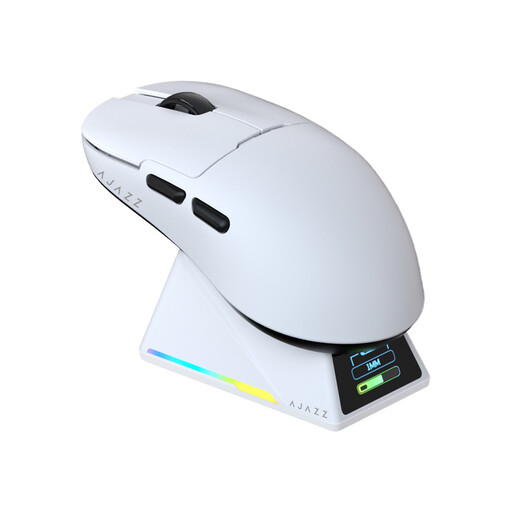
AJAZZ AJ159 APEX with magnetic charging dock
According to the product description, its symmetrical shape is designed for small to medium-sized hands. Wireless use can also keep the cable route clear on your desk.
The description lists three connection options and a magnetic charging dock.
View at Joybuy
 No image available
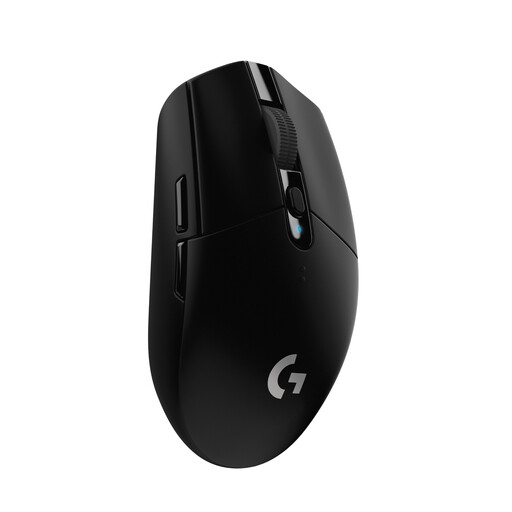
Logitech G305 LIGHTSPEED Wireless Gaming Mouse, Black, German Packaging
A wireless option if you want to avoid a cable and assign repeat commands to buttons.
6 programmable buttons; LIGHTSPEED wireless with a USB nano receiver; takes one AA battery for wireless use.
View at Joybuy
 No image available
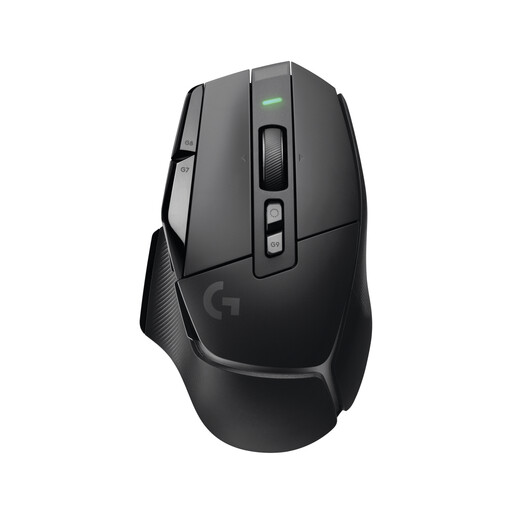
Logitech G G502 X LIGHTSPEED Wireless Gaming Mouse
If you want to switch between precise and fast scrolling and use extra controls, this model has several features to help.
13 programmable controls; notched and free-spin modes, plus tilt functionality; USB-A receiver and USB-C charging.
View at Joybuy
 No image available
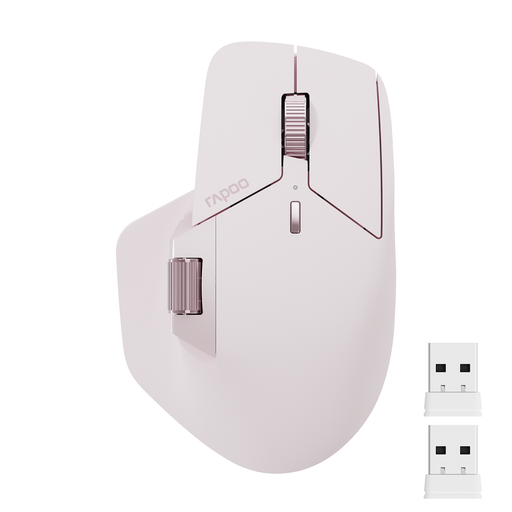
Rapoo MT760Mini Bluetooth Wireless Mouse, Pink
The side scroll wheel could be useful if you use horizontal scrolling in your application and want several connection options.
11 programmable buttons; Bluetooth, 2.4 GHz wireless and wired connection. According to the product description, M+ control across multiple computers requires an installed driver and a shared Wi-Fi or Ethernet connection.
View at Joybuy
Frequently asked questions
Does a higher maximum DPI make reviewing footage better?
Not by itself. First check whether the pointer speed, accessible controls and features in your application suit the way you work. A high maximum DPI figure alone doesn’t show that you’ll save time reviewing footage.
How do I set up extra buttons for my video software?
First, find out which commands your software supports, then assign only the actions available in your programme. Logitech G lists G HUB for programming the G502 HERO’s buttons, while Razer lists Synapse 4 for additional settings on the Basilisk V3 35K. Also check that your operating system and the commands you want to use work with your setup.
How should I dispose of an old mouse in Germany?
According to the German Environment Agency, electrical waste must not go in household rubbish. You can take it to a recycling centre, among other options. Remove any batteries and dispose of them separately.
Who should I contact if a product is faulty, and does a manufacturer’s guarantee replace my statutory rights?
For consumer purchases, the seller is responsible for the statutory two-year legal guarantee from the date you receive the goods. An additional commercial guarantee doesn’t replace it, as explained by Your Europe, the European Union’s consumer portal.
What labelling should I look for on a wireless mouse in Germany?
Radio equipment is covered by the European legal framework for radio equipment. The German Federal Network Agency outlines obligations for sellers, including correct CE marking and German-language user information for non-professional users. Check these details on the specific product listing; general obligations for sellers don’t prove that an individual product complies.


