Players short on mouse space
If you hit the edge of your desk when practising turns and often have to lift your mouse, first check how much room you have and adjust your in-game sensitivity.


First, measure the space you have available and test your usual in-game sensitivity there: a new mouse won’t give you more room on your desk. Then choose a shape you can grip securely and reposition with ease. Going wireless removes the moving cable, while a flexible cable means you can avoid charging or replacing batteries. High DPI or polling rates alone are no proof of better results in training.
If you hit the edge of your desk when practising turns and often have to lift your mouse, first check how much room you have and adjust your in-game sensitivity.
If you often reposition your mouse, a shape that’s easy to grip and put back down under control should be high on your list. Symmetrical and ergonomic designs are different starting points.
If the cable catches on things on your small desk, you can weigh up going wireless against charging or replacing batteries.
First check that your movements fit within the space you actually have. Then consider the grip, connection type and ongoing upkeep.
| Consideration | What to look for | Who should pay particular attention? |
|---|---|---|
| Available mouse space | Measure the usable width and depth next to your keyboard; test typical turns using your usual in-game settings. | If I hit the edge of my desk when turning, I want to know whether my available space and in-game sensitivity work together. Around 36% of consumers put available mouse space first. |
| Grip and shape | Compare the design and dimensions with the way you hold your mouse; try lifting and making small adjustments yourself if possible. | If I often reposition my mouse, a secure grip matters more to me than a low weight alone. Around 29% of consumers prioritise shape and control when repositioning. |
| Wired or wireless | Check how a cable would run on your setup; with wireless models, consider the power source and space needed for the receiver. | If a cable gets in the way of my movements, I want to avoid it and may be happy to charge the mouse or replace its batteries instead. Around 21% of consumers say cable contact is their main concern. |
| Ongoing upkeep | Check the power source for the specific model, and don’t base your decision solely on maximum DPI or polling rates. | If a mouse suits my training needs, I also consider the purchase price and ongoing upkeep. Around 14% of consumers focus on these costs and routines. |
A different mouse size or sensor setting won’t give your hand any more room to move.
Measure the available space and first test your usual movements with your current mouse and in-game settings.
A flexible cable is still a cable and can still get in the way. Wireless mice need a power source, and a maximum polling rate doesn’t in itself prove there’ll be a practical benefit at your desk.
Check the cable route or space for the receiver on your own setup, then decide which connection type suits you.
Wired and wireless models, as well as different generations, can vary in features and power source.
Compare the full model name and connection type of the specific product with the manufacturer’s details.
The Viper V3 Pro and DeathAdder V3 offer different shapes and connection options within these model ranges.
The PRO X SUPERLIGHT 2 is a wireless model range, while the G305 offers a wireless option powered by an AA battery.
The wired Pulsefire Haste 2 is worth considering if you’d rather not have to charge a mouse battery.
The wired Aerox 3 Onyx is another lightweight option, with a different case shape.
This selection includes wireless gaming mice if you want to reduce cable contact, as well as a wired option if you’d rather play without a mouse battery.
 No image available
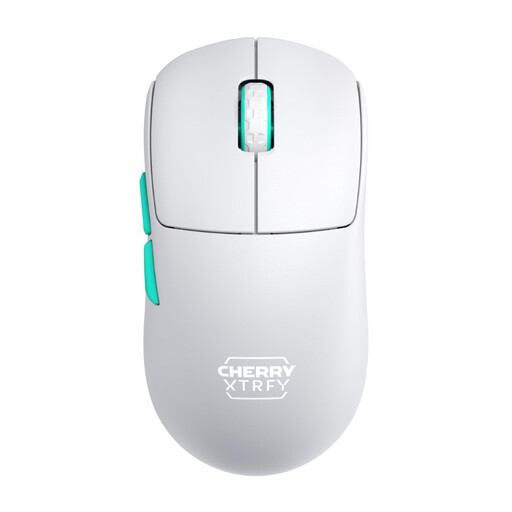
If you’re looking for wireless operation and an ergonomic right-handed shape, the product description specifically lists this design.
2.4 GHz wireless; 64 g; Focus Pro 30K sensor; built-in battery.
 No image available
If you prefer a symmetrical shape with a low front and want to avoid cable contact, this version offers features worth considering.
2.4 GHz wireless; 53 g; rechargeable; symmetrical shape with a low front.
 No image available
If you’re looking for a symmetrical mouse for small to medium-sized hands, this design is one option to consider.
Tri-mode; PAW3950 sensor; up to 42,000 DPI; 8K Hz; set with magnetic charging dock.
 No image available
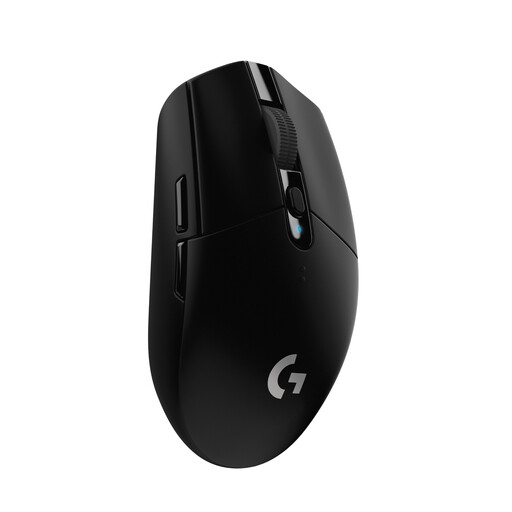
If you want to avoid a moving cable and use a replaceable power source, the AA battery is an important feature of this version.
HERO sensor; up to 12,000 DPI; 6 programmable buttons; up to 250 hours of battery life; AA battery.
 No image available
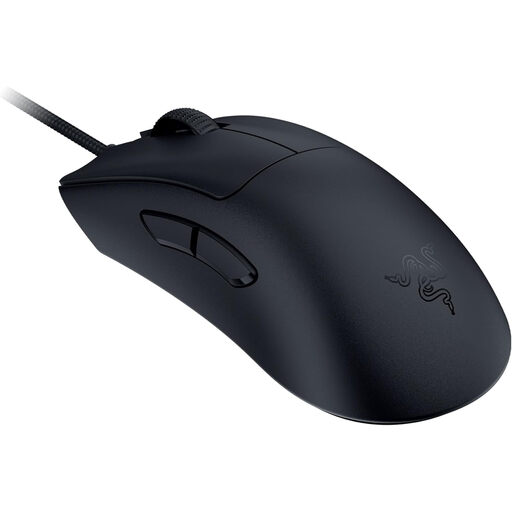
If you want to play without a mouse battery and can route the cable clear of your desk, this wired version is worth considering.
59 g; Focus Pro 30K sensor; 8K HyperPolling.
No. What matters is whether your combination of mouse DPI and in-game sensitivity lets you make the movements you need within the space available. Try any changes with your current mouse first; professional players’ settings aren’t a universal minimum.
Logitech recommends unplugging a wired device before cleaning it and removing any replaceable batteries. Don’t apply liquid directly to the device, and check the care instructions from the relevant manufacturer too.
Consumers buying online generally have a 14-day right to cancel, and they must notify the seller that they wish to cancel. The Verbraucherzentrale distinguishes this right from statutory rights against the seller if a product is faulty, and from any voluntary guarantee. The terms of the specific purchase should be checked.
No. The German Environment Agency advises that waste electrical equipment must be collected separately and used batteries taken to appropriate collection points. If the batteries can be removed easily, take them out before handing in the device and return them separately.