Just watching the aquarium
You mainly display fish and scenery, and only need a mouse for setup or the occasional menu. First, check whether your app needs any controls at all.


Whether you need a dedicated gaming mouse depends on the aquarium app. A purely visual screensaver may not need any controls, while a customisable simulation may use mouse input. Choose based on where you sit, how the mouse connects to your PC, how it feels to use and which buttons you actually need. For simply displaying an aquarium, there’s no proven benefit to a high DPI rating or lots of extra buttons.
You mainly display fish and scenery, and only need a mouse for setup or the occasional menu. First, check whether your app needs any controls at all.
You regularly use a PC connected to a large screen from another spot in the room. Check that the connection is suitable and consider where to position the USB receiver.
You use an interactive simulation to create your aquarium, so look for a mouse that suits your hand and has controls you can reach easily.
First check whether your app requires mouse input. Only then consider the connection, ease of use and extra buttons.
| What matters | What to check before buying | Who should pay particular attention? |
|---|---|---|
| Connection from your seat | Check that you have a suitable USB port and can position the receiver sensibly. If you choose a wireless mouse, also consider possible sources of interference. | If the PC isn’t right next to where I sit, I want to check that I can position the receiver suitably before choosing a wireless mouse. Around 31% of consumers put connection from their actual seating position first. |
| Comfort during longer sessions | Check that the shape and button reach suit your hand, and allow enough room for the mouse and somewhere to rest your arm. The Federal Institute for Occupational Safety and Health recommends a flexible workstation layout. | For longer design sessions, I want a mouse that suits my hand and grip, rather than choosing based only on its weight or sensor specifications. Around 31% of consumers consider ease of use the most important factor. |
| Controls that suit your needs | Check whether the app supports the button mappings you want, then adjust the pointer speed to suit the movement required. | If I actively design aquariums, I want to choose only controls that the app can actually use and that I can reach easily. Around 23% of consumers focus above all on having the right controls. |
| Ongoing upkeep | With a wireless mouse, allow for charging or replacing batteries. If you choose a wired model, check that you can route the cable conveniently. | For straightforward use, I want to avoid unnecessary features and ongoing upkeep. Around 15% of consumers put this first. |
The size of your screen doesn’t tell you whether an aquarium app needs regular mouse input at all. Extra gaming controls aren’t automatically useful for a passive screensaver.
First check the controls available in the app you’ll be using, then set the pointer speed to suit the movement you actually need.
Logitech describes possible input interference with certain 2.4 GHz receivers near USB 3.0 devices. The connection at your intended seating position matters more than assuming wireless will work equally well everywhere.
Test the connection from your seat. If input drops out, move the receiver closer to the mouse and, where possible, away from USB 3.0 devices that may cause interference.
Models in the same product family can have different connection types. Logitech G502 Hero, G502 Lightspeed and G502 X LIGHTSPEED are separate models, too.
Before buying, compare the full model name, connection type and what’s included with the specific offer.
The G305 is a wireless 2.4 GHz mouse powered by an AA battery. The G502 family includes different models, which shouldn’t be treated as interchangeable just because their names are similar.
According to Razer, the wired Basilisk V3 35K offers several scroll modes and configurable controls.
The wired Pulsefire Haste 2 is an option for controlling your PC, with a cable that can be routed conveniently.
According to SteelSeries, the Aerox 5 Wireless has nine programmable buttons.
According to CHERRY, the M50 Wireless offers Bluetooth, 2.4 GHz wireless and wired connections to suit different PC setups.
The Joybuy products below include wired mice and models with 2.4 GHz wireless, as well as Bluetooth or USB-C on some models. The key is choosing a connection that suits your PC and where you sit.
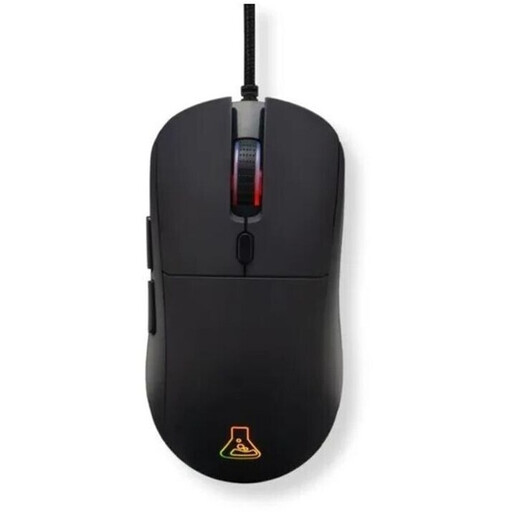 No image available
A good fit if your PC is within cable reach and you want to assign buttons for an interactive app.
Wired USB connection; six programmable buttons; adjustable DPI; 12,800 DPI.
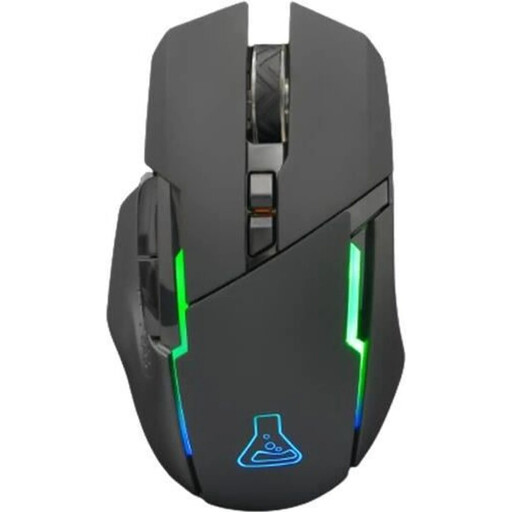 No image available
An option if you want to control your PC wirelessly and have a suitable USB port for the receiver.
2.4 GHz wireless; six programmable buttons; rechargeable; 7,200 DPI.
A suitable USB port is required for wireless use, and you’ll also need to allow for charging.
 No image available
A good fit if you want to control your PC wirelessly from your seat and will make use of the extra configurable controls.
2.4 GHz LIGHTSPEED wireless with USB-A receiver; 13 programmable controls; built-in rechargeable battery; two-mode scroll wheel.
A suitable USB port on your PC is required for wireless use.
 No image available
An option if you want to switch between connection types and your devices support the relevant interfaces.
2.4 GHz wireless, Bluetooth and wired USB-C; five programmable buttons; charging dock; PAW3311 optical sensor; 22,000 DPI; 62 g; grip tape included.
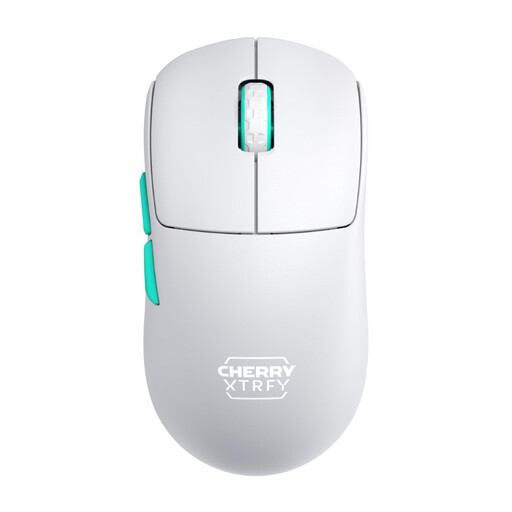 No image available
A good fit if you prefer a wireless PC connection and don’t need many button assignments.
2.4 GHz connection; 53 g; symmetrical low-front design; rechargeable; USB dongle.
The main configuration has three buttons, according to the product description. A suitable USB-A port is required for wireless use.
Not necessarily. The provider of Sea Aquarium Screensaver describes it as an experience that doesn’t require controls, whereas Behind Glass: Aquarium Simulator is designed for creating virtual aquariums. Check the specific app before choosing extra mouse features.
No. What matters is the connection to the PC running the app, or to its receiver. For potential interference with a 2.4 GHz receiver, Logitech recommends placing it closer to the mouse and away from USB 3.0 devices that may cause interference. This doesn’t guarantee the range of another model.
Make sure there’s enough room for the mouse and somewhere to rest your arm, and check that its shape suits your hand. Also check the power source for the specific wireless model: according to Logitech, the G305 uses an AA battery, while the CHERRY XTRFY M50 Wireless has a rechargeable battery, according to CHERRY.
For a typical online purchase, consumers generally have a 14-day right to cancel, starting from the day they receive the goods, as explained by the Verbraucherzentrale. If goods are faulty, you have a legal guarantee against the seller lasting at least two years; Your Europe explains this minimum period across the EU. This is separate from any additional manufacturer’s warranty.
For certain electrical and electronic devices, the German Federal Network Agency lists requirements including correct CE marking, the required manufacturer details and, where applicable, importer details, clear product identification and instructions in German. Check this information on the specific offer; it doesn’t support a blanket claim about individual products.