Start by measuring the distance from the furthest seat and checking how much space you have. When playing basketball from a distance, choosing the right screen size matters more than simply opting for a high refresh rate. Choose OLED or Mini LED to suit your room lighting and preferred picture, and check which HDMI ports on the specific model support your console or PC’s features. Sony’s 4K viewing distances are approximate minimum distances for perceiving individual pixels, not a screen-size recommendation for every seat.
Who is this buying decision relevant to?
Group gaming from a distance
If several people are playing local basketball matches in the same room, everyone should be able to make out the court, players and on-screen displays from the furthest seat. Measure your viewing distance and the space available for the TV instead of choosing a screen size based solely on a 4K minimum-distance table. Sony Germany provides minimum distances, and the consumer advice centre also recommends measuring your usual viewing distance.
Players who prioritise responsive controls
If you want to make the most of your console or PC’s picture output, check the gaming mode and supported HDMI ports on the specific model. PlayStation lists 4K at 120 Hz as an output option for the PS5; the features available also depend on the screen and source device.
Group gaming in a bright living room
In daylight, you’ll need to weigh screen size and gaming features against reflections and power consumption. Check how the TV performs in the position you have in mind, and compare the energy labels for the specific models.
What should you look for when buying?
Measure the distance from the seats and check the space available for the TV before comparing screen sizes and gaming features. Sony Germany describes its 4K viewing distances as approximate minimums for perceiving pixels; the consumer advice centre also recommends measuring your usual viewing distance.
| Priority |
What to check before buying |
Who is it important for? |
| Screen size and visibility |
Check the distance from the furthest seat, and compare the screen and stand dimensions with the space available. |
If I want everyone in the group to see the action and on-screen displays, I pay particular attention to choosing the right screen size; around 36% of consumers put screen size first. |
| Motion and controls |
Check the refresh rate, VRR, ALLM and the HDMI ports intended to support these features on the specific model. |
If you want responsive picture output and controls during fast-paced play, you should also consider your console or PC and the game itself; around 29% of consumers prioritise these gaming features. |
| Picture technology and room lighting |
Consider the position of windows and lamps in relation to the screen, as well as the features of the exact model. |
If I often play in daylight, I want to assess reflections from my seat and choose picture technology to suit the room; around 21% of consumers base their choice primarily on room lighting. |
| Overall cost and power consumption |
Compare the energy label for the exact model, including SDR and HDR figures, and check delivery or installation services separately. |
If I want to consider both the purchase price and running costs, I compare energy figures and delivery and installation terms; around 14% of consumers put overall cost first. |
Avoid common buying mistakes
-
Assuming the 4K minimum viewing distance tells you the ideal screen size for group gaming
Sony’s viewing distances are approximate minimums; they don’t tell you which screen size will suit every seat or the room you have.
Measure the usual distance from the furthest seat, and check the TV’s width and the space available for its stand before deciding on a screen size.
If the TV looks too small from the furthest seat, you may need to rearrange the seating or buy another one.
-
Assuming a high refresh-rate figure means every game runs at that rate
The TV’s capabilities, HDMI port, source device and the game’s picture output are all separate requirements. A PS5 can output 4K at 120 Hz, but that doesn’t mean every game reaches this frame rate.
Check the ports on the exact TV model and the output options available on your console or PC. For example, VRR is listed for HDMI 3 and 4 on the Sony K-75XR70.
-
Looking only at the purchase price
Power consumption and any delivery or installation services can also affect your choice of a large TV.
Compare EU energy labels on a like-for-like basis, using kWh per 1,000 hours, and check which services are included in the specific offer.
TV brands worth considering
LG
A large-screen OLED option for group gaming, provided the room lighting and available space are right for your set-up.
- LG lists a 77-inch screen, a low-reflection OLED display and gaming output of up to 4K at 165 Hz for the OLED77C67LA.
- These are manufacturer specifications, not a guarantee of a game’s frame rate or independently measured anti-reflection performance. Also check the dimensions, energy figures and care instructions for the specific model.
Samsung
A Mini LED option for shoppers comparing large gaming TVs for a bright room.
- Samsung lists Mini LED technology and its “Glare Free” anti-reflection feature for the GQ75QN90FATXZG.
- Performance depends on the TV’s position and the lighting in your room. The model specification alone doesn’t establish that it will reduce reflections better in every situation.
TCL
Another Mini LED option, with different features across its model ranges.
- TCL lists a native refresh rate of 144 Hz for the 75C7K.
- This specification applies to this model. The manufacturer’s brightness and dimming claims aren’t an independently verified comparison with other TVs.
Sony
A Mini LED option where it’s worth checking which HDMI ports support the gaming features you need.
- Sony Germany lists VRR for HDMI 3 and 4, and ALLM for HDMI 1 to 4, on the BRAVIA 7 K-75XR70.
- If you’re connecting several devices, make sure the port layout works for you before buying. These specifications apply to the model named here, not to all BRAVIA TVs.
Joybuy products for group gaming
This selection features large 4K TVs with gaming specifications that may suit basketball games played from a greater distance. Compare screen size, available space and each model’s features with your console or PC.
 No image available
TCL 85Q7D PRO, 85-inch 4K SQD Mini LED TV
The 85-inch screen is an option to consider if you’re looking for a large display for several seats.
The product name lists 4K, 144 Hz, Anti-Reflection and Dolby Vision IQ. Check how the anti-reflection feature performs in the position you have in mind.
If you’re wall-mounting the TV, make sure the bracket and wall can support its stated weight of 37.5 kg.
View at Joybuy
 No image available
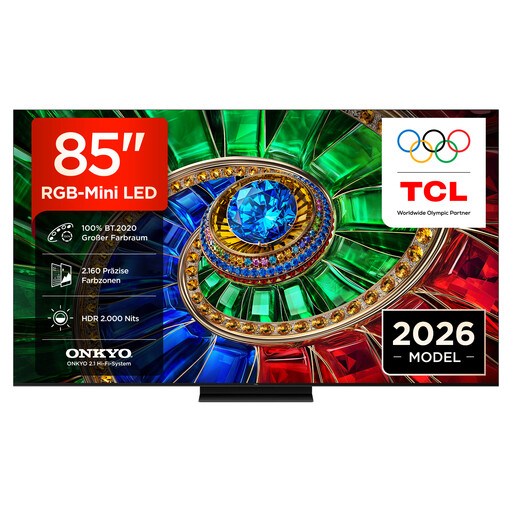
TCL 85RM7L RGB Mini LED TV, 85-inch 4K
The 85-inch screen may suit group gaming from a greater distance, provided it works with your seating position and available space.
The product name lists 4K, 144 Hz and VRR. Check that the features you need are supported by your source device and the HDMI port you’ll use.
View at Joybuy
 No image available
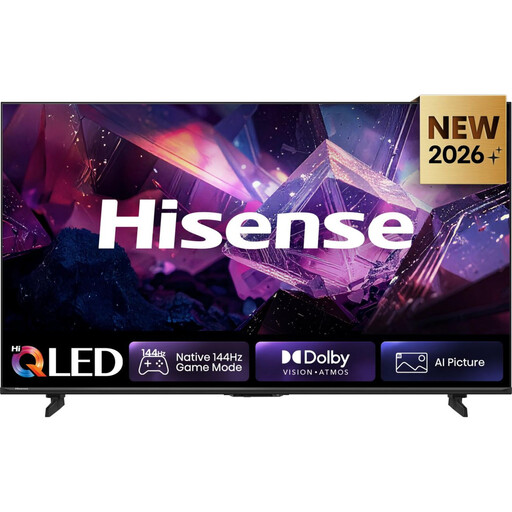
Hisense 85E7S PRO, 85-inch QLED 4K Smart TV
The large screen could work well for several seats, as long as it suits your viewing distance and the space you have for it.
The product name lists 4K and 144 Hz. Check the gaming features available on the specific TV for your console or PC.
View at Joybuy
 No image available
Hisense 85E8S, 85-inch 4K Mini LED Smart TV
This 85-inch model is worth considering for a greater viewing distance; check its overall dimensions against the space available.
The product description lists 4K, 144 Hz, VRR, ALLM and four HDMI 2.1 ports. Check which port is intended for your source device.
View at Joybuy
 No image available
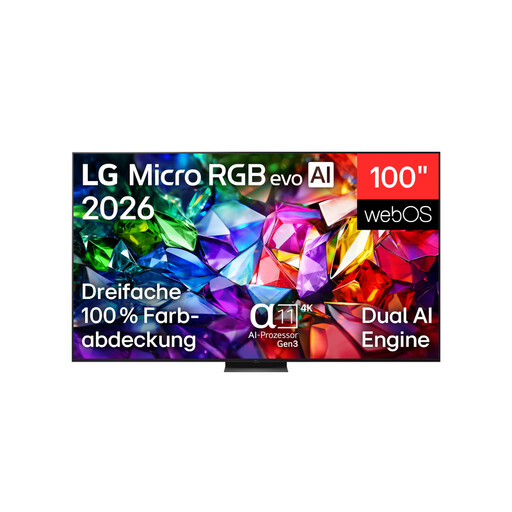
LG 100MRGB96B9.AEU, 100-inch 4K Micro RGB evo AI TV
The 100-inch screen is only an option if the viewing distance and space for the TV work for your group gaming set-up.
The product name lists 4K and 144 Hz. The product description gives a weight of 67.3 kg and states that wall mounting should be carried out by qualified professionals.
View at Joybuy
Frequently asked questions
What screen size do I need for a long viewing distance?
Measure the distance from the furthest seat and check the space available for the TV. Sony Germany gives an approximate minimum viewing distance of 1.4 m for perceiving pixels on a 75-inch 4K TV; this doesn’t tell you whether the screen will look large enough from every greater distance.
How do I set up a PS5 with a gaming TV?
Connect the PS5 to a suitable HDMI port, then check the cable, selected input and settings. PlayStation confirms 4K output at 120 Hz with a compatible screen; the frame rate output by a particular game depends on that game separately.
How should I care for an LG OLED TV?
LG says its OLED TVs have a pixel-cleaning function that can run while the screen is off, and recommends leaving the TV plugged in so it can do so. Follow the instructions for the model you buy; a care feature can’t guarantee protection against every type of screen damage.
How can I compare running costs?
Compare the SDR and HDR figures on the EU energy labels for the specific models; consumption is shown in kWh per 1,000 hours. To work out the cost in euros, you’ll also need your annual viewing hours and electricity price per kWh.
What are my return rights when buying in Germany?
For consumer purchases made at a distance, there is generally a statutory right of withdrawal, subject to legal requirements and exceptions. Section 355 of the German Civil Code (BGB) sets a 14-day period; for ordinary claims for defects, Section 438 of the BGB generally provides for a two-year period from delivery. Legal retailer and new-purchase conditions apply to the collection of large electrical appliances for disposal, so check what applies to your specific order before placing it.


