Who is this guide for?

Gaming with people sitting off-centre

If you’re playing together in front of a TV but not everyone is sitting in the middle, you’ll want a clear view of the court and as little loss of colour, brightness and contrast as possible from the seats at either side. RTINGS.com highlights wide viewing angles as important for seating arrangements where people are spread out.

Console gamers who value quick responses

If you want fast plays to appear without distracting delay, check the gaming mode, the right HDMI port and the frame rate your particular game actually supports. Sony lists these requirements for 4K/120 Hz output on the PS5.

Gaming in a bright living room

In daylight, you’ll need to consider brightness and reflections, as well as visibility from seats at the sides. RTINGS.com often recommends Mini LED as an option for bright rooms, but that doesn’t replace checking the viewing angle of the specific model.

What should you look for when buying?

OLED TV

A good fit if: people often sit at the sides and a good view from several positions is a priority. You should still check the viewing angle of the specific model.

The trade-off: If you have long gaming sessions with the same areas of the screen displayed for extended periods, factor the risk of permanent image retention into your decision.

Mini LED/LCD TV

A good fit if: you have a bright room or play for long sessions with static on-screen displays. RTINGS.com often recommends Mini LED as an option for bright rooms.

The trade-off: LCD viewing angles vary by panel, so check the view from the seats at either side on the specific model.

What matters to you What to look for Who is it important to?
Viewing angle Check the model’s horizontal viewing angle and how the picture looks from the seats at either side; also consider reflections. If I’m playing from one of the side seats, I want to see the court, colours and contrast clearly. Around 36% of consumers put viewing angle first.
Gaming response Check the gaming mode, suitable HDMI port, console settings and the frame rate supported by the specific game. For fast plays, I want my inputs to register straight away and to use only features that my game actually supports. Around 29% of consumers prioritise gaming response.
Daylight and reflections Assess brightness and how well the screen handles reflections in your usual room lighting, as well as the viewing angle. If we’re playing during the day, I want the court to remain easy to see despite the light in the room. Around 21% of consumers care most about visibility in daylight.
Size and energy use Measure your viewing distance and available space; compare the EU energy label for the exact model, including its SDR and HDR figures. I want the TV to fit the room and its ongoing energy use to be included in my household budget. Around 14% of consumers put size and running costs first.

Avoid common buying mistakes

  • Assuming a bigger screen means a good view from every seat

    A larger screen won’t prevent colour or contrast loss for people sitting off-centre.

    Choose a size that suits your viewing distance, then check the horizontal viewing angle separately for the seats at either side.

  • Assuming 144 Hz on the spec sheet is the game’s frame rate

    The TV, HDMI port, connected device and game must all support the output you want. A high refresh rate on the spec sheet doesn’t guarantee the basketball game will run at the same frame rate.

    Check that the specific game supports the output, and match it to the port and settings on your console or PC. Sony lists these requirements for 4K/120 Hz on the PS5.

  • Choosing brightness at the expense of viewing angle

    A Mini LED TV may suit a bright room, while the side-on view on LCD models depends on the panel. OLED involves different trade-offs when static areas remain on screen for long periods.

    Assess reflections, viewing angle and your typical gaming session together on the specific model.

  • Overlooking running costs and installation

    Screen size and features can affect energy use. You’ll also need to consider the space required, as well as delivery and installation when deciding where to put the TV.

    Compare the EU energy label for the exact model, and check the delivery and installation services on offer before you buy.

A guide to the leading brands

LG

OLED models such as the C5 and G6 are worth comparing for wide seating arrangements. Specifications apply to specific models and screen sizes.

  • LG lists gaming support of up to 4K/144 Hz for the OLED65C57LA and up to 4K/165 Hz for the OLED65G66LS.
  • LG lists 120 Hz for the 97-inch G6. RTINGS.com describes the viewing angle of the 65-inch C5 it tested as wide; this doesn’t mean the same applies to every size and generation.

Samsung

OLED models such as the GQ77S90FAEXZG are worth comparing if you have several seating positions.

  • Samsung advertises Motion Xcelerator 144 Hz for this model.
  • The manufacturer’s specification doesn’t confirm measured viewing-angle performance or output at 144 frames per second in the game you’re playing.

Philips

The 65OLED850/12 OLED model is worth comparing if you’d also like Ambilight.

  • Philips lists 144 Hz for this model.
  • The manufacturer’s claim that the picture remains stable when viewed from different angles isn’t a substitute for independent testing from your own seats.

TCL

The 75C7K is a specific QD Mini LED option for buyers weighing up a bright room and a larger screen.

  • TCL lists a native refresh rate of 144 Hz for the 75C7K.
  • This specification tells you neither the game’s frame rate nor how clearly people sitting at the sides will see the picture.

Sony

The BRAVIA 8 II K-65XR8M2 OLED model has specific connectivity details that matter if you use several connected devices.

  • Sony lists 4K/120, VRR and ALLM for this model.
  • Sony says VRR is limited to HDMI 3 and 4. Plan how you’ll use the ports if you also need to connect other devices to them.

Panasonic

The Z95B OLED series is worth comparing if you’d like built-in Fire TV and gaming features.

  • Panasonic lists 144 Hz for the Z95B series.
  • The series specification doesn’t tell you how viewing angles and reflections perform on the specific model.

Joybuy models for basketball gaming

The following Joybuy models are Mini LED/LCD options. If you’re sitting off-centre, the viewing angle of each model is still something to check separately.

TCL 98Q7D PRO, 98-inch 4K SQD Mini LED TV

TCL 98Q7D PRO, 98-inch 4K SQD Mini LED TV

Worth considering if a very large screen will fit your space. Check the viewing angle from your side seats on the specific model.

Features listed in the product name: 98 inches, 4K, 1,152 local dimming zones, 2,000 nits HDR, anti-reflection and 144 Hz. You’ll need enough space for the TV and a sturdy surface to support it. The product information recommends at least two people for transport and installation.

Joybuy
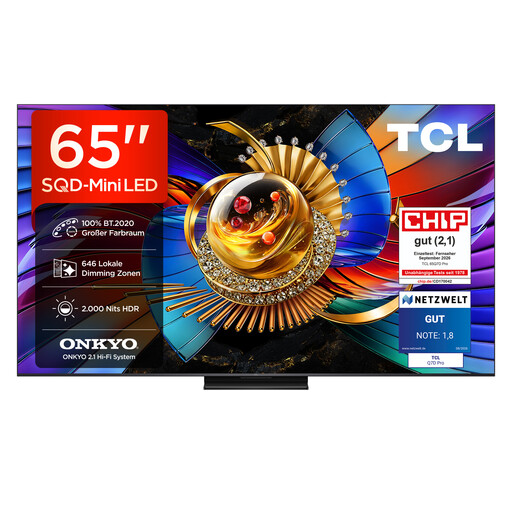
TCL 65Q7D PRO, 65-inch 4K SQD Mini LED TV

TCL 65Q7D PRO, 65-inch 4K SQD Mini LED TV

The 65-inch size may suit a room with limited space. Check how the picture looks from the side seats you plan to use.

Features listed in the product name: 4K, 646 local dimming zones, 2,000 nits HDR, anti-reflection and 144 Hz.

Joybuy

TCL 75T8D, 75-inch QLED TV with QD Mini LED

TCL 75T8D, 75-inch QLED TV with QD Mini LED

Make sure the 75-inch screen suits your available space and viewing distance. If you’ll be sitting at the sides, check the viewing angle on the specific model.

Features listed in the product name: 4K, HDR, 144 Hz VRR and FreeSync Premium. Dolby Vision, HDR10+, Dolby Atmos and Onkyo 2.1 sound are also listed.

Joybuy
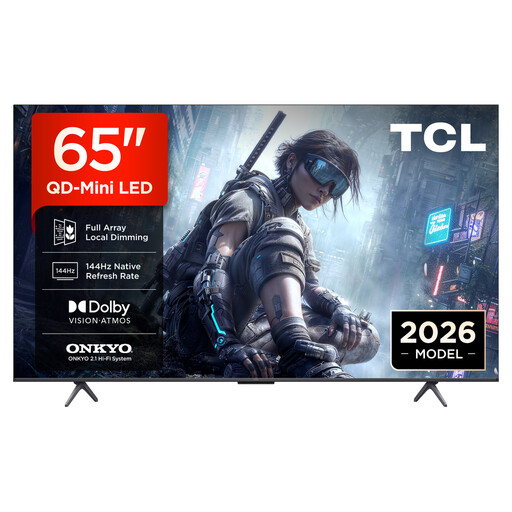
TCL 65T8D, 65-inch QLED TV with QD Mini LED

TCL 65T8D, 65-inch QLED TV with QD Mini LED

The 65-inch screen may be a good option if you have less space. Check how the picture looks from the side on the specific model before you decide.

Features listed in the product name: 4K, HDR, 144 Hz VRR and FreeSync Premium. Dolby Vision, HDR10+, Dolby Atmos and Onkyo 2.1 sound are also listed.

Joybuy
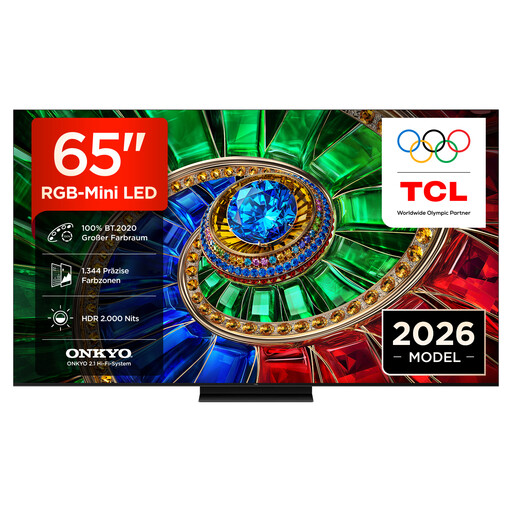
TCL 65RM7L, 65-inch RGB Mini LED TV

TCL 65RM7L, 65-inch RGB Mini LED TV

The 65-inch size may suit your space. Check the viewing angle and reflections from the seats you’ll actually use.

Features listed in the product name: 4K, 1,800 RGB colour zones, 2,000 nits peak brightness and 144 Hz VRR. HDR10+, Dolby Vision IQ, Dolby Atmos and 2.1 Onkyo sound are also listed.

Joybuy

Frequently asked questions

Will 144 Hz on a TV make basketball games smoother?

Not necessarily: the specific game, HDMI port and connected device settings must support the output you want. Sony explicitly lists these requirements for 4K/120 Hz on the PS5.

How should I plan the connections for several gaming devices?

Match each device to an HDMI port with the features it needs. On the Sony K-65XR8M2, Sony says VRR is supported on HDMI 3 and 4, while ALLM is listed for HDMI 1 to 4.

What should I bear in mind during long gaming sessions on an OLED TV?

When weighing up OLED against Mini LED, consider areas of the picture that stay unchanged for long periods. LG says its OLED TVs have automatic pixel cleaning, which runs when the TV is switched off but remains plugged in. How it works varies by webOS version.

How can I compare energy use and my rights after buying?

Compare the EU energy labels for the specific models, including their SDR and HDR figures. To estimate your own electricity costs, you’ll also need to know how long you use the TV and your electricity tariff. When you buy from a trader, you’re generally entitled to a legal guarantee of at least two years, as explained by the Council of the European Union. An additional manufacturer’s warranty doesn’t replace this.

Which labels and information matter for a TV in Germany?

TVs covered by EU rules must comply with energy labelling and ecodesign requirements. For the electrical and electronic products it oversees, the Bundesnetzagentur checks matters including CE marking, manufacturer information and instructions in German. Check the details for the specific product you’re considering.