A shared house with seats to the sides
If you play together, everyone should be able to see the on-screen game information, including those sitting at the sides. Assess the specific model from the seats you’ll actually use.


For group basketball games, your TV should fit the available space, with the picture clearly visible even from the furthest seat. If you often game on a console or PC, you’ll also want the right HDMI inputs and a Game Mode. If your game and connected device support it, look for 120Hz output or VRR too. OLED and Mini LED LCD TVs are both worth considering; your lighting, seating arrangement and longer gaming sessions with static on-screen elements will help you decide.
If you play together, everyone should be able to see the on-screen game information, including those sitting at the sides. Assess the specific model from the seats you’ll actually use.
If you often play in daylight, compare reflections and picture quality where you plan to put the TV, rather than relying on panel names or manufacturer claims alone.
If you want smooth output, check the game, connected device, HDMI input and TV together as one signal chain.
A good fit if: you’re happy with the picture quality from the side seats on the specific model you’re considering.
Things to weigh up: For long gaming sessions with the same HUD elements on screen, check the care guidance and warranty terms for the exact model variant.
A good fit if: daylight and reflections where you’ll set up the TV are important considerations.
Things to weigh up: Manufacturer claims about anti-reflection features or refresh rates are no substitute for comparing the picture from your own seat.
A good fit if: your game and connected device don’t output a higher frame rate, or you only play occasionally.
Things to weigh up: You may miss out on the right connections and features for future games and devices with 120Hz output.
| What matters | What to check when buying | Who it matters most to |
|---|---|---|
| Visibility from the side | Plan your seating arrangement and screen position; assess the picture from the furthest seat. | If we need to see on-screen information from different seats in the house, it’s important to check the picture in the actual game. Around 28% of consumers put readability from every seat first. |
| Gaming signal chain | Check that the game supports the features, and that 120Hz, VRR and Game Mode are available on the HDMI input you plan to use. | If we want smooth output that works with our set-up, the game and connected device need to support the TV’s features too. Around 22% of consumers prioritise the gaming signal chain. |
| Space in the communal room | Compare the available space and seating area with the dimensions of the specific screen size. | If furniture and seating limit the space, the screen needs to fit the room without compromising the seating arrangement. Around 22% of consumers put how well the TV fits the room first. |
| Daylight and reflections | Consider window positions and when you usually play; assess the picture in similar lighting if possible. | If we often play in daylight, the picture should remain clear in the lighting conditions we usually have. Around 17% of consumers prioritise daylight and reflections. |
| Energy use and long gaming sessions | Compare the energy label and specification sheet for the exact model variant; for OLED, check the care guidance and warranty. | If energy use and long gaming sessions matter to us, we should factor in energy information and how to manage static on-screen game elements. Around 11% of consumers focus on running costs and long-term use. |
The actual output also depends on the game, connected device, connection and settings.
Check the complete signal chain for the game you actually play.
Players may be sitting to the sides. Panel names alone won’t tell you how clear the picture will be from your furthest seat.
If possible, assess the specific model from the furthest seat to the side.
LG lists additional panel warranties for certain series. This doesn’t mean that every C5 variant has the same cover.
Check the warranty terms against the exact model number and country of sale. Make sure you distinguish voluntary warranty cover from your statutory rights against the retailer.
Energy use depends on the specific model and how you use it. The EU energy label and EPREL database provide model-specific information.
Compare the energy label and product information sheet for the exact screen size.
LG OLED C5 variants are worth considering for gaming together. For the OLED65C57LA, LG Germany lists gaming at up to 4K and 144Hz.
The QN90F is a Mini LED LCD option worth considering if reflections are a concern where you plan to set up the TV.
The 55C7K adds to the Mini LED LCD range, with a native refresh rate of 144Hz according to TCL.
The BRAVIA 8 II is an OLED option worth considering if you want to connect several gaming devices and plan which inputs to use.
The TV-55W95BEG is another Mini LED option worth considering, with Fire TV and Game Mode Extreme.
The Joybuy products below include OLED and Mini LED LCD options for gaming together. Compare screen size, connections and features with your seating arrangement and gaming device.
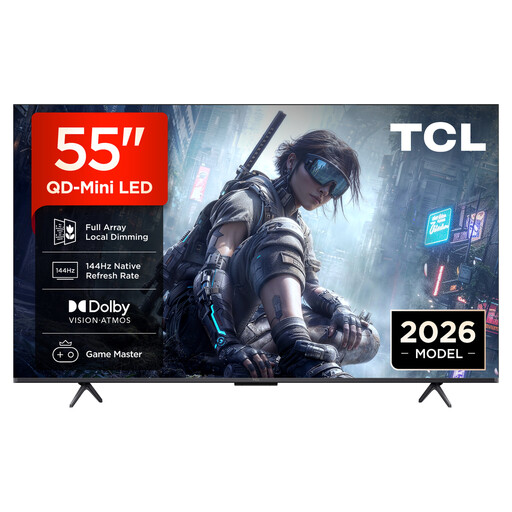 No image available
A 55-inch Mini LED option for gaming together, if the size suits your room and your gaming devices support the features you want.
The product name lists 4K, QD-Mini LED dimming, 144Hz VRR and FreeSync Premium.
 No image available
The larger screen may suit a group gaming session if the TV and seating arrangement fit the room; check the picture from the seats to the sides.
The product information lists 4K, 144Hz, VRR and ALLM. Joybuy also lists four HDMI 2.1 inputs and a horizontal and vertical viewing angle of 178°; this is no substitute for testing the picture in your own room.
 No image available
A 55-inch OLED option for gaming together, provided the picture looks good from the seats you plan to use. For long sessions with the same game information on screen, follow LG’s guidance on OLED care and burn-in.
The product information lists 144Hz, VRR, ALLM, G-SYNC and FreeSync. Joybuy lists four HDMI 2.1 inputs.
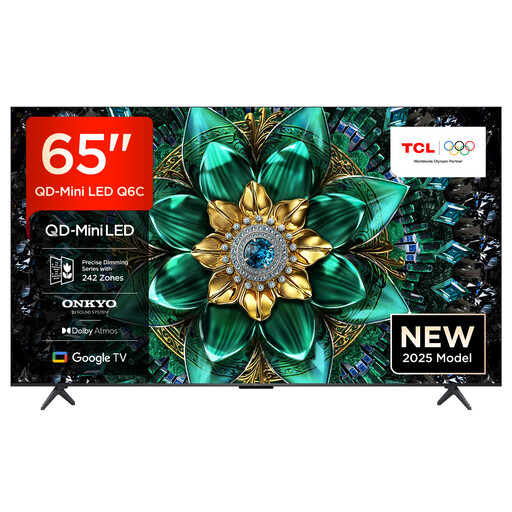 No image available
This larger Mini LED option is worth considering if the screen size suits your available space and viewing distance.
The product name lists 4K, 144Hz, Game Master and AMD FreeSync Premium Pro. Joybuy also lists VRR, ALLM and four HDMI 2.1 inputs.
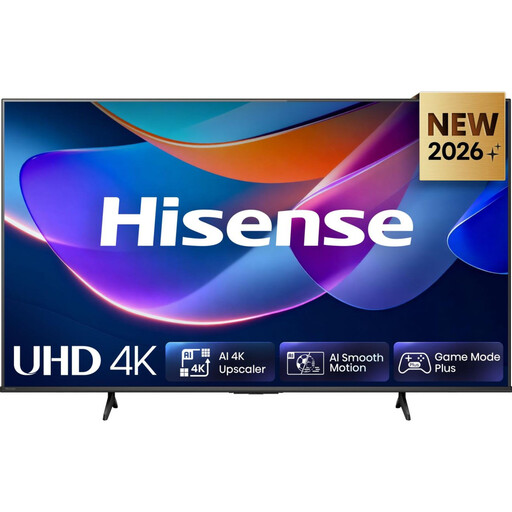 No image available
The 50-inch version may suit a smaller space if a higher refresh rate isn’t a priority.
The product name lists 4K. The product information lists Game Mode Plus and ALLM, as well as VRR up to 60Hz.
No, not just because of the refresh rate listed for the TV. The specific game and connected device must also support a higher frame rate. Sony explicitly notes that PS5 games need to support 120 frames per second for 120fps output.
With a PS5, you need a suitable TV, 120Hz output enabled, the right HDMI connection and a compatible game. Sony recommends checking these requirements and making sure you’re using the correct TV input.
Consider how long the same game elements stay on screen, and read the care and warranty guidance for the specific model. LG says burn-in cannot be completely ruled out, even with protective features and normal OLED use.
Compare the energy label and product information sheet for the exact TV variant; the European Commission also provides EPREL for this purpose. According to the Verbraucherzentrale, online purchases generally come with a 14-day right to cancel, which you must notify the retailer of. This right is separate from the retailer’s statutory liability for faulty goods.