Gaming in daylight
If you play in bright daylight, reflections can obscure what’s happening on screen. RTINGS notes that strong reflections can affect visibility.


For arena battles in a bright living room, assess reflection handling and screen brightness separately, and check the picture from the seats at the sides of the room too. A low-latency Game Mode and the right HDMI features also matter. Mini LED LCD could be a good choice for daylight viewing, while OLED may suit rooms with widely spaced seating. If you play for long periods with static on-screen elements, bear the risk of burn-in in mind with OLED.
If you play in bright daylight, reflections can obscure what’s happening on screen. RTINGS notes that strong reflections can affect visibility.
If you’re not all sitting directly in front of the screen, check whether the picture remains clear from the seats at the sides. RTINGS recommends considering a TV’s viewing angle when seating is spread out.
If quick reactions matter to you in fast-paced games, input lag in Game Mode is more relevant than the panel’s refresh rate alone. RTINGS explains that a low-input-lag mode may use less image processing.
Start by considering the light in the room, then check the view from your seats, and finally compare the gaming features with your console and games. A panel type alone won’t answer these questions.
| What matters | What to look for | Who it matters most to |
|---|---|---|
| Daylight visibility | Check reflection handling and screen brightness separately. A quoted peak brightness figure alone doesn’t guarantee good visibility when there are reflections. | If light from windows or lamps falls on the screen, I still want to see the action clearly. Around 33% of consumers put daylight visibility first. |
| In-game response | Compare input lag measurements in Game Mode at the resolution and refresh rate you use. Check VRR, ALLM and the HDMI input in use only in relation to your console and games. | In fast-paced battles, I want my inputs to appear on screen without unnecessary delay. Around 27% of consumers prioritise responsiveness in games. |
| Viewing with your gaming group | Check the picture from the seats at the sides and make sure the screen and stand will fit in the space you have in mind. | If we’re sitting in different places, I want the picture to remain clear away from the centre too. Around 27% of consumers consider a good view from several seats their top priority. |
| Upfront and ongoing costs | Compare energy information for suitable screen sizes, and check the space you have available, delivery options and, where applicable, whether you can have your old TV collected before ordering. | When weighing up the cost of buying a TV and its ongoing electricity use, I want to compare the details for the specific model. Around 13% of consumers put total costs first. |
Screen brightness and reflection handling are two separate things to check. Reflections can obscure what’s on screen, even when a high brightness level is advertised.
Check both separately, and take the windows and lamps in your intended room into account.
A TV’s refresh rate doesn’t tell you the frame rate of a particular game or its input lag. VRR and ALLM also need to be compatible with your source device and the input you’re using.
Look for measurements taken in Game Mode at your resolution, and check the features available on the HDMI port you plan to use.
When your gaming group is sitting to the sides, the picture may look different away from the centre.
Check the specific display from the seats at the sides too, rather than choosing by panel type alone.
Similar names can refer to different models. Don’t assume the specifications or regional version based on a similar-sounding name alone.
Check the full model number and the features that matter to you before relying on product information.
The GQ65QN90FATXZG is a Mini LED option to consider if handling reflections in daylight is high on your list.
The OLED65C5ELB is an OLED option for gaming groups watching from different angles.
The K-65XR70 may be worth considering if you plan to connect several HDMI devices.
The 65C7K adds another Mini LED option for comparing gaming refresh rates and the manufacturer’s brightness claims.
The 65U7Q is another Mini LED option with gaming features listed by the manufacturer.
The Joybuy models below are large-screen Mini LED TVs. Compare refresh rate, VRR, reflection claims and connections with your console and seating arrangement.
 No image available
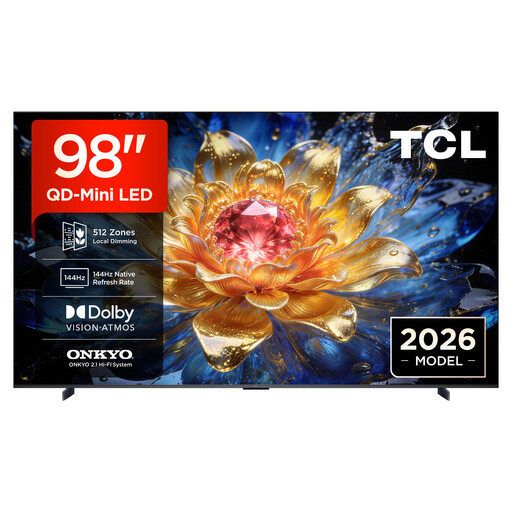
For a large-screen gaming set-up, compare the features listed in the product title with your console’s requirements.
The title lists 4K, 144 Hz VRR and FreeSync Premium Pro.
 No image available
If you’re considering a TV for a bright room and are looking at its reflection claims, check how it performs in the spot where you plan to put it.
The product title lists Anti-Reflection, 144 Hz and 1,152 local dimming zones. The reflection claim isn’t an independent measurement. For wall mounting, the product description recommends professional installation and at least two people to lift and install the TV.
 No image available
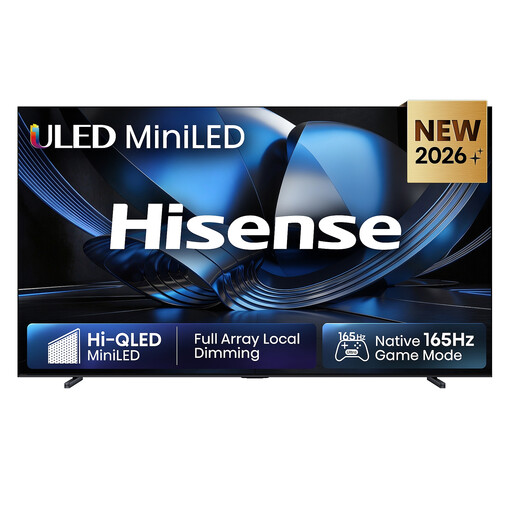
This model is worth considering if you’re looking for a large 4K display and want to check its gaming specifications against your source device.
The product title lists 165 Hz and VIDAA Smart OS.
 No image available
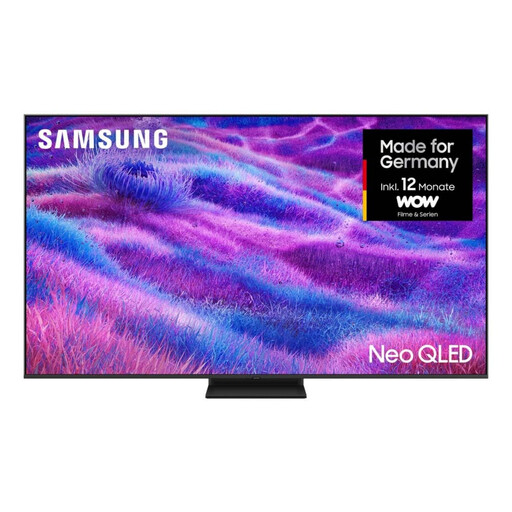
When comparing large-screen Mini LED models, check the dimensions and energy rating alongside your gaming requirements.
The product title lists 4K and energy efficiency class F.
 No image available
For arena games, compare the gaming features listed in the title with the output from your source device.
The product title lists 4K HDR, 144 Hz VRR and FreeSync Premium.
No. The TV’s refresh rate alone doesn’t tell you the frame rate of a particular game or its input lag. Check Game Mode at the resolution and refresh rate you use, along with the features supported by your source device.
It depends on the model. Sony lists VRR for HDMI 3 and 4 on the K-65XR70, even though the TV has four HDMI inputs. Check the port specifications for your chosen TV before setting it up.
Avoid leaving fixed menus or HUD elements on screen for unnecessarily long periods at high brightness, and follow the manufacturer’s care guidance. An RTINGS stress test shows a risk with extremely long periods of static use, but it can’t predict whether or when a particular TV will suffer burn-in during normal mixed use.
The EU energy label and product information sheet are a useful starting point for comparing models, and include HDR figures too. To work out a cost in pounds, you’ll also need your hours of use and electricity price, using the same basis for your calculation.
Your statutory rights against the seller are not the same as a voluntary manufacturer’s warranty. The Verbraucherzentrale outlines a general 14-day right to cancel online purchases, starting from the date the contract is made or the ordered goods are received. Check the specific terms and conditions.