Co-op sessions with seats spread far apart
If you’re sitting on a wide sofa or in staggered positions, clues should remain clear from the seats at either end. RTINGS highlights the importance of wide viewing angles for wider seating arrangements.


When several people sit at different angles to play puzzle games together, the picture quality from your actual seats should be the deciding factor. OLED is a natural starting point for comparison, but it’s no substitute for checking the specific model. Then consider room lighting, gaming mode and the connections you need for your console or PC. A high refresh rate alone tells you little about side-on viewing or input lag. RTINGS highlights wide viewing angles as important for wider seating arrangements.
If you’re sitting on a wide sofa or in staggered positions, clues should remain clear from the seats at either end. RTINGS highlights the importance of wide viewing angles for wider seating arrangements.
You need to consider the seats off to the sides as well as windows and lights. Check for reflections where you plan to put the TV, from the angles you’ll actually be watching it.
If you play more than puzzle games, make sure the gaming mode, input lag and supported frame rates suit the device you’ll actually use. RTINGS treats input lag as a separate gaming feature; check that the frame rates listed by the manufacturer are supported by your device.
First, check the picture from the seats at either end. Then consider your room lighting, gaming devices and how you’ll use the TV over time.
| Buying consideration | What to look for | Who is it most important to? |
|---|---|---|
| Keeping puzzle clues clear | Check the seats furthest from the centre and look for a viewing-angle test of the specific model. With LCD TVs, also consider that viewing angle and contrast may vary. | When we sit at an angle, I want to be able to make out clues clearly from the sides too. Around 36% of consumers put viewing angle first. |
| Reflections in a bright room | Consider the windows and lights where you plan to put the TV. Assess anti-reflective properties and viewing angle separately. | In daylight or with the lights on, I want to know how much glare I’ll see from my seat. Around 29% of consumers prioritise visibility in a bright room. |
| Gaming mode and connected devices | Check gaming mode, the HDMI inputs you need, and the resolution and frame rate your console or PC actually outputs. | If responsiveness matters to me when gaming, I want to be able to use the features with my own device. Around 21% of consumers put gaming compatibility at the top of their list. |
| Power consumption and long-term use | Compare the energy label and product data sheet for TVs of a similar screen size. If you’re considering OLED, also read the manufacturer’s guidance on displaying static images for long periods. | If I use my TV often, I want to factor in its energy use and care instructions. Around 14% of consumers prioritise running costs and long-term use. |
The backlighting technology and refresh rate alone don’t reliably tell you about the horizontal viewing angle of a specific TV. LCD panel types can also vary in this respect.
Look for a viewing-angle test of the exact model and, if possible, assess the picture from the seats at either end.
For the Sony K-65XR8M2, Sony lists VRR for HDMI 3 and 4, while ALLM is listed for HDMI 1 to 4. So the features available depend on the input.
Plan a suitable connection for each gaming device you own, and check which features are available on the input you’ll use.
Depending on your devices, you may need to plan your connections differently.
LG warns that image retention can occur if a static image is displayed for a long time.
Read the care instructions for the specific model and, where possible, avoid leaving unchanged screens on for long periods.
LG’s German specifications for its C5 OLED and QNED models offer examples for comparing gaming features and screen technologies for wider seating arrangements.
The BRAVIA 8 II K-65XR8M2 is an OLED model to consider, where the distribution of gaming features across HDMI inputs is also a factor.
According to its German product page, the 65OLED810/12 combines OLED and Ambilight with gaming features.
Samsung’s German S95F range offers another point of comparison for gaming features and screen finish.
This selection includes gaming TVs in a range of sizes. For co-op sessions with seats at different angles, check how each model looks from your own seating positions.
 No image available
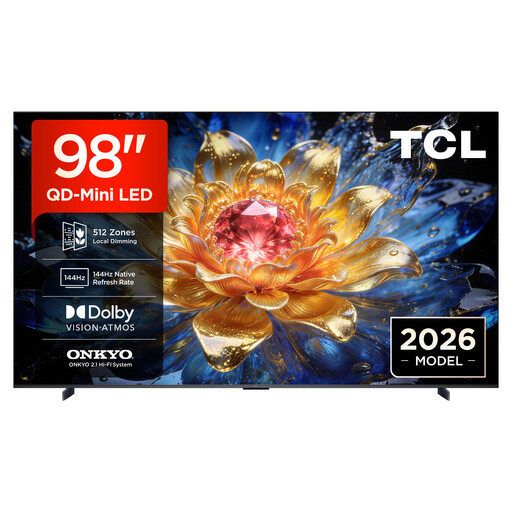
If you’re planning a very large screen for a wide co-op group, check that you have enough room and space for the TV before buying.
The product name lists a 98-inch screen, 4K HDR, 144 Hz VRR and FreeSync Premium Pro. The manual says that at least two people are needed to carry and install it.
 No image available
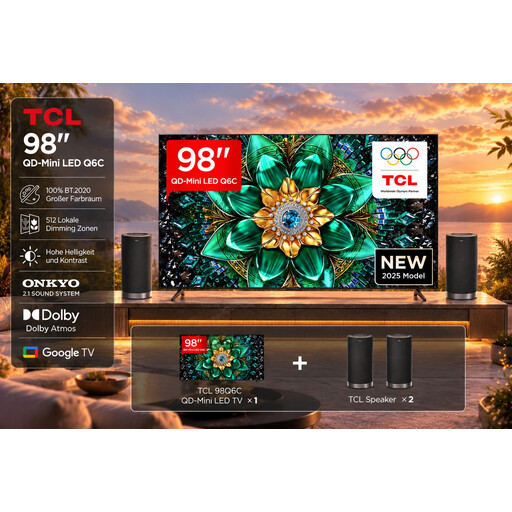
The 98-inch version may suit you if you’re planning a large shared gaming screen and have enough room for the TV and viewing distance.
The product name lists 4K HDR, 144Hz Motion Clarity Pro, VRR, FreeSync Premium Pro and HDMI 2.1. The product name also states that a Z100 Speaker Set is included.
 No image available
The 85-inch version is worth considering if you’re looking for a large screen for gaming together.
The product name lists 4K, Mini LED and energy class F. Check the viewing angle and the connections you need on the specific model before planning your set-up.
 No image available
This size could work well for gaming together if it suits your viewing distance and room layout. Check side-on viewing separately.
The product name lists QD-Mini-LED Dimming, 144 Hz VRR and FreeSync Premium. Check that these specifications match the signal from your device.
 No image available
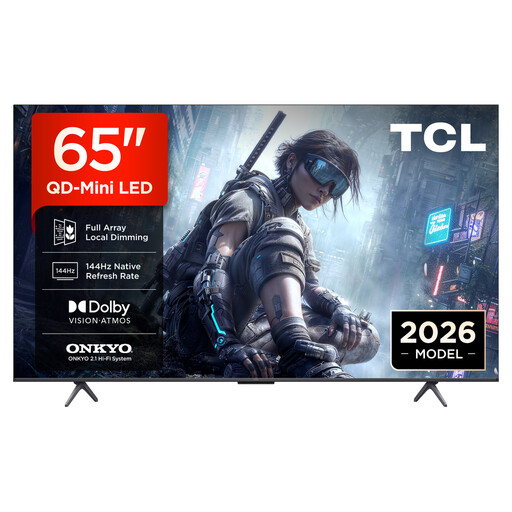
The 65-inch version is an option if this screen size suits your room and the seating positions of your gaming group.
The product name lists QD-Mini-LED Dimming, 144 Hz VRR and FreeSync Premium. Check how the picture looks from seats that aren’t directly in front of the screen.
No. Refresh rate alone isn’t enough to help you choose. First, check the picture from the seats at the sides and look at the gaming mode. A high refresh rate also requires a compatible signal. RTINGS treats input lag and viewing angle as separate features.
Check which features are available on each HDMI input, rather than looking only at the total number of ports. For the Sony K-65XR8M2, Sony lists VRR on HDMI 3 and 4, and ALLM on HDMI 1 to 4.
Where possible, avoid leaving unchanged screens on for long periods and follow the care instructions for your specific TV. LG describes a risk of image retention when static images are displayed for a long time; according to LG, pixel cleaning runs while the TV is switched off but still plugged in. This isn’t a general guarantee against damage.
Compare the EU energy label and product data sheet for the specific screen size. The European Commission also provides information on HDR efficiency for electronic displays. To estimate your own electricity costs, you’ll also need to consider how long you use the TV and your electricity tariff.
For distance sales, you generally have a 14-day right to cancel from the day your goods are delivered. Goods sold by a trader also come with a minimum two-year statutory guarantee of conformity, which is different from a voluntary guarantee. The EU’s information on returns and legal guarantees explains these rights; check your contract for any return postage costs too.