What should you look for when buying?
OLED TV
A good fit if: several people will be sitting to the side and you prioritise deep blacks and fast picture response; compare the viewing angle of the specific model.
Consider: Image retention can occur if game elements remain on screen for a long time. LG says its protection features do not eliminate this risk.
LCD or Mini LED TV
A good fit if: a particular large-screen or brightness-focused model suits your room and looks good from the seats you plan to use.
Consider: An advertised refresh rate such as 144 Hz doesn’t, by itself, guarantee low input lag or a good viewing angle from the side. Check both on the specific model.
Four questions can help you decide: how good is the picture from every seat, which features does your console support, will the TV fit in your room, and how can you estimate the ongoing costs?
| Priority |
What to check when buying |
Who it matters to |
| Picture quality from every seat |
Check the horizontal viewing angle and reflections under your room’s lighting conditions on the specific model. RTINGS recommends considering viewing angles when seats are spread across a wider area. |
If several players are sitting to the side, I want to be able to see the game clearly from there too. Shoppers who prioritise viewing angle account for around 33 % here. |
| Responsive gaming |
Check input lag in game mode, along with the supported refresh rate and gaming features on the HDMI input you plan to use. The gaming source must also support ALLM and VRR. |
For fast jumps and precise controls, I want to make sure my console, game and TV work well together. Shoppers whose main priorities are gaming responsiveness and console connectivity account for around 27 % here. |
| Size and set-up |
Check viewing distances, available space, the stand and access routes before ordering. The Verbraucherzentrale also considers resolution, lighting and viewing angles when choosing a size. |
In a shared flat with limited space, I want the screen and stand to suit the room and viewing distance. Shoppers who consider size and set-up first account for around 20 % here. |
| Running and additional costs |
Compare the SDR and HDR figures on the EU energy label or in the EPREL entry, and check in advance whether you need delivery or connection services. |
If we share ongoing expenses, I want to be able to estimate power consumption and any delivery or connection services we need. Shoppers whose main priority is sharing running and additional costs account for around 20 % here. |
Joybuy products for couch co-op and shared flats
This selection includes LCD and Mini LED TVs, as well as an OLED model, in a range of screen sizes. Compare the gaming specifications with your console and check in advance that the TV, including its stand, will fit in your room.
 No image available
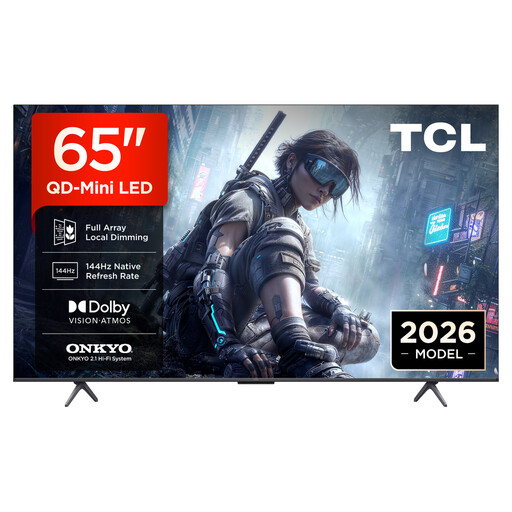
TCL 65T8D, 65-inch, QD Mini LED
An option for shared seating if you check that the listed gaming features work with your console and the input you plan to use.
4K HDR; 144 Hz; VRR; FreeSync Premium.
View at Joybuy
 No image available
Hisense 55E8S, 55-inch, HomeOS U9, Black
The 55-inch version is one size option for a shared room; check the viewing distances and available space against your room.
4K UHD; QLED Mini LED; 144 Hz.
View at Joybuy
 No image available
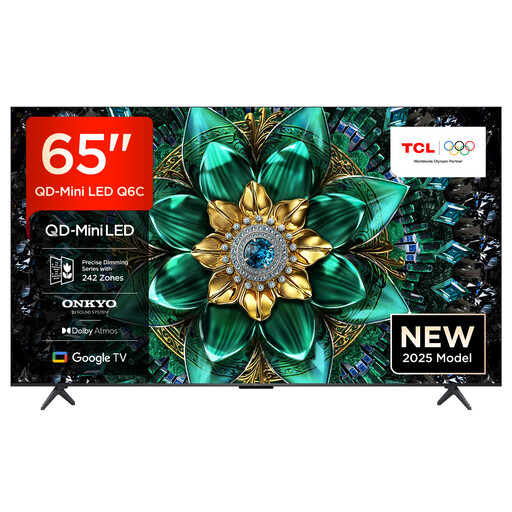
TCL 65Q6C, 65-inch, QLED Mini LED
If several people will be playing, check that the connection features work with your devices and assess the viewing angle from the seats you plan to use.
4K HDR; 144 Hz; VRR; HDMI 2.1.
View at Joybuy
 No image available
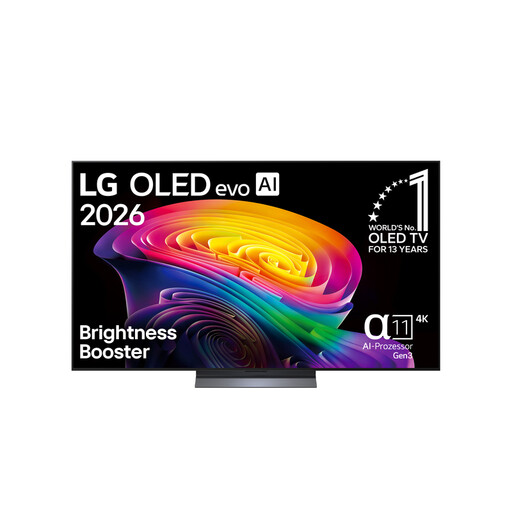
LG OLED65C67LA, 65-inch, OLED evo
An OLED option if side seating is an important consideration; compare the viewing angle of the specific model and follow the care advice.
4K; 120 Hz. LG notes that static images displayed for a long time can contribute to image retention.
View at Joybuy
 No image available
TCL 75Q7C, 75-inch, QLED Mini LED
The 75-inch version may be suitable if its screen size and footprint work in your shared room; measure the space and access route before buying.
4K HDR; 144 Hz; VRR; HDMI 2.1.
View at Joybuy
Frequently asked questions
Do couch co-op platform games need a 165 Hz TV?
Not necessarily. What matters is the frame rate the game and console actually output, and which input on the TV supports it. Nintendo states that the Switch 2 supports a maximum of 60 fps at 4K output; figures of up to 120 fps don’t mean 4K at 120 fps.
How do I set up the TV for my console?
Connect the console to an HDMI input that supports the features you need, and switch on game mode if required. If both devices support ALLM, they can automatically switch to a low-latency mode; check the features available on the specific input.
What should I bear in mind during longer breaks from playing on an OLED TV?
Avoid leaving static game displays on screen for longer than necessary, and follow the manufacturer’s care advice. LG describes protection features against image retention, while also noting that retention can occur when static images are displayed for a long time.
How can I estimate electricity costs before buying?
Compare the separate SDR and HDR figures on the EU energy label or in the associated EPREL entry. To work out your own costs, you’ll also need your usage time and electricity price; the energy efficiency class alone can’t tell you how much you’ll pay.
What are my rights when buying a TV online in Germany?
For online consumer purchases, you generally have a 14-day right to cancel from the date you receive the goods; you must notify the other party to the contract that you wish to cancel. The Verbraucherzentrale also distinguishes statutory rights for faulty goods from a voluntary guarantee.


