Co-op players in dark rooms
If you mostly play in the evenings, you’ll want dark levels to remain clear and bright characters against a black background not to be surrounded by distracting halos.


For dark gaming scenes and several seats on the sofa, OLED is a natural place to start: it doesn’t rely on LED dimming zones and can display black without the transitions associated with them. Mini-LED is an alternative if you’d rather avoid OLED or are considering a larger TV; if so, pay particular attention to blooming and viewing angles on the specific model. The size and gaming features should also suit your viewing distance, console and games.
If you mostly play in the evenings, you’ll want dark levels to remain clear and bright characters against a black background not to be surrounded by distracting halos.
If several people are sitting to the sides of the screen, viewing angles and a screen size that suits the distance from the sofa are important.
If you only want to use gaming features when your console and game support them, check their output before buying a TV.
For evenings spent gaming together in a dark room, first compare picture performance with your seating positions. Then choose a suitable size and check which gaming features your console actually uses.
| Buying priority | What to look for | Who is it important to? |
|---|---|---|
| Black levels and dark scenes | Compare black areas and bright objects against a dark background; with Mini-LED, also check how local dimming performs in game mode. | If you play in a dark room, you’ll want dark levels to remain clear without bright characters being surrounded by distracting halos. Around 33% of consumers are likely to prioritise this picture performance. |
| Picture quality from different seats | Check the viewing angle and compare the viewing distance with the screen width. | If your fellow players are sitting to the sides on the sofa, the picture should still be enjoyable away from the centre. Around 25% of consumers would put viewing from several seats first. |
| Console-compatible features | Check that the refresh rate and VRR support match your console, game and HDMI input. | If you need precise control for jumps, you’ll want a responsive setup and shouldn’t pay for features your games won’t use. Around 25% of consumers are likely to focus primarily on these console features. |
| Size and running costs | Measure the viewing distance and available space; compare the energy information for the specific model in SDR and HDR. | If your TV needs to fit into a fixed living space and you want to keep running costs predictable, dimensions and energy consumption matter equally. Around 17% of consumers would consider these factors first. |
The refresh rate you actually get also depends on your console, output format and game. Nintendo states that the Switch 2 supports up to 60 fps when outputting in 4K.
First check the output supported by your games, then compare input lag and suitable connections.
Local dimming can create visible halos around bright elements in dark scenes; performance depends on how it’s implemented in the specific model.
Look for an assessment of the exact TV, ideally one that covers dark scenes in game mode too.
A very large picture can feel uncomfortable at close viewing distances, while a screen that’s too small can make it harder to spot details in a game.
Measure your viewing distance and available space before choosing a screen size.
The OLED C6 range combines OLED with gaming features. For the OLED55C68LA, LG lists 4K and a refresh rate of up to 165 Hz.
The QD-Mini-LED C7K range is an LCD alternative available in several sizes. TCL lists a native refresh rate of 144 Hz for the 75C7K model.
According to Philips, the 55OLED811/12 OLED model combines Ambilight with gaming specifications of up to 165 Hz.
Samsung lists the German 55-inch OLED model GQ55S95HFTXZG as a gaming option; the manufacturer’s website mentions anti-reflection technology and gaming features.
For the TV-55Z95BEG OLED model, Panasonic lists a 144 Hz display and Game Mode Extreme.
This selection includes OLED and Mini-LED TVs with stated screen sizes and gaming features for gaming together.
 No image available
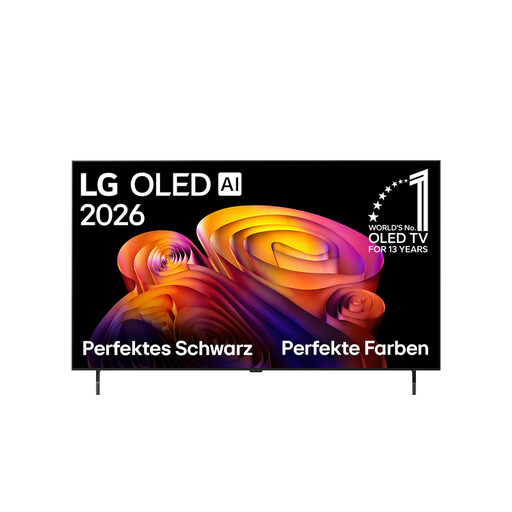
A compact OLED option for sofa viewing distances where a 48-inch screen could work; consider the risk of OLED burn-in if static game elements remain visible for long periods.
4K; 144 Hz VRR; Dolby Vision and Dolby Atmos.
 No image available
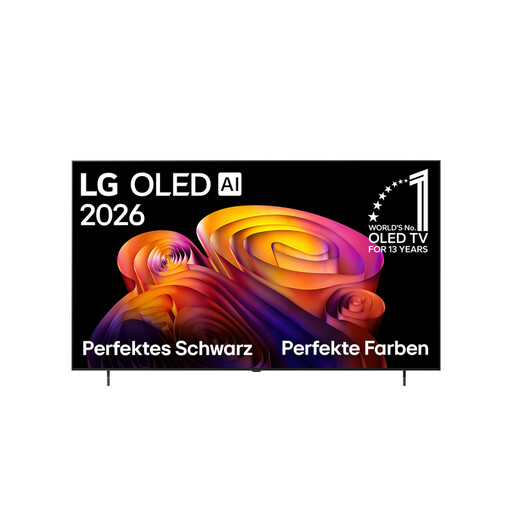
This large OLED option could work well for several seats if your viewing distance and available space are suitable; consider the risk of OLED burn-in if static game elements remain visible for long periods.
4K; 120 Hz native; VRR up to 144 Hz; four HDMI 2.1 inputs; Dolby Vision and Dolby Atmos.
 No image available
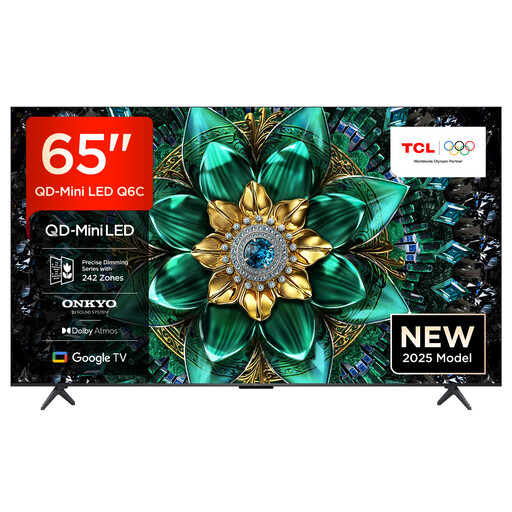
A 65-inch Mini-LED option for gaming together; check how local dimming displays bright characters against a dark background, as visible halos may appear.
4K QD-Mini-LED; 144 Hz; VRR; ALLM; four HDMI 2.1 ports; AMD FreeSync Premium Pro.
 No image available
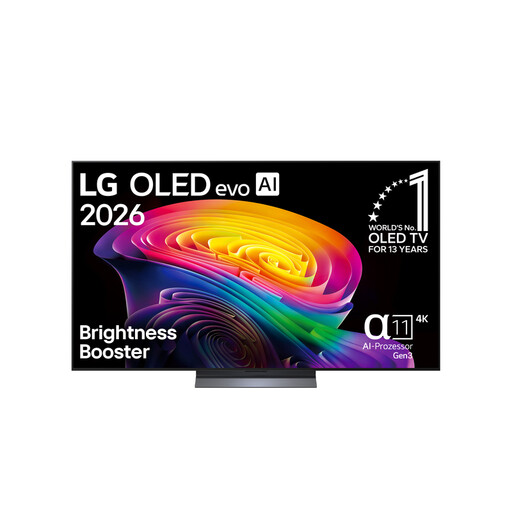
This 65-inch OLED option could suit several seats on the sofa, provided the viewing distance works for the screen size; if you play for long sessions with static on-screen displays, consider the risk of OLED burn-in.
4K; 120 Hz native; up to 165 Hz; VRR; G-Sync and FreeSync; Dolby Vision and Dolby Atmos.
 No image available
The 55-inch OLED size is a specific option for evenings on the sofa; compare it with your viewing distance and available space, and consider the risk of OLED burn-in from static game elements that remain visible for long periods.
4K; up to 165 Hz; VRR; G-Sync and FreeSync; ALLM; Dolby Vision and Dolby Atmos.
No, not just for Nintendo Switch 2’s 4K output: Nintendo lists a maximum of 60 fps. Whether a higher frame rate is possible depends on the output format, TV and game.
Nintendo says to connect the dock, power adaptor and HDMI cable, place the console in the dock and select the correct HDMI input on your TV. For a different console, follow its connection instructions.
LG explains that pixel cleaning can run while the screen is off. If the process is interrupted, the manufacturer recommends leaving the TV plugged in on standby so it can complete the process.
The European Commission describes an energy label for electronic displays, including TVs, with a scale from A to G. Compare the information for the specific EU model and check the figures for SDR and HDR content.
No. Picture performance depends on the local dimming of the specific model; bright objects against a dark background may be surrounded by visible halos. Look for assessments of its dimming with dark scenes, ideally in game mode too.