Hosts with guests spread across the room
If guests are sitting on the sofa and in chairs to the sides, everyone should be able to make out the quiz on screen, including those at the edges.


When choosing a TV for a big quiz night, start with the furthest seats, viewing distance and room lighting – a high refresh rate alone won’t make quiz questions easier to read. OLED is worth considering for wide seating arrangements, while suitability varies between LCD models. So compare the view from the side, screen reflections and the connection to your gaming device.
If guests are sitting on the sofa and in chairs to the sides, everyone should be able to make out the quiz on screen, including those at the edges.
Questions and answer options should still be readable from the back of the room. Choose your screen size based on the actual viewing distance.
With the lights on or windows opposite the screen, reflections can make quiz questions harder to see.
RTINGS.com highlights viewing angle as an important consideration for wide seating arrangements. Assess viewing distance and reflections separately.
A good fit if: Guests will be sitting well to the sides and the picture needs to remain clear from several positions.
Consider: If the same static quiz screens are displayed repeatedly for very long periods, bear in mind the risk of permanent image retention.
A good fit if: A wide seating arrangement is a priority and the specific model is confirmed to have a suitable IPS panel.
Consider: IPS typically offers wider viewing angles than VA, but lower contrast.
A good fit if: Most guests will be sitting in front of the TV, and contrast or suitability for a bright room matters to you.
Consider: Mini LED and advertised brightness or refresh-rate figures don’t prove that quiz text will be easy to read from the sides.
| Consideration | What to check when buying | Who is it important to? |
|---|---|---|
| Viewing from the sides | Check the viewing angle of the specific model from the furthest seats to the sides. | If guests are sitting to the sides, I want them to be able to make out the picture from those seats too. Around 36% of consumers are likely to prioritise this consideration. |
| Readability at a distance | Consider the distance to the furthest seat alongside the size of the text in the quiz questions. | People sitting further from the screen should still be able to read the questions and answers. Around 29% of consumers are likely to see readability at a distance as their top priority. |
| Visibility in room lighting | Consider windows, lights and direct reflections at the planned TV location. | In daylight or with the lights on, I want to avoid reflections obscuring the quiz text. Around 21% of consumers are likely to prioritise visibility in room lighting. |
| Gaming device and responsiveness | Check the required inputs and input lag in the appropriate Game Mode for the signal you’ll be using. | If I want to connect a particular console or PC, the device and TV need to be compatible with the intended signal. Around 14% of consumers are likely to prioritise connections and responsiveness. |
A bigger screen can help people sitting further away, but it won’t automatically solve the problem for guests seated to the sides.
Check viewing distance and the view from the sides separately, and assess the picture from the seats at the edges of your actual seating arrangement.
Refresh-rate figures don’t show whether questions will be clear in room lighting or from seats to the side.
Start by considering the seating arrangement, reflections and the signal from your gaming device. Then decide how much the refresh rate matters, based on whether your device and game can actually use it.
An occasional quiz night is not the same as displaying the same static elements repeatedly for exceptionally long periods. Stress tests involving extreme static use can’t be applied across the board to every games night.
Before assessing the risk, consider how long and how often unchanged quiz screens will be displayed.
A high refresh rate isn’t a blanket requirement for a quiz. What matters is the signal and the requirements of the gaming device you’re actually using.
First, check the inputs you need and the appropriate Game Mode. Input lag may also matter for time-sensitive controls.
OLED models are an option for seating spread across a wide area; the OLED65C6ELB is a documented 65-inch example on the German market.
Another OLED range to compare: Samsung’s German website lists the 65-inch S90H under the model number GQ65S90HAEXZG.
A Mini LED LCD alternative; the German product page specifies a CrystGlow HVA panel for the 65C7K.
Another Mini LED LCD alternative; the German product page describes the 65U7Q PRO as a 65-inch 4K model.
This selection includes TVs with gaming features, a range of screen sizes, and OLED and Mini LED options to assess according to your viewing distance and seating arrangement.
 No image available
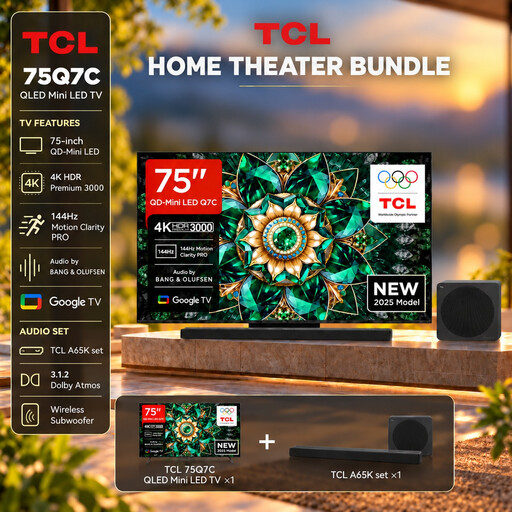
Use the 75-inch screen size alongside your actual viewing distance to assess how well it will work for quiz players sitting further away.
QLED Mini LED, 4K HDR Premium, 144 Hz VRR and HDMI 2.1 are listed in the product title.
Check whether your gaming device and the signal you want to use support the gaming features listed.
 No image available
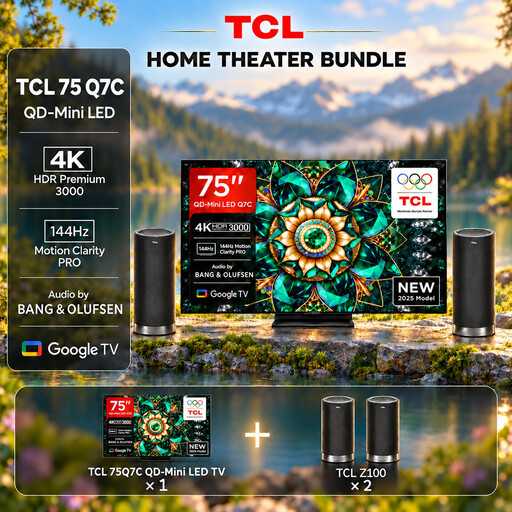
The 75-inch screen size gives you a starting point for assessing the distance to the furthest seats.
QLED Mini LED, 4K HDR Premium, 144 Hz VRR and HDMI 2.1 are listed in the product title.
Check that the signal from your gaming device is compatible with the gaming features you want to use.
 No image available
Assess the 42-inch screen size based on viewing distance and how easy the quiz questions are to read.
OLED, 4K, 165 Hz VRR and Dolby Vision are listed in the product title.
If the same static quiz screens are displayed repeatedly for exceptionally long periods, bear in mind the risk of permanent image retention.
 No image available
Compare the 55-inch screen size with the distance of your guests and the size of the quiz text.
4K, 165 Hz gaming, Dolby Vision and Dolby Atmos are listed in the product title.
If the same static quiz screens are displayed repeatedly for exceptionally long periods, bear in mind the risk of permanent image retention.
 No image available
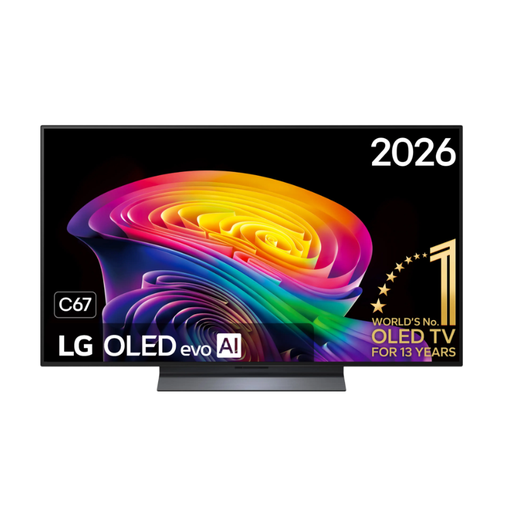
Consider the 48-inch screen size in relation to your actual viewing distance and how easy the quiz is to read.
4K, 144 Hz, Dolby Vision and HDR10 Pro are listed in the product title.
If the same static quiz screens are displayed repeatedly for exceptionally long periods, bear in mind the risk of permanent image retention.
No, not just for a quiz. First, check the signal your gaming device outputs and the requirements of the game. Input lag in the appropriate Game Mode also matters for time-sensitive controls; RTINGS.com explains how Game Mode relates to lower input lag.
Plan where to put it based on the seats to the sides and furthest away. Check a quiz question from those positions, and look out for windows or lights reflected directly in the screen. RTINGS.com treats viewing angle, viewing distance and direct reflections as separate considerations.
If the same static elements are displayed repeatedly for exceptionally long periods, bear in mind the risk of permanent image retention. The stress tests described by RTINGS.com involve extreme static use and don’t quantify the risk for a typical family quiz night.
Compare the EU energy label for each model, which shows consumption in kWh per 1,000 hours of use. To estimate the cost, you’ll also need to know how many hours you expect to use the TV and your electricity price. The European Commission explains the energy consumption information on the label.
Compare the inputs you need and the signal format of your console or PC with the specifications of the specific TV. High refresh rates and VRR are only relevant if your gaming device and game support them; for time-sensitive controls, you can also consider input lag in the appropriate Game Mode.