What should you look for when buying?
The Verbraucherzentrale recommends considering resolution, lighting conditions and viewing angles where the TV will be set up, as well as screen size.
| What matters |
What to look for when buying |
Who is this most important for? |
| Readable questions from a distance |
Measure the viewing distance and check the quiz questions and answer options from the furthest seat. |
If I want to read from the back of the sofa too, the screen size and the text on the quiz screen need to work together; around 36% of consumers put readability first. |
| Viewing from the seating area |
Check the text and answer markers from the outer seats and in your usual lighting. |
If players sit to the side or daylight falls on the screen, I want everyone to be able to see the questions from their seat; around 29% of consumers put group viewing first. |
| Gaming mode and connections |
Check the gaming mode and the inputs you need; only consider 4K/120 Hz or VRR if your source device and connection support them. |
If we play other console games as well as quizzes, the inputs and features those games need are key; around 21% of consumers prioritise versatile console gaming. |
| Energy use and screen care |
Compare the EU energy label for the specific model and, for OLED TVs, read the guidance on content displayed for long periods. |
If I want to consider electricity use and quiz screens that stay visible for a long time, I check the energy information and screen-care guidance together; around 14% of consumers put these points first. |
Joybuy TVs for quizzes and console gaming
This selection includes 55- to 75-inch LCD and Mini LED TVs. The right size for family quizzes depends on your viewing distance and how easy it is to read the actual quiz screen.
 No image available
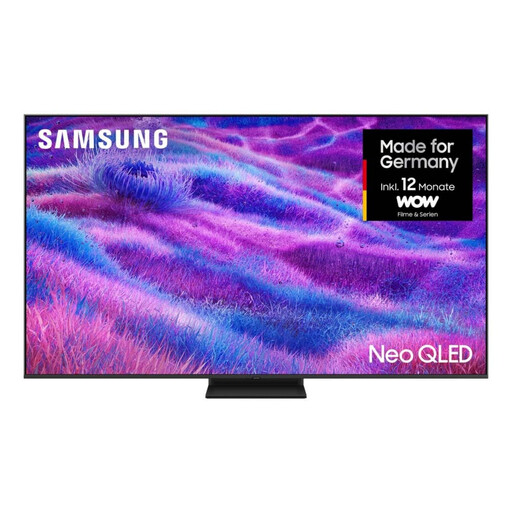
Samsung Neo QLED 4K QN80F, 75-inch
This 75-inch model may suit quiz questions viewed from further away; still, check the text from the furthest seat you use regularly.
Mini LED; 4K; energy efficiency class F.
View at Joybuy
 No image available
TCL 75Q7D PRO, 75-inch
At 75 inches, this model is an option for greater viewing distances; check that the quiz text is easy to read from the seat you plan to use.
4K; SQD Mini LED; 144 Hz; VRR.
These gaming features are not automatically an advantage for quiz games; check whether your source device and other games will use them.
View at Joybuy
 No image available
TCL 55Q7D PRO, 55-inch
The 55-inch version may be worth considering if it suits your room and viewing distance; test the quiz text from the furthest seat.
4K; SQD Mini LED; 144 Hz; VRR.
The refresh rate alone does not tell you whether quiz games will benefit from it.
View at Joybuy
 No image available
TCL 75T8D, 75-inch
This 75-inch model may be worth considering for a greater viewing distance; decide based on how easy the quiz text is to read from your seat, not just the screen size.
QLED with QD Mini LED dimming; 4K HDR Ultra HD; 144 Hz VRR; FreeSync Premium.
Extra gaming features only matter if your device and games support them.
View at Joybuy
 No image available
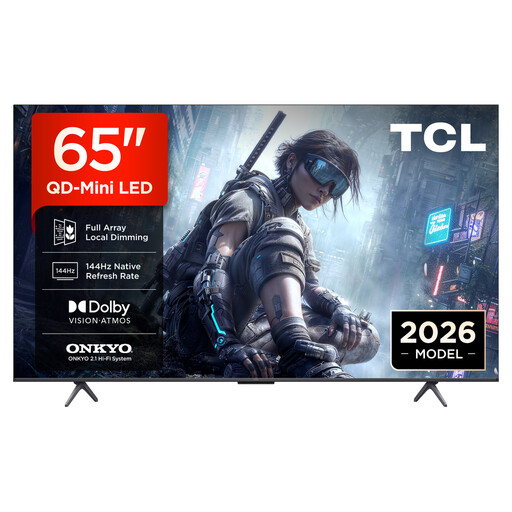
TCL 65T8D, 65-inch
The 65-inch version should suit your viewing distance; check whether you can read quiz questions from the furthest seat you use regularly.
QLED with QD Mini LED dimming; 4K; 144 Hz VRR; FreeSync Premium.
Neither the refresh rate nor VRR is automatically necessary for quizzes; make sure these features suit your other games and devices.
View at Joybuy
Frequently asked questions
Do you always need a 75-inch TV if you sit far away?
No. Measure the seats you use and check the actual quiz text from the furthest one. The Verbraucherzentrale also considers resolution, lighting and viewing angle when choosing a screen size; its viewing-distance table for HDTV and SDTV is not a definitive minimum-size guide for every 4K quiz.
Does a TV for family quizzes need 144 Hz or VRR?
Not for quizzes alone: a high panel refresh rate does not prove that it will benefit the game you’re playing. If you also play other games with compatible output modes, check the TV, source device and HDMI input together. Sony lists VRR for the K-75XR5 on HDMI 3 and 4 only.
What should I set up after connecting my console?
Check the gaming mode and signal format for the HDMI input you’re using. Sony’s guide explains that VRR can also be enabled when you have a compatible set-up; menu names vary by model.
How should I care for the screen after a gaming session?
LG recommends switching off the TV and first cleaning the screen with a dry microfibre cloth; avoid using cleaning products. If you have an OLED TV, follow the care guidance for your specific model when static images are displayed for long periods.
What should I check about a new TV’s energy use?
Compare the EU energy label for the specific model. The Verbraucherzentrale notes that larger TVs with more features generally use more electricity.


