What should you look for when choosing?
Start by prioritising in-game responsiveness, then consider visibility for the group, followed by the connections you need and the conditions at the venue.
| Priority |
What to check before buying |
Who it matters most to |
| Low input lag |
Input lag measurements for the relevant signal format and game mode; ALLM support on both the source and TV |
If I’m playing, I want my input to appear on screen quickly; around 33% of consumers put low input lag first. |
| Visibility for the group |
Screen size in relation to viewing distance and seating arrangement; viewing angles and reflections |
When I have lots of guests, I want them to be able to see characters and on-screen displays from seats at the side and further away; around 27% of consumers prioritise visibility for the group. |
| Flexible connections |
The features you need on each HDMI port, such as VRR and ALLM; the number of sources connected at the same time |
If I switch between gaming systems, the features I need must be available on the inputs in use; around 20% of consumers put suitable connections first. |
| Long events |
Information from the specific model about static images; energy label and suitable placement |
For longer gaming sessions, I want to consider energy consumption, placement and on-screen displays that stay visible for long periods; around 20% of consumers focus primarily on these usage conditions. |
Joybuy products for gaming tournaments
Here you’ll find OLED and Mini-LED TVs with gaming features for different tournament setups. Check input lag, viewing angles and the connections in use for the specific model and gaming systems you have.
 No image available
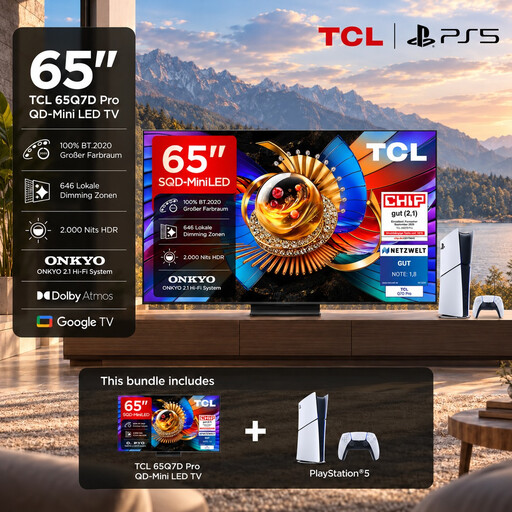
TCL 65Q7D PRO, 65-inch, 4K SQD-Mini-LED, 144 Hz, with PlayStation 5 Slim Digital Edition 825GB
Could be suitable for a tournament setup with a compatible 144 Hz source and several gaming systems.
The product title lists 4K, 144 Hz and a PlayStation 5 Slim Digital Edition 825GB bundle. The product description lists four HDMI inputs, Game Mode, VRR, AMD FreeSync Premium Pro and a wide viewing angle.
These features aren’t a substitute for an input lag test using the signal you’ll actually use.
View at Joybuy
 No image available
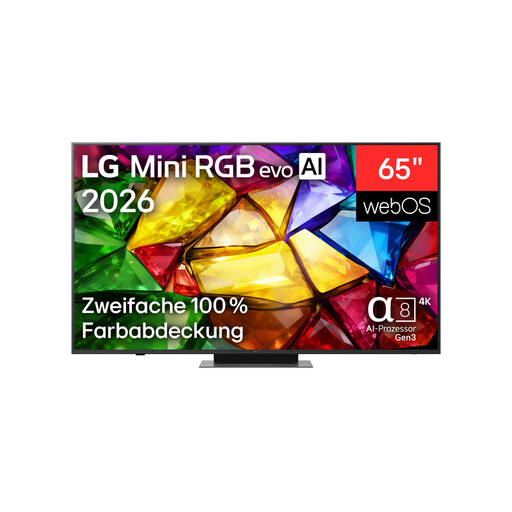
LG 65MRGB86B9A, 65-inch, Mini RGB evo 4K Smart TV
Worth considering for a group setup with people sitting in different positions; the product description says the picture remains stable from various viewing angles.
The specifications list a native refresh rate of 120 Hz and gaming support up to 165 Hz. AMD FreeSync, HGiG and Game Optimizer are also listed.
A refresh rate alone doesn’t prove a specific gaming input lag figure. For wall mounting, the product description recommends professional installation due to the TV’s size and weight.
View at Joybuy
 No image available
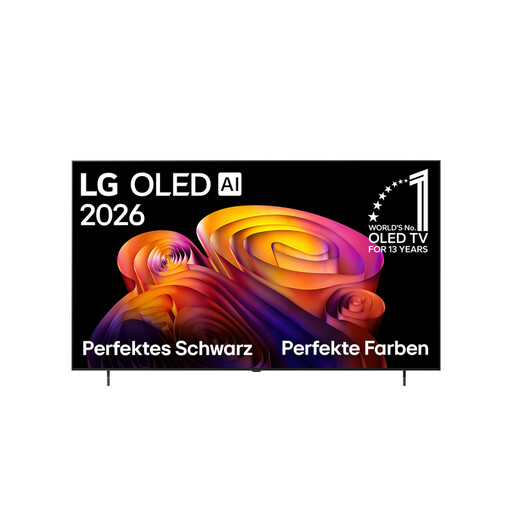
LG OLED77B68LA, 77-inch, 4K OLED evo AI B6
The 77-inch screen could suit a larger audience, provided it works for your room and seating arrangement.
The product specifications list a native 120 Hz panel with VRR up to 144 Hz, as well as four HDMI 2.1 inputs. VRR, ALLM and G-SYNC are also listed.
The product description recommends avoiding unnecessarily long periods with static images on screen and following the manufacturer’s OLED care guidance.
View at Joybuy
 No image available
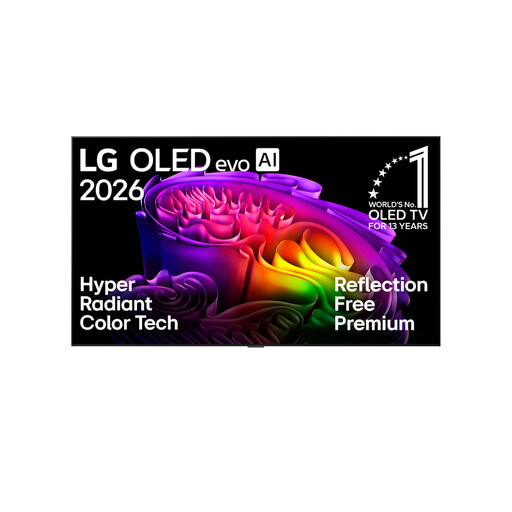
LG OLED83G67LW, 83-inch, 4K OLED evo AI Smart TV
The 83-inch screen offers plenty of viewing space, but check that it suits your room size and viewing distances before buying.
The product specifications list a native refresh rate of 120 Hz and support up to 165 Hz, as well as four HDMI 2.1 inputs. VRR and ALLM are also listed.
For wall mounting, the product description recommends professional installation. The gaming features alone don’t provide an independently measured input lag figure.
View at Joybuy
 No image available
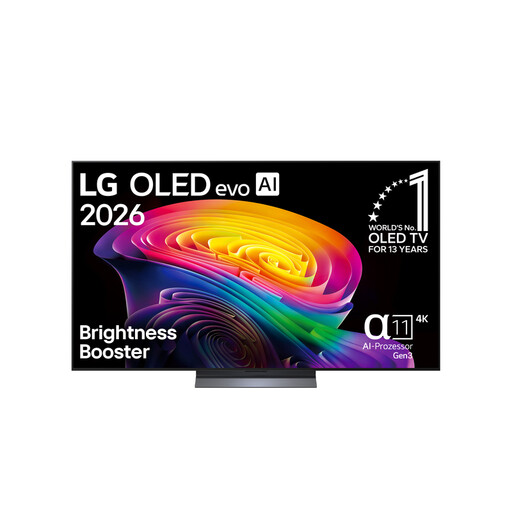
LG OLED65C67LA, 65-inch, OLED evo 4K TV
Could suit a 120 Hz gaming setup with a compatible console or PC.
The product title lists 120 Hz. The product description lists four HDMI 2.1 inputs, along with VRR, ALLM, G-SYNC and FreeSync, and describes consistent colour and contrast from different viewing angles.
This doesn’t provide an independently measured input lag figure. According to the product description, a wall mount is sold separately if you plan to wall-mount the TV.
View at Joybuy
Frequently asked questions
Is 144 Hz enough to prove that a TV is fast for fighting games?
No. A 144 Hz specification alone doesn’t tell you the actual input lag. Also check an input lag figure that states the signal format and confirms game mode was enabled. The figures published by CHIP are for 1080p at 60 Hz.
Will a connected gaming system switch game mode on automatically?
If both the source and TV support ALLM, the source can automatically request a low-latency mode. Check that both devices support it and review the picture settings when you set everything up.
What should I check before wall-mounting a TV?
Check the instructions and make sure you have a mount suitable for your exact model. Sony lists a VESA mounting pattern of 30.0 × 30.0 cm for the K-65XR5; this doesn’t automatically apply to other TVs.
What are my rights in Germany if my TV is faulty?
For consumer purchases, the seller is generally responsible for the statutory warranty. The Verbraucherzentrale states that this lasts for two years from delivery; a voluntary manufacturer’s or retailer’s guarantee is separate. For sales contracts from 31 July 2026, the Verbraucherzentrale describes additional information requirements and a possible extension of the time limit if you choose a repair.
Can I return a TV bought online, and what happens to my old one?
For online purchases, consumers generally have a 14-day right to cancel, which they must notify the retailer about. An old TV must not go in your household waste. The Umweltbundesamt explains that you can return a large old appliance free of charge when buying a similar new one, including for online purchases with delivery.


