For local football games in a bright living room, Mini LED LCD is a sensible starting point if you play during the day; RTINGS.com often describes Mini LED models as a good choice for bright rooms. An OLED with suitable reflection handling is another option if motion handling matters, but you should weigh up the risk of burn-in if your games often display static elements. Also check input lag in Game Mode and the signal chain from game to console to connection: a TV’s 120 Hz refresh rate does not guarantee that a game will run at 120 frames per second.
Which features are right for you?
Playing in daylight
If you often play during the day, the pitch and menus should remain easy to see even with light coming through the windows. Compare reflection handling and brightness separately; RTINGS.com notes that reflections are not affected by whether a screen has a matte or glossy finish alone.
Playing from a wide sofa
If several people will be playing or watching side by side, check the picture quality and viewing angles from the seats at either end as well. Take viewing distance and screen size into account when making your choice.
Responsive controls
If responsive controls matter to you, compare input lag in Game Mode and check whether the game, console and connection support the frame rate you want. RTINGS.com identifies low input lag as important for responsive gameplay.
Which buying criteria matter?
When playing local football matches in a bright living room, your choice will largely depend on how well the TV suits the lighting, seating and console you use.
| What matters |
What to look for when buying |
Who will find this most important? |
| Visibility in daylight |
Check the position of the windows, the specific model’s reflection handling and its brightness when displaying large bright areas. |
When I play during the day, I want to be able to see the pitch and menus despite the light from the windows. Around 36% of consumers put daylight visibility and reflection control first. |
| Picture quality from different seats |
Take the seats at either end and viewing distances into account; assess the specific model’s picture from the sides. |
When we sit on a wide sofa, I want to be able to follow the game from the seats at either end too. Around 29% of consumers prioritise visibility from different seats. |
| Controls and motion |
Compare input lag in Game Mode and check that the signal formats supported by the connection you use are compatible with your game and console. |
Responsive controls matter to me during fast moves. Around 21% of consumers put responsiveness and motion handling first. |
| Size and energy consumption |
Match the screen size to your viewing distance and available space; check the EU energy label for the exact model variant. |
I want to choose a screen size that suits my room and take running energy costs into account. Around 14% of consumers prioritise space and energy consumption. |
Which assumptions should you avoid?
-
Assuming peak brightness means the whole pitch will be easy to see
A bright HDR highlight does not tell you how bright a large area of the picture will look. Reflections from windows are another separate factor.
Compare specifications or measurements for large bright areas and reflection handling in lighting conditions similar to those in your living room.
-
Assuming Mini LED or OLED guarantees good visibility from every seat
Even models in the same panel category can differ. A wide sofa also means wider viewing angles.
Check the specific model from the seats at either end, and take viewing distance into account when choosing a screen size.
-
Confusing the advertised refresh rate with a game’s frame rate
A display’s maximum refresh rate does not automatically match the frame rate that a game and console can actually deliver.
Check the modes supported by the game, console and connection, and compare input lag in Game Mode.
-
Overlooking installation and energy consumption when planning
Installation may be a separate service; if you use the TV regularly, you should also consider the energy consumption of the specific model.
Check the product information sheet and EU energy label, and find out before ordering whether any installation service you want needs to be arranged separately.
TV brands to consider
TCL
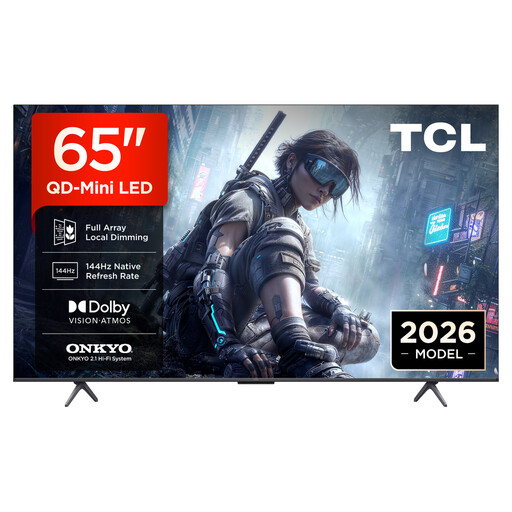
TCL Germany lists QD Mini LED, a CrystGlow WHVA panel and native 144 Hz for the 65C8K.
- These features give you specific points to compare if Mini LED LCD is on your shortlist for a bright room.
- The manufacturer’s specifications do not show how the picture will look in your room. A stated HDR peak brightness does not mean the whole pitch will stay bright; you should assess the seats at the sides separately.
LG
For the OLED65G66LS.AEU, LG Germany lists Reflection Free Premium, a stand and gaming output of up to 4K at 165 Hz.
- This model is an OLED option for buyers who also want to consider the reflection handling specified by the manufacturer.
- The manufacturer’s specifications do not guarantee a completely reflection-free picture or the frame rate of a particular game. Static game elements and the lighting in your room still need to be taken into account.
Samsung
Samsung Germany lists the S95H OLED variant under the model number GQ65S95HFTXZG.
- This specific model variant gives you a useful starting point if you are considering a 65-inch OLED.
- You’ll need to assess how well it suits your windows, lighting conditions and side seating in your particular room.
Sony
Sony Germany lists the BRAVIA 7 K75XR70PAEP as a Mini LED TV.
- This is another Mini LED option if its size suits your room and the space available.
- The manufacturer’s information about brightness is no substitute for comparing reflections and picture quality from the seats you actually use.
TV models at Joybuy
This selection includes Mini LED LCD models and an OLED model, so you can compare them for daylight viewing, seating distance and gaming requirements.
 No image available
TCL 98Q7D PRO 98-inch 4K SQD Mini LED TV
The 98-inch screen is worth considering if you have the viewing distance and space for a large-format TV.
Listed features include 1,152 local dimming zones, 2,000 nits HDR peak brightness, anti-reflection and 144 Hz. HDR peak brightness does not prove that the whole pitch will stay evenly bright.
View at Joybuy
 No image available
TCL 65T8D 65-inch QLED TV
The 65-inch screen is a specific size option to compare with your viewing distance and available space.
The product name lists QD Mini LED, 4K, 144 Hz, VRR and FreeSync Premium. These specifications alone do not tell you what frame rate a particular football game will output.
View at Joybuy
 No image available
Hisense 65E8S 65-inch 4K UHD Mini LED Smart TV
The 65-inch screen gives you a specific size to compare with your viewing distance and available space.
The product name lists 144 Hz and energy class E. Check the specifications for the exact model variant and compare how the picture looks in your room.
View at Joybuy
 No image available
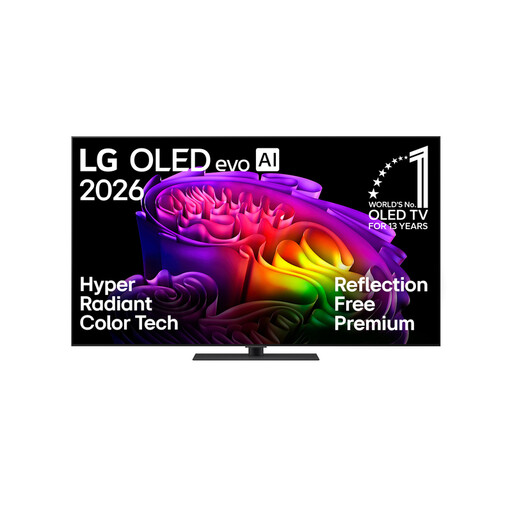
LG OLED65G66LS OLED evo AI G6 65-inch 4K Smart TV (2026)
This OLED model is worth considering if you want to compare an OLED option with gaming specifications and reflection handling described by the manufacturer.
The product name lists up to 165 Hz, VRR, G-SYNC and FreeSync. RTINGS.com notes that OLED screens can be at risk from permanently static image elements; bear this in mind if fixed game elements are often on screen.
View at Joybuy
 No image available
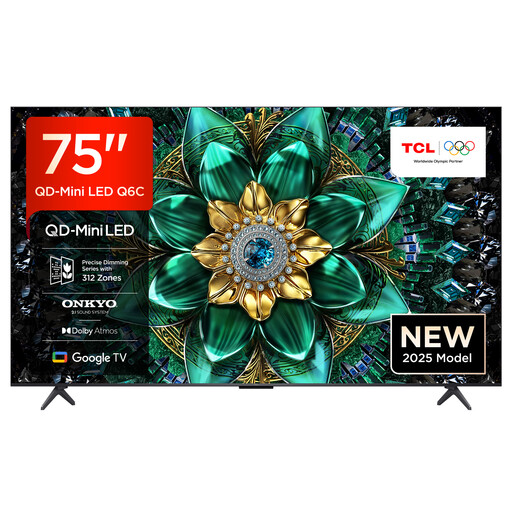
TCL 75Q6C 75-inch 4K QLED Mini LED TV
Compare the 75-inch screen with your viewing distance and available space; also check the picture from seats at the sides.
The product name lists 144 Hz, FreeSync Premium Pro and HDMI 2.1. These specifications are no substitute for checking that they match your game and console.
View at Joybuy
Frequently asked questions
Do I definitely need 120 Hz for local football games?
No, not just because of the genre. What matters is the frame rate supported by the specific game and console. A 120 Hz TV will not automatically make a game run at 120 frames per second; input lag in Game Mode is a separate factor to consider.
How do I check whether a TV will work well with a wide sofa?
Measure the viewing distances and assess the picture on the specific model from the seats at either end too. Screen size, viewing angles and lighting conditions all go together; the panel type alone will not tell you how good the picture will look from every seat.
What should I bear in mind when setting up a TV in a bright room?
First, check whether windows or lamps are reflected directly in the screen, and adjust the lighting or position if possible. Set the picture brightness to suit the actual lighting conditions, and check the game input in Game Mode. RTINGS.com notes that a matte finish alone does not guarantee good reflection handling.


