What should you look for when buying?
For local football matches in a dark room, your main buying priority matters most. Choose a TV based on the source device you actually use, your seating arrangement and how long you play—not just one advertised feature.
| Priority |
What to check when buying |
Who is this especially important to? |
| Response and frame rate |
Game Mode and ALLM; supported frame rate and VRR on the HDMI input you use |
If I rely on quick inputs in head-to-head matches, I check the game mode and the output from my console or PC. Around 29% of consumers prioritise responsiveness. |
| Contrast in a dark room |
Black levels and picture quality in Game Mode; performance of the specific model |
If I mainly play in a dark room in the evening, a high-contrast picture matters to me. Around 29% of consumers prioritise picture quality in a dark room. |
| Size and viewing positions |
Available space; how well the game can be seen from seats off to the sides |
If several players are watching the screen from different seats, I want to choose a size and position that suit the room. Around 24% of consumers prioritise shared viewing. |
| Static on-screen elements and running costs |
How often you have long sessions with the same on-screen elements; SDR and HDR consumption on the EU energy label |
If I often play the same game for a long time with the same on-screen elements, I take the risk of OLED burn-in into account and compare energy consumption. Around 18% of consumers prioritise long-term use. |
The HDMI Licensing Administrator describes ALLM as a feature that allows a compatible source device to switch the TV automatically to a low-latency mode. VRR also requires both the source device and the TV to support the feature over the connection you choose. For power consumption, the European Commission’s energy label gives separate figures for SDR and HDR.
Joybuy TVs for dark gaming rooms
These OLED TVs are a selection for local football matches in dark rooms. Compare each screen size and its gaming features with your room and source device. If you play long sessions with the same on-screen elements, remember to factor in the risk of OLED burn-in.
 No image available
LG OLED evo AI G6 OLED77G67LW, 77-inch
The 77-inch screen is an option for gaming with friends; check that it suits your room and viewing distances.
4K; gaming up to 165 Hz; VRR, ALLM, G-SYNC and FreeSync are listed for this model. A table-top stand isn’t included; the description specifies installation using the wall mount supplied.
View at Joybuy
 No image available
LG OLED77C67LA, 77-inch, 4K
The 77-inch screen could suit gaming with several people, provided you have enough space and the viewing distances work for your room.
120 Hz panel; VRR up to 165 Hz; FreeSync and G-SYNC are listed for this model. Energy efficiency class D.
View at Joybuy
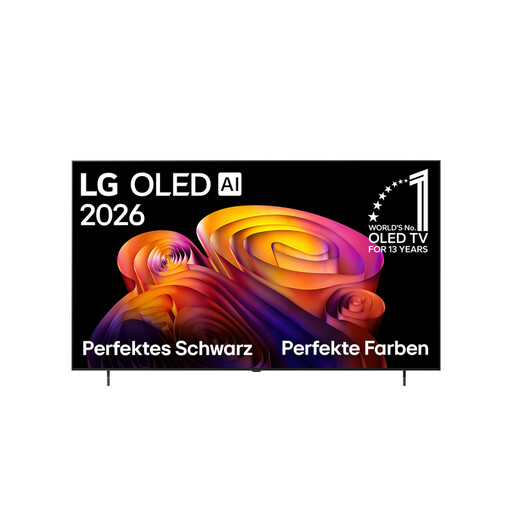 No image available
LG OLED evo AI B6 OLED77B68LA, 77-inch
The 77-inch screen is one option for local matches with several people; check that it works with your seating arrangement.
4K; 120 Hz panel; VRR up to 144 Hz; ALLM, HDMI 2.1, G-SYNC and FreeSync are listed for this model.
View at Joybuy
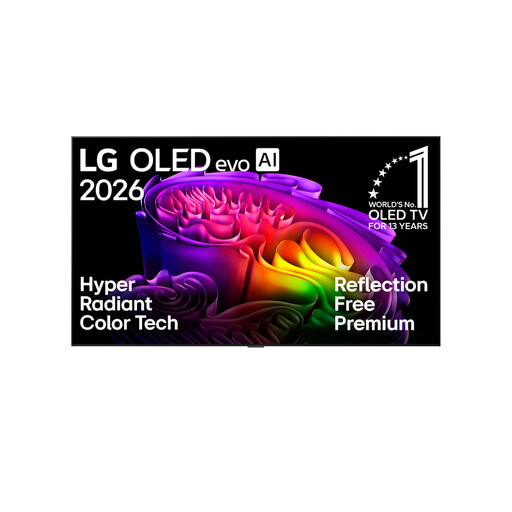 No image available
LG OLED evo AI G6 OLED83G67LW, 83-inch
The 83-inch screen is a large option for gaming with friends; check that your room layout and viewing distances can accommodate it.
4K; gaming up to 165 Hz; VRR, ALLM, G-SYNC and FreeSync are listed for this model.
View at Joybuy
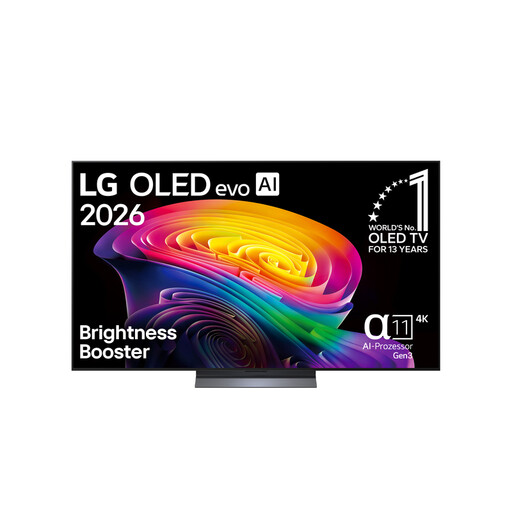 No image available
LG OLED evo OLED65C67LA, 65-inch
At 65 inches, this is a smaller option in this selection; compare the screen size with your seating positions.
4K; 120 Hz; HDMI 2.1, VRR, FreeSync and Game Optimizer are listed for this model.
View at Joybuy
Frequently asked questions about gaming TVs for football
Do I need the highest advertised frame rate for local football matches?
No. First check the frame rate your game outputs with your console or PC, and what the TV input you plan to use supports. Game Mode and, where applicable, ALLM also help reduce latency; VRR requires support from both devices.
What should I set up after connecting the TV, and what should I bear in mind with OLED?
Check that low-latency mode switches on when you start a game. If you use an LG OLED, follow the care instructions for your specific model; LG describes Pixel Cleaning as a feature that can run while the screen is off. You should also take long sessions with the same bright, static on-screen elements into account when choosing.
Which figures should I compare to check power consumption?
Compare the SDR and HDR consumption figures on the EU energy label for each model. The European Commission gives consumption in kWh per 1,000 hours. Your costs will also depend on how long you use the TV and your electricity tariff.
Who should I contact if my TV is faulty?
In Germany, the retailer—not the manufacturer—is responsible in the first instance for your statutory rights when goods are faulty. The German Consumer Advice Centre explains the two-year statutory warranty and how it differs from an additional guarantee; the details depend on your purchase and the fault identified.
Which label should I look for when buying a TV?
TVs are covered by EU energy-labelling rules for electronic displays. The European Commission says the label must also be visible when products are sold online. Compare the information for the specific model; this doesn’t mean you need to choose a particular efficiency class for gaming.


