What should you look for when buying?
Measure the distance from every seat you use, then choose a TV to suit the game, console and ambient light in your room. This helps you avoid assuming that a larger screen or a higher refresh rate automatically means the game will output at a matching rate.
| Consideration |
What to check when buying |
Who it matters most to |
| Screen size and visibility |
Check viewing distances, available space and the dimensions of the specific TV. |
If I want to see the ball and on-screen displays from further-away seats when playing together, choosing the right screen size comes first. Around 36 % of consumers base their choice primarily on screen size and visibility from a distance. |
| Input lag and frame rate |
Compare input lag in Game Mode and the resolution and frame rate output supported by your console and game. |
If responsive controller input matters to me, I check the signal that’s actually supported rather than just the advertised refresh rate. Around 29 % of consumers prioritise responsiveness and usable frame rates. |
| Ambient light and display technology |
Consider reflections and viewing angles on the specific model; with OLED, also bear in mind long periods with static displays. |
If I play in daylight, sit to the side or have HUD elements on screen for a long time, I want to choose a display and set-up that suit these conditions. Around 21 % of consumers prioritise ambient light and display technology. |
| Power consumption and ongoing costs |
Compare the EU energy label for the specific model and check the requirements for positioning and installation. |
If ongoing energy use and the effort involved after purchase matter to me, I factor in energy data and positioning when deciding. Around 14 % of consumers focus on power consumption and ongoing costs. |
Joybuy products for football gaming from a distance
This Joybuy selection includes large-screen TVs, including Mini-LED and OLED models. Compare screen size and positioning with your viewing distance, and check which display output your game actually supports.
 No image available
TCL 75Q7D PRO
The 75-inch screen may suit a large gaming area; check that it works with your viewing distance and available space.
Features listed in the product name: 4K, SQD Mini LED, 144 Hz and Dolby Vision IQ.
Allow for enough space and a secure installation point; professional installation is recommended for wall mounting.
View at Joybuy
 No image available
Hisense 85E8S
The 85-inch screen offers a large viewing area; measure your viewing distance and available space before choosing.
Features listed in the product name: 4K, Mini-LED, Smart TV and a 144 Hz refresh rate.
Make sure you have enough space for the large screen and plan for a secure stand or a suitable wall mount.
View at Joybuy
 No image available
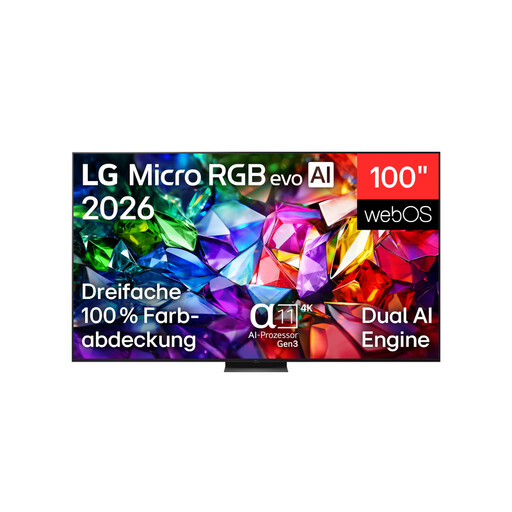
LG 100MRGB96B9.AEU
The 100-inch screen is designed for an especially large viewing area; check it against your room dimensions, viewing distance and chosen position.
Features listed in the product name: 4K, Micro RGB evo, α11 AI Processor Gen3, 144 Hz and webOS 26.
According to the product information, the TV weighs 67,3 kg. Professional installation and suitable fixings are recommended for wall mounting.
View at Joybuy
 No image available
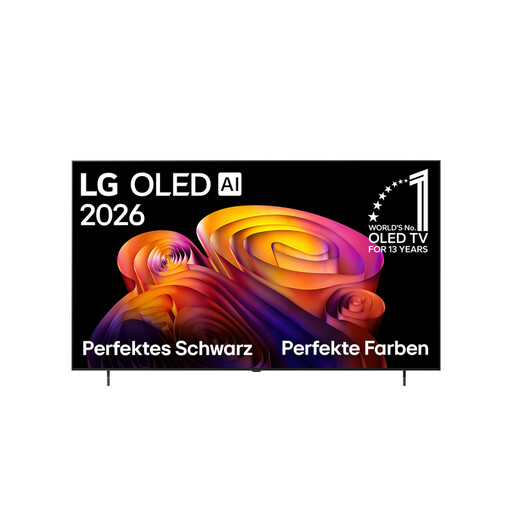
LG OLED77B68LA
This 77-inch OLED option may suit a darker room and side-on seating; check the view from every seat.
Features listed in the product name: 4K, OLED, 144 Hz VRR, Dolby Vision and webOS 26.
With very long, repeated gaming sessions and HUD elements that stay in the same place, the risk of image retention on OLED is still worth bearing in mind.
View at Joybuy
 No image available
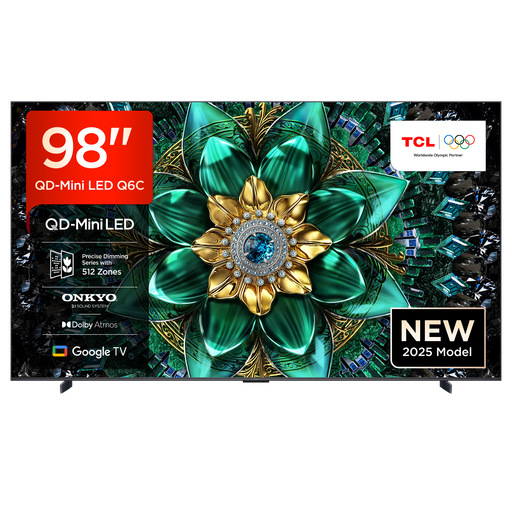
TCL 98Q6C
The 98-inch screen creates a very large viewing area; check that your room and viewing distance can accommodate it first.
Features listed in the product name: QD-Mini LED, 4K HDR, Dolby Vision IQ, 144 Hz and HDMI 2.1.
Allow enough space and make sure your furniture can support the TV. Professional installation is recommended for wall mounting; the TV should be moved by at least two people.
View at Joybuy
Frequently asked questions
Is a 120 Hz TV enough to make my football game run at 120 frames per second?
No. To play at 4K and 120 frames per second, the TV, connection, console settings and specific game must all support that output. Sony notes that many PS5 games output at 60 frames per second or less.
What should I set up after connecting my console?
Select the right HDMI input, turn on Game Mode and check your console’s video output settings. Sony explains how to set up 120 Hz on PS5, but enabling it alone doesn’t guarantee 120 fps output in a game.
How should I use an OLED TV during long football gaming sessions?
Follow the care guidance and use the protection features for your specific model, and avoid leaving unchanged displays on screen for unnecessarily long periods. LG describes screen shift and pixel cleaning as measures to help prevent image retention; they don’t eliminate the risk.
What’s the difference between statutory rights and a manufacturer’s guarantee when buying a TV?
In Germany, statutory rights relating to faults are a legal entitlement against the seller; a guarantee is an additional voluntary promise with its own terms. The Verbraucherzentrale also explains that online purchases generally come with a 14-day right to cancel; conditions and exceptions apply in individual cases.
What energy information should I check when buying a new TV in Germany?
Compare the EU energy label and information for the specific model, including the stated SDR and HDR figures. The European Commission explains that products requiring an energy label must display it when sold online too.


