What should you look for when buying?
When comparing OLED with LCD TVs featuring Mini LED backlighting, start by thinking about your room and how you’ll typically use the TV. Both options can suit different priorities, so always check the features of the specific model and input.
OLED TVs
A good fit if: you game in controlled lighting and prioritise contrast and gaming features.
Bear in mind: image retention may be a risk during long sessions with the same gaming elements on screen.
Mini LED LCD
A good fit if: you’re considering an LCD alternative for a bright room or long gaming sessions with fixed on-screen elements.
Bear in mind: manufacturer claims don’t prove independently measured superiority for handling reflections, viewing angles or lower-quality video sources.
| Buying priority |
What to look for |
Who is it most important to? |
| Responsive gaming together |
Check the gaming mode and input lag with the signal mode you’ll use. Only prioritise 4K/120 Hz or VRR if your game, source and HDMI input support them. |
When we play against each other locally, I want my inputs to register without noticeable delay. Around 36% of consumers prioritise responsiveness when gaming. |
| Picture quality across different video sources |
Make a note of your existing source types and output formats, then compare picture modes for gaming and video separately. |
When I switch between games, streaming and TV content, I want to be able to choose the right picture settings for each source. Around 29% of consumers prioritise switching between different video sources. |
| Visibility for everyone playing |
Check the viewing distance and side-on seating positions. Measure the space available and the stand of the specific model. |
When several people are playing, I want everyone to have a good view and to be able to set the TV up securely. Around 21% of consumers place the greatest importance on visibility for the group. |
| Power consumption and usage |
Check the energy label and product information sheet for TVs of a comparable screen size, and make sure the connections you need are available. |
If the TV is on for long periods, I want to factor in its power consumption and any extra devices I may need to connect. Around 14% of consumers pay particular attention to running costs and other usage requirements. |
Joybuy TVs for football gaming and video sources
This selection of Joybuy TVs includes OLED and LCD models in a range of screen sizes. Check the gaming features, inputs and compatibility with your existing video sources for each specific model.
 No image available
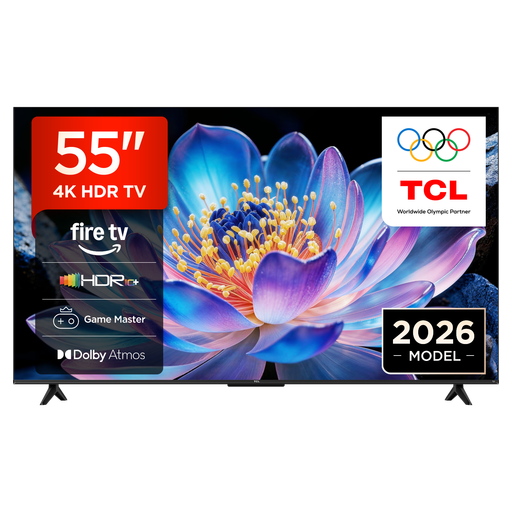
TCL 55V6D, 55-inch 4K UHD Smart TV
The listed gaming and streaming features are worth checking if you switch between a console and video sources.
Features listed include HDMI 2.1, HDR10+, an HVA panel, ALLM and VRR. Fire TV, Live TV, streaming and AirPlay 2 are also listed.
Joybuy
 No image available
LG OLED55B68LA, 55-inch OLED
This OLED model is an option for contrast-focused gaming. If you play for long sessions with the same gaming elements on screen, consider the general risk of image retention.
The product description lists 4K, 144 Hz, VRR, ALLM and four HDMI 2.1 ports. G-Sync and FreeSync are also listed.
Joybuy
 No image available
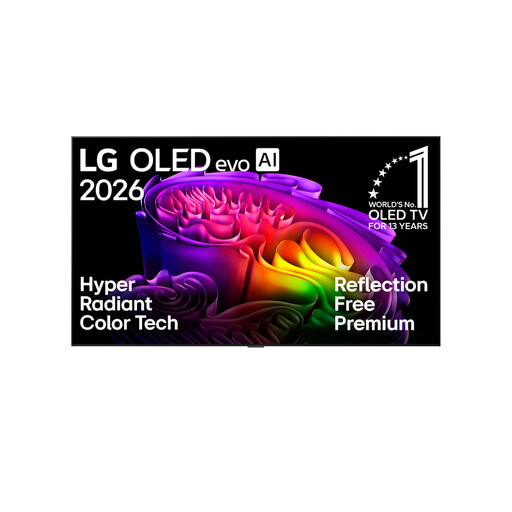
LG OLED83G67LW, 83-inch 4K OLED evo AI Smart TV
The 83-inch model could be worth considering for a large shared gaming space. Measure the available space and viewing distance first.
The product title lists α11 Gen3, up to 165 Hz, Dolby Vision and Dolby Atmos. The description lists VRR, ALLM, G-Sync and FreeSync. Professional installation is recommended for wall mounting.
Consider the general risk of image retention on OLED during long sessions with the same gaming elements on screen.
Joybuy
 No image available
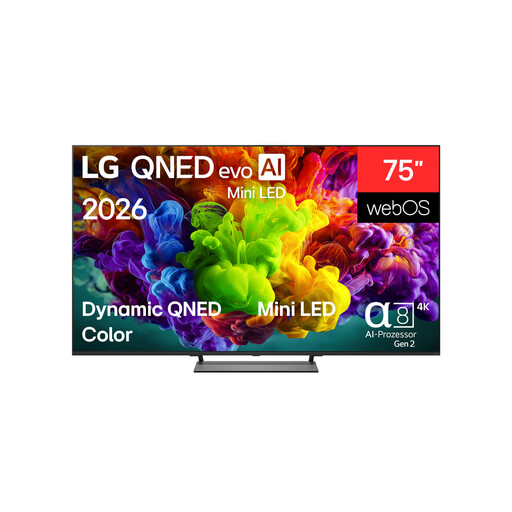
LG 75QNED93B6A, 75-inch 4K QNED
If you’re comparing a larger gaming screen and gaming features, also check that you have enough space and that the viewing distance suits your room.
The description lists Mini LED, VRR, FreeSync, Game Optimizer, AI Super Upscaling and AI Brightness Control. The product title lists 144 Hz and an α8 Gen2 4K AI Processor. At least two people are recommended for transport and installation, and wall mounting should be carried out by qualified professionals.
Joybuy
 No image available
LG OLED55C67LA, 55-inch OLED evo C6
This OLED model is an option for contrast-focused gaming. For long sessions with fixed on-screen elements, consider the general risk of image retention.
The description lists AI Super Upscaling 4K, VRR, ALLM and four HDMI 2.1 ports. G-Sync and FreeSync are also listed. The product title lists α11 Gen3, 165 Hz and webOS 26.
Joybuy
Frequently asked questions
Do I need a 144 Hz TV for football gaming?
No, not just because of the advertised figure. Check the frame rate your source and game can output, and whether the input you’re using supports it. LG lists a native 120 Hz panel and VRR up to 144 Hz for the OLED55C57LA. That doesn’t mean every game outputs 144 frames per second.
Why does a stream look different after gaming?
On compatible devices, ALLM can automatically switch to a low-latency mode for gaming, then return to the previous picture mode. Some picture processing features may be disabled in the process. So compare your settings separately for gaming and video.
Can I connect an older video source directly?
It depends on whether the source’s output matches an input on the specific TV. For example, Sony lists no composite or component video inputs for the K-55XR5. If your source only has these outputs, check for a suitable connection solution before buying.
How should I handle fixed gaming displays on OLED?
Displaying the same fixed elements for long periods, repeatedly, is a risk factor with OLED. The stress tests carried out by RTINGS don’t provide a specific lifespan prediction for any particular TV model. Check the care instructions and warranty terms for the model you choose.
What should I know about power consumption and statutory rights?
Compare the energy figures for the specific TV and check the EU energy label, even when shopping online. If a new purchase is faulty, the retailer is generally responsible for your statutory rights; a voluntary manufacturer’s warranty is separate.


