What should you look for when buying?
OLED TVs
A good fit if: you’re prioritising a wide seating area and comparing models in your preferred size.
Things to weigh up: the risk of burn-in remains a relevant consideration if you play for very long periods with the same bright HUD elements on screen.
Mini LED and LCD TVs
A good fit if: you often play in daylight or want to factor in long periods with static game displays.
Things to weigh up: brightness figures alone don’t guarantee a good view from the side; check the viewing angle of the specific model.
The following proportions refer to consumers choosing a TV for local co-op evenings with several people watching.
| Priority |
What to check when buying |
Who values this? |
| Viewing from the side |
Check the horizontal viewing angles of the specific model and consider the furthest seat to the side. |
When several players are sitting off to the side, I want to be able to judge colours and contrast from there too. Around 36% of consumers focus primarily on viewing angle. |
| Readability and size |
Measure viewing distances and available space; check typical game menus from all the seats you plan to use. |
With a split screen, I want to be able to read menus and game text from the seats we’ll be using. Around 29% of consumers put readability and screen size first. |
| Responsiveness and connections |
Check input lag in the relevant game mode, along with the connections you need for your gaming device. |
When I’m playing on a particular console, I want suitable connections and responsiveness that match the signal it outputs. Around 21% of consumers prioritise responsiveness and connectivity. |
| Daylight and static images |
Consider how the screen handles reflections in your room and how long static HUD elements remain on screen. |
If I often play in daylight or spend a long time seeing the same bright HUD elements, I want to choose display technology that suits the way I play. Around 14% of consumers focus primarily on daylight and persistent images. |
Joybuy products
The Joybuy products below are LCD TVs, including Mini LED models. Compare their screen sizes and listed gaming features with your room, seating distances and console.
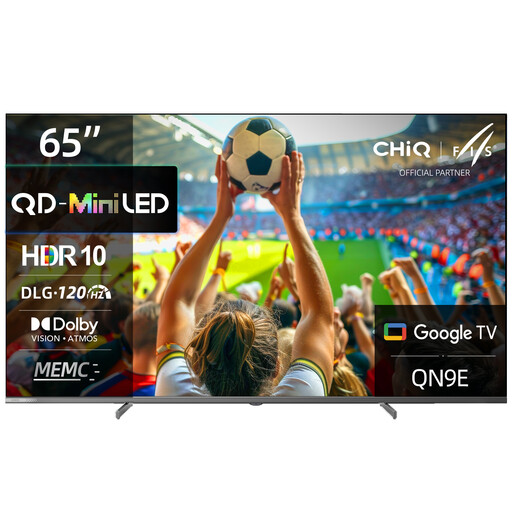 Image unavailable
CHiQ M65QN9E 65-inch 4K UHD Mini LED QLED TV
The 65-inch screen gives you a starting point for comparing viewing distances and how easy split-screen details are to read.
The product listing specifies 4K UHD, DLG 120 Hz and MEMC. It also lists Google TV (Android 14).
View at Joybuy
 Image unavailable
TCL 55Q7D PRO 55-inch 4K SQD Mini LED TV
Compare the 55-inch screen with your viewing distances and how easy you want split-screen games to read.
The product listing specifies 4K, 144 Hz and VRR. Check that your gaming device supports the features you want.
View at Joybuy
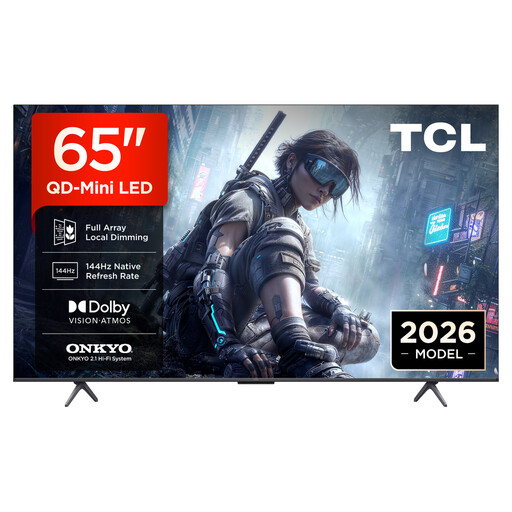 Image unavailable
TCL 65T8D 65-inch QLED TV with QD Mini LED
The 65-inch screen gives you a size to compare with your viewing distance and available space.
The product listing specifies 4K HDR, 144 Hz and VRR. Whether you can use this refresh rate also depends on the game and gaming device.
View at Joybuy
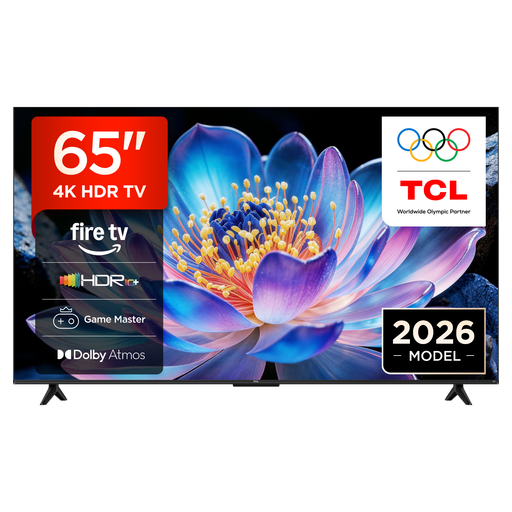 Image unavailable
TCL 65V6D 65-inch 4K UHD Smart TV
The screen size and 4K UHD resolution give you a practical starting point for comparing the TV with your room and viewing distances.
The product listing specifies HDR10+, Fire TV and Game Master. Check the specific model for the features you need for your console.
View at Joybuy
 Image unavailable
Hisense 55E8S 55-inch 4K UHD QLED Mini LED Smart TV
Compare the 55-inch screen with your planned seating distances and how easy game text is to read.
The product listing specifies 4K UHD and 144 Hz, as well as HomeOS U9.
View at Joybuy
Frequently asked questions
Are advertised 144 or 165 Hz enough for smooth co-op gaming?
No. The figure tells you what the device is capable of. Whether you can use it depends on the signal and the game; also compare input lag in the relevant game mode.
What should I check before setting up a TV for a large group?
Measure your furniture and viewing distances, and check how easy game text is to read from the furthest seat to the side. For wall mounting, the bracket and fixings must be suitable for the weight of the specific TV and its installation requirements.
What should I bear in mind during long OLED gaming sessions?
If the same bright HUD elements remain on screen for a very long time, factor in the potential risk of burn-in when making your choice. The accelerated test described by RTINGS.com doesn’t predict the lifespan of an individual device used in a mix of ways.
What are my rights if a TV bought online is faulty?
For newly purchased goods, consumers can generally claim their statutory rights from the seller within two years of receiving them; this is separate from a manufacturer’s warranty. The Verbraucherzentrale also explains that online purchases usually come with a 14-day right to cancel, starting when you receive the goods.
Can I put my old TV in the household rubbish?
No. Electrical and electronic waste must be collected separately. The Umweltbundesamt states that when buying a new equivalent appliance, you can return a large item of old electrical equipment, such as a TV, free of charge, including when you buy online with delivery.


