First, measure the distance between the screen and the seats you’ll actually use, then check whether the screen size and setup work for everyone playing. You can’t settle on a specific screen size without those measurements. Next, choose the HDMI inputs, refresh rates, VRR and game mode you need based on your console and games. If people will be sitting to the side, you’ll be playing in daylight or game displays will stay on screen for long periods, also consider viewing angles, reflections and the care instructions for the model you’re considering.
Who is this guide for?
Gaming together from a sofa further away
When several people are playing local arena games, everyone should be able to make out the on-screen displays and characters from the seats they’ll actually use. Measure the viewing distance, available space and gaps between players. Samsung Germany also describes screen size as a matter of viewing distance and setup.
Console players who value responsiveness
If you want to make the most of the refresh rates supported by your console and games, check for 120 Hz output, VRR, game mode and the right HDMI input. PlayStation notes that 120 Hz output depends on the TV and game, while Sony Germany specifically identifies the VRR inputs on the K-65XR70.
Gaming together with seats to the side of the screen
If not everyone will be sitting in the middle, or you’ll be playing in daylight, factor viewing angles and potential reflections into your choice. An anti-reflection specification doesn’t tell you how the screen will look from your seats. Samsung Germany lists this type of coating for the GQ65QN90FATXZG.
What should you look for when buying?
For local arena gaming, first make sure everyone has a clear view, then compare gaming features, connections and running costs.
| What matters |
What to check before buying |
Who is it important for? |
| Seeing the screen from further away |
Measure the distance from every seat you use regularly and compare it with the screen area and the TV’s dimensions, including its stand. Samsung’s screen size guidance is a rule of thumb, not a fixed size recommendation for every gaming group. |
If you want to make out game displays and characters from a sofa further away, the right screen size matters more than a one-size-fits-all diagonal measurement. Around 36% of consumers put this first. |
| Responsive controls |
Check the refresh rate supported by your game and console, VRR and the right HDMI input. PlayStation says 120 Hz output depends on a compatible TV and game. ALLM can automatically enable a low-latency mode on compatible devices. |
If you want fast-moving games to work as well as possible with your console and games, the whole signal chain matters. Around 29% of consumers prioritise responsiveness in games. |
| Side-on viewing and room lighting |
Assess the specific TV from the side seats you plan to use and in similar room lighting. Samsung’s anti-reflection specification for the GQ65QN90FATXZG is no substitute for checking viewing angles in your own room. |
If several players will be sitting to the side, or reflections could be a problem, consider every seat. Around 21% of consumers focus primarily on side-on viewing. |
| Running costs and panel care |
Compare the SDR and HDR energy consumption figures on the EU energy label for each model. The European Commission explains the difference. If you’re considering OLED, also check the care instructions for the specific TV, as LG Germany warns of a risk of image retention with static content displayed for long periods. |
If you’re weighing up power consumption and screen care as well as gaming features, how you use and position the TV should be part of your decision. Around 14% of consumers put these considerations first. |
Common buying misconceptions
-
A high refresh rate doesn’t mean every game runs at that rate
The available output depends on your console, the game and the HDMI input you’re using. A higher panel refresh rate alone doesn’t tell you what frame rate a particular game can reach.
Before paying extra, check which modes your games support and the connections on the specific TV model. PlayStation says 120 Hz output depends on a compatible TV and game.
-
Choosing a screen size based only on the middle seat
In local gaming sessions, each seat has a different viewing distance and line of sight. A screen size that works from the middle won’t necessarily give those sitting at the edges a good view.
Measure the distances from the seats you use regularly and check the sightlines before choosing a screen size. Samsung Germany recommends considering screen size and viewing distance together.
-
Overlooking static game displays on OLED TVs
LG Germany warns of a risk of image retention when static content remains on screen for long periods. Care features are no reason to overlook this type of use when choosing a TV.
Consider how long the same displays will stay on screen and read the care instructions for the specific model. LG also describes automatic pixel cleaning on compatible TVs.
-
Assuming the energy rating alone tells you what your electricity will cost
The EU energy label includes separate figures for SDR and HDR use. Your actual costs also depend on how long you use the TV and your electricity tariff.
Compare the energy consumption figures for the models you’re considering on the same basis, and factor in how you use your TV. The European Commission explains the energy information for electronic displays.
Brands and suitable product ranges
LG
OLED models may appeal to players weighing up contrast alongside gaming features. The LG OLED65C5ELB is one example.
- LG lists a native 120 Hz panel, VRR up to 144 Hz and ALLM for this model.
- LG warns generally of a potential risk of image retention with static OLED content displayed for long periods. The C5 specifications don’t automatically apply to other models.
Samsung
The Mini LED range is worth considering when comparing large screen sizes and reflection handling. The specific example is the GQ65QN90FATXZG.
- For the 65-inch version, Samsung lists Mini LED technology, an anti-reflection coating and a 120 Hz refresh rate with support up to 165 Hz.
- The manufacturer’s coating specifications don’t tell you how well the screen will look from side seats in your own room.
TCL
The C7K range comes in several sizes. The 65C7K is one example available in Germany.
- TCL lists a native refresh rate of 144 Hz for the 65C7K.
- The panel specification doesn’t tell you the frame rate of a particular console game or how the screen will look from side seats.
Sony
The BRAVIA 7 is an option where you’ll need to plan carefully which HDMI ports to use for your gaming devices. The example cited is the K-65XR70.
- Sony lists 4K120, ALLM and VRR for this model.
- According to Sony, VRR is available on HDMI 3 and 4. So, having four HDMI sockets doesn’t mean all four support VRR.
Panasonic
The Z95B OLED range combines gaming features with an integrated sound system, which may be worth considering as part of your choice.
- Panasonic promotes 144 Hz and an array speaker system tuned by Technics.
- HIFI.DE notes in its review that the TV has two full-bandwidth HDMI 2.1 ports. For the size you’re considering, check that your devices and required features will work with the available connections.
Joybuy products for longer viewing distances
The large-screen Mini LED and LCD TVs below are worth comparing for longer viewing distances and gaming. Match the screen size and listed gaming features to your seats, games and HDMI input requirements.
 No image available
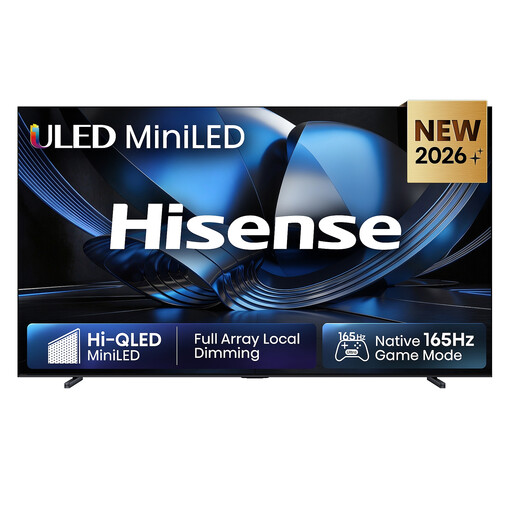
Hisense 100U7DSE, 100-inch ULED Mini LED 4K Smart TV, 165 Hz
The 100-inch screen gives you plenty of space for viewing from further away. Before buying, check that the screen and setup will fit in your room.
The product specifications list 4K, ULED Mini LED and 165 Hz. The stated refresh rate doesn’t guarantee that every game will output at that rate.
Joybuy
 No image available
Hisense 85E8S, 85-inch 4K Ultra HD Mini LED Smart TV
With an 85-inch screen, this model could be worth considering for a larger viewing area when sitting further away. Measure the available space and check the sightlines first.
The product specifications list 4K, Mini LED and 144 Hz, as well as VRR and ALLM. According to the product description, secure the TV with an anti-tip device if you have children or pets at home.
Joybuy
 No image available
TCL 75Q7C, 75-inch QLED Mini LED 4K TV
The 75-inch screen can give your gaming group a larger viewing area. Compare it with the distances from all the seats you use regularly.
The product specifications list 4K, 144 Hz, VRR, ALLM and HDMI 2.1. Make sure the TV is securely positioned or mounted so it can’t tip over.
Joybuy
 No image available
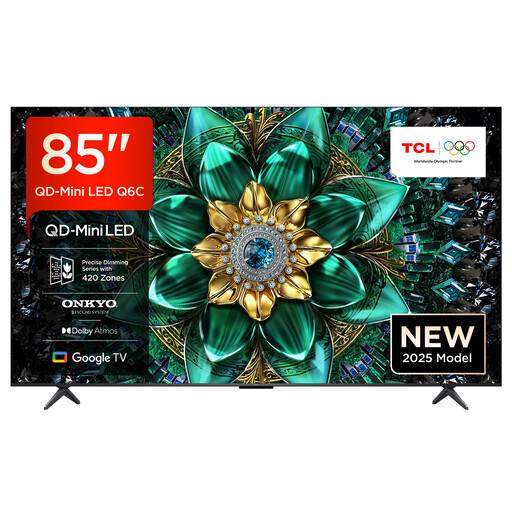
TCL 85Q6C, 85-inch QLED Mini LED 4K TV
The 85-inch screen could be a good option for a longer viewing distance. First, check that its dimensions and viewing angles suit your room.
The product specifications list 4K, 144 Hz, VRR, Game Master and HDMI 2.1. Secure the TV against tipping to keep it safely in place, whether it’s standing or mounted.
Joybuy
 No image available
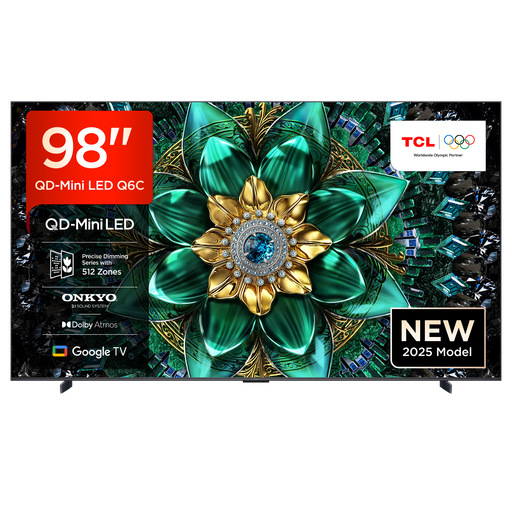
TCL 98Q6C, 98-inch QD-Mini LED 4K TV
The 98-inch screen is designed to give you a very large viewing area. Measure your room, the route you’ll use to move the TV and the viewing distances before choosing this size.
The product specifications list 4K, 144 Hz, VRR, ALLM and HDMI 2.1. At least two people are required to move and set it up, and wall mounting should be carried out professionally.
Joybuy
Frequently asked questions
Are 144 or 165 Hz on the spec sheet enough to make every console game run that fast?
No. The PS5 can output at 120 Hz with TVs and games that support this feature. VRR also requires compatible devices and games. Check your console’s settings and current video signal.
Why might VRR only work on a particular HDMI socket?
Features can vary between inputs. Sony lists VRR for HDMI 3 and 4 on the K-65XR70, even though the model has four HDMI inputs in total. Check the connections on the exact model and plan which devices to plug in where.
What should I bear in mind when playing arena games regularly on an OLED TV?
Factor in how long game displays stay unchanged on screen and follow the care instructions for your specific TV. LG Germany describes a risk of image retention with static content displayed for long periods, as well as automatic pixel cleaning that runs after the TV is switched off on compatible models.
How can I compare running electricity costs?
Start by comparing the SDR and HDR energy consumption figures on the EU energy labels for the models you’re considering. To work out your own costs, you’ll also need your usage time and electricity tariff. The European Commission explains the energy information for electronic displays.
How can I return an old TV in Germany?
According to the German Environment Agency, large waste electrical items such as TVs can be returned free of charge when you buy a similar replacement. This also applies to online purchases with delivery. Check when ordering how the return will be arranged.


