For party mini-games in a dark room, OLED is a natural place to start if dark scenes and good visibility from different seats matter to you. Mini LED LCD may be a better fit if long periods with static game displays are common and you want to avoid the risk of OLED burn-in. The performance of the specific model matters in both cases. Also check the Game Mode, input lag and the connections you actually need, rather than focusing on a high refresh rate alone – RTINGS.com highlights the differences between individual models.
Which TV is right for you?
Gaming with people sitting to the side
If several people need to see game prompts from the sides of the sofa, check the viewing angles of the specific TV. RTINGS.com points out that picture quality can vary even between models with the same panel type.
Gaming in a dark room
If you usually play with the lights off, consider how dark areas and bright objects look on the model you’ve chosen. OLED and Mini LED LCD each have their own advantages and drawbacks in everyday use.
Gaming with several consoles
If you switch between devices, suitable Game Modes and enough compatible connections are important. The frame rate also depends on the console and game; Nintendo Deutschland states that the Switch 2 supports up to 60 fps when outputting in 4K.
What should you look for when choosing?
| What matters when buying |
What to look for |
Who is it important to? |
| Picture quality in a dark room |
Compare dark scenes on the specific OLED or Mini LED LCD model; with OLED, bear in mind the effect of long periods with static displays. |
If I want to see dark areas of a game clearly in a dimly lit room, I compare the picture on the specific model. Around 25% of consumers put picture quality in the dark first. |
| Visibility from different seats |
Check the viewing angles and screen position from the seats you’ll actually be using. |
If other players are sitting to the side, I want to be able to see game prompts from the edge of the group too. For around 25% of consumers, visibility from different seats is the most important consideration. |
| Responsiveness and connections |
Compare input lag in Game Mode, along with compatible connections and supported frame rates. |
If you use several consoles or need responsive controls, you’ll want to connect the right devices and play without delay. Around 25% of consumers prioritise responsiveness and a choice of connections. |
| Energy use and viewing time |
Compare TVs of a similar size using their SDR and HDR figures on the EU energy label. |
If the TV is used regularly, I want to understand its energy use for the way I plan to watch. For around 25% of consumers, energy use and viewing time are the main considerations. |
Which buying mistakes should you avoid?
-
Assuming a high refresh rate automatically makes party games better
The frame rate you actually get also depends on the game and console. A high refresh rate alone doesn’t guarantee low input lag or an advantage in every game.
First, check the output of your console and games. Then compare the specific TV’s input lag in Game Mode.
-
Only considering the seat directly in front of the screen
When you’re playing in a group, people often sit to the side. The panel type alone doesn’t tell you what the picture will look like from those seats.
Look for viewing-angle tests of the exact model, or check the picture from the seats you plan to use.
-
Overlooking the drawbacks of OLED and Mini LED LCD
With OLED, long periods with static displays are a factor to consider. Mini LED LCD can show brightening around bright objects in dark scenes; the results vary by model.
Choose based on how often you use static content and how the specific TV displays dark scenes.
Which brands are worth considering?
These examples relate to the model ranges mentioned and aren’t general recommendations for every TV from a particular brand.
LG
The OLED55C68LA is an OLED option for dark rooms and gaming.
- LG states that this model supports up to 4K at 165 Hz, as well as G-Sync and FreeSync.
- These manufacturer specifications don’t replace measured input-lag results. If you often have static displays on screen for long periods, bear in mind the risk of OLED burn-in, as described by RTINGS.com.
Samsung
The GQ55S95HFTXZG combines OLED with an anti-reflective coating and gaming features.
- Samsung lists Glare Free and a Gaming Pack among this model’s features.
- These specifications apply to this model; with OLED, long periods with static displays are still a factor to consider.
TCL
The 55C7K is a QD Mini LED LCD option.
- TCL lists a native refresh rate of 144 Hz and local dimming for this model.
- The manufacturer’s specifications don’t show how the picture looks from seats to the side, or whether brightening is visible in dark scenes.
Philips
The 55OLED760/12 combines OLED with Ambilight.
- Philips lists 120 Hz and Ambilight for this model.
- Ambilight is an ambient lighting feature, not a proven advantage for game controls. With OLED, remember to consider long periods with static displays.
Panasonic
The Z95B series is an OLED option for gaming, with additional picture and audio features.
- Panasonic describes the TV-55Z95BEG as featuring Game Mode Extreme.
- Before buying, check the exact model variant and the connections your gaming devices need.
Joybuy products for gaming and playing together
This selection includes OLED TVs, as well as LED and Micro RGB models. For gaming in a dark room, consider the screen technology, size and features your devices need together.
 No image available
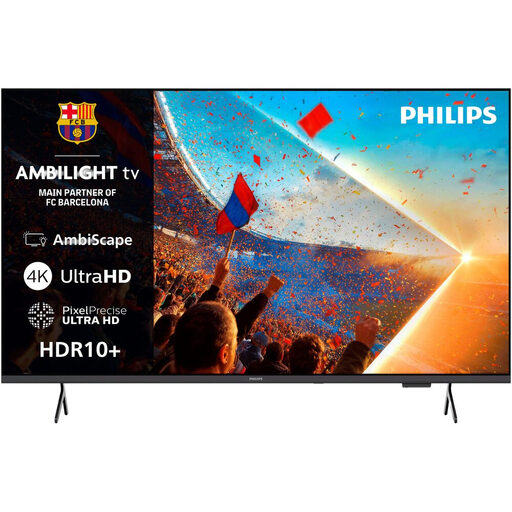
Philips 55PUS8001 4K UHD Ambilight Smart TV
An LED TV option if you’re looking for a 55-inch set with Ambilight rather than OLED.
55 inches; 4K UHD; 3-sided Ambilight; HDR10+.
View at Joybuy
 No image available
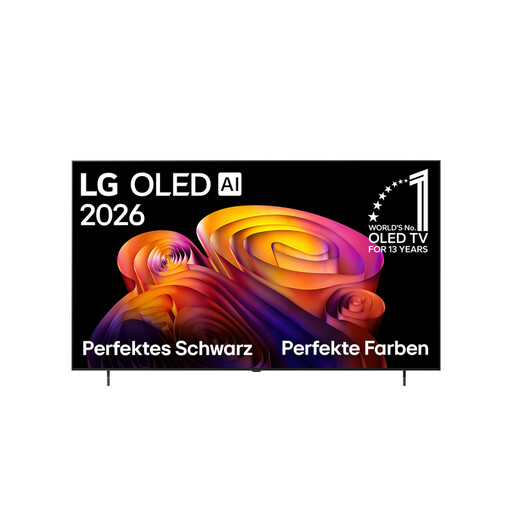
LG OLED77G67LW OLED evo AI G6
An OLED option for dark gaming rooms, if a 77-inch screen suits your room and viewing distance.
77 inches; 4K; OLED; up to 165 Hz.
The product details state that a wall mount is included; a table stand is not.
View at Joybuy
 No image available
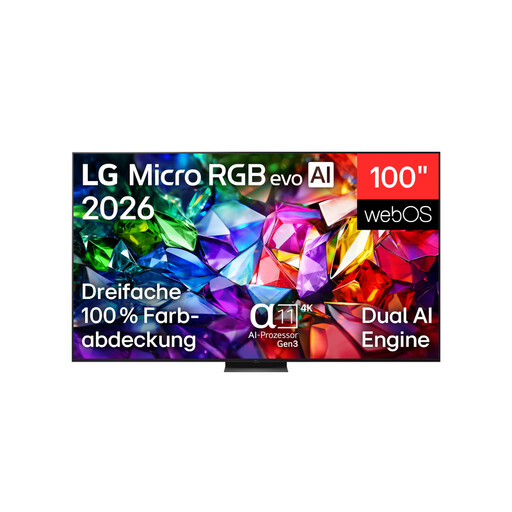
LG 100MRGB96B9.AEU 100-inch 4K Micro RGB evo AI TV
A 100-inch screen is only an option if you have enough space in your room and for the TV setup.
100 inches; 4K; Micro RGB; 144 Hz.
View at Joybuy
 No image available
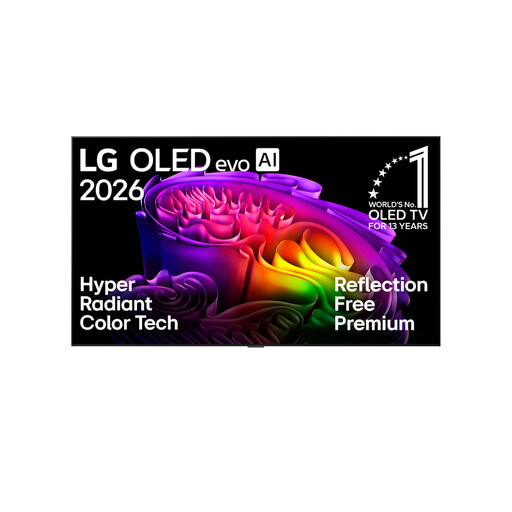
LG OLED77B68LA OLED evo AI B6
A 77-inch OLED option for dark rooms, if the size and setup work for your gaming group.
77 inches; 4K; OLED; 144 Hz VRR.
Follow the OLED care guidance and avoid leaving unchanged images on screen for unnecessarily long periods.
View at Joybuy
 No image available
LG OLED83G67LW 83-inch 4K OLED evo AI Smart TV
The 83-inch OLED version needs plenty of room for both the screen and your seating arrangement.
83 inches; 4K; OLED; up to 165 Hz.
Bear in mind the risk of OLED burn-in if static images remain unchanged on screen for long periods.
View at Joybuy
Frequently asked questions
Do party mini-games need a 144 Hz TV?
Not necessarily. What matters is the frame rate supported by the game and console, and how responsive the TV is in Game Mode. Nintendo Deutschland states that the Switch 2 supports up to 60 fps when outputting in 4K.
What should I check after connecting my console?
Select Game Mode and check which resolution and frame rate are actually supported by your console, game and the HDMI input you’re using. If you’re connecting several consoles, compare the connections you need before buying.
How can I compare the energy use of TVs?
Compare TVs of a similar size using their SDR and HDR figures on the EU energy label. The European Commission describes the label for electronic displays as a scale from A to G; your own energy use also depends on how long you use the TV and which picture mode you choose.
What are my rights when buying a TV online in Germany?
For a distance purchase, you generally have a 14-day right to cancel. If a product is faulty, the seller is generally responsible for the statutory guarantee. Verbraucherzentrale distinguishes these rights from a voluntary manufacturer’s warranty.


