For party mini-games played from a distance, the highest refresh rate isn’t the deciding factor. First, measure the distance to the furthest playing spot and check what screen size will fit in your room. If people will be sitting to the side, also check viewing-angle tests for the specific model and look for low input lag in Game Mode. High frame rates only matter if your console and game can actually output them.
Who are large gaming TVs suited to?
Groups sitting further away
If you’ll be playing from seats a long way from the screen, first check that game objects and text will still be easy to see at your chosen screen size. The Verbraucherzentrale notes that the right screen size depends on viewing distance.
Groups sitting in different positions
If other players will be sitting to the side, screen size isn’t the only thing to consider: check how the picture changes away from the centre. RTINGS highlights viewing angle as a factor when choosing a TV for a wide seating arrangement.
Occasional console gaming
If you mainly play party games, compare input lag in Game Mode and the frame rate you’ll actually use, rather than focusing only on a high refresh-rate figure. For example, Nintendo states that the Switch 2 outputs a maximum of 60 fps at 4K.
What should you look for when buying?
| Buying criterion |
What to check |
Who it matters to |
| Visibility from a distance |
Measure the distance to the furthest playing spot, then check the screen width and installation dimensions. Recommendations for HDTV or SDTV aren’t fixed rules for 4K party games. |
If I need to make out small game objects from the furthest seat, the right screen size matters. Around 29% of consumers put visibility from a distance first. |
| Side-on seating |
Consider the actual seating arrangement and check viewing-angle tests for the specific model variant. |
If other players are sitting away from the centre of the screen, I want the picture to remain clear from their seats too. Around 23% of consumers prioritise the view from the side. |
| Responsiveness |
Compare input lag in Game Mode at the resolution and frame rate you’ll use; check the frame rates supported by your console and game. |
For time-sensitive mini-games, I want to avoid unnecessary delays between pressing a button and seeing the result. Around 18% of consumers prioritise responsiveness. |
| Cost and installation |
Check the budget, TV width and stand dimensions against the space available; check what delivery and connection services are included in the offer. |
I want to find a suitable size that fits my budget and the space available. Around 18% of consumers put this first. |
| Energy use and aftercare |
Compare the EU energy label and product information sheet for the specific variant, and check which delivery or installation services are included. |
If the effort involved after buying matters to me too, I compare energy-use figures and the services on offer. Around 12% of consumers prioritise these ongoing considerations. |
Common buying misconceptions
-
Confusing refresh rate with input lag
Refresh rate and input lag are different things. The frame rate you get also depends on your console and the game you’re playing.
Compare measurements in Game Mode at the resolution and frame rate you’ll actually use.
-
Judging the picture only from the centre seat
At a party, people often sit to the side, where the picture may look different. A larger screen alone won’t solve a limited viewing angle.
Take the seating positions in your room into account and check viewing-angle tests for the specific model variant.
-
Choosing a bigger screen without checking your room
Your TV needs to suit your viewing distance and the space where you plan to put it. Larger TVs generally use more electricity.
Measure the viewing distance and available space, then compare the dimensions and energy-use details for the specific model.
Brands and models to consider
The details below apply to the specific model variants and manufacturer information mentioned, not to every product in a brand’s range.
TCL
TCL describes the 75C7K as a 75-inch QD-Mini LED TV with a native 144 Hz refresh rate.
- The screen size and native refresh rate are specific details for the model variant mentioned.
- The manufacturer’s specifications don’t confirm a good viewing angle or low input lag.
Hisense
Hisense describes the 75U7Q as a 75-inch Mini LED TV with 4K and a 144 Hz Game Mode.
- These features are useful when comparing a specific large-screen model.
- Specifications for the U7Q can’t automatically be applied to the U7Q PRO, and they’re no substitute for independent comparisons of viewing angle or input lag.
Samsung
Samsung lists the 75-inch QN90F as a Mini LED model with an anti-reflective screen.
- An anti-reflective screen may be worth considering if the room is bright.
- The manufacturer’s description doesn’t guarantee that the picture will look the same from side seats or with every game signal; check the exact model number and screen size.
LG
LG states that the OLED77C5ELB has a 77-inch OLED screen and gaming features up to 4K at 144 Hz.
- These details apply to this specific variant and can be checked against the connections you need and the space you have available.
- They aren’t measurements of viewing angle or input lag, and don’t automatically apply to other LG OLED models.
Philips
Philips lists the 75MLED950/12 as a 75-inch Mini LED model with Ambilight and VRR up to 144 Hz.
- These features may be worth considering when choosing this specific model variant.
- Ambilight is a matter of personal preference, and doesn’t replace checking screen size, viewing angle or input-lag measurements.
Large TVs at Joybuy
The Joybuy options below include large 4K TVs for longer viewing distances, including Mini LED models and other large-screen options. Before choosing, check that the screen size, space available, seating arrangement and frame rate you need are right for your gaming setup.
 No image available
TCL 98Q7D PRO 98-inch 4K SQD Mini LED TV
For longer viewing distances, if a 98-inch screen will fit in your room and in the space where you plan to install it.
98 inches, 4K, SQD Mini LED, 144 Hz and VRR.
View at Joybuy
 No image available
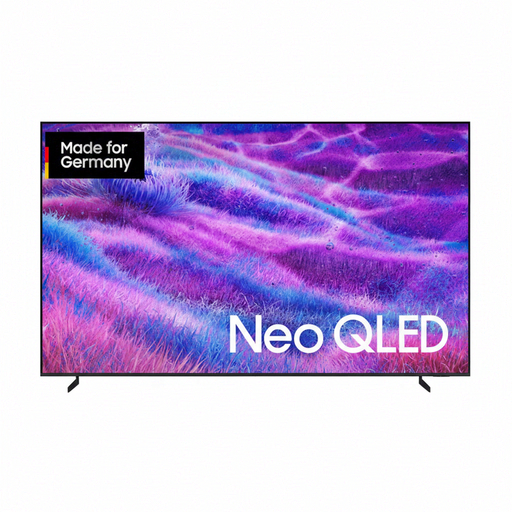
Samsung GQ100QN80FU 100-inch Neo QLED 4K Smart TV
A 100-inch option for longer viewing distances, provided its dimensions and installation requirements suit your room.
100 inches, Neo QLED and 4K.
View at Joybuy
 No image available
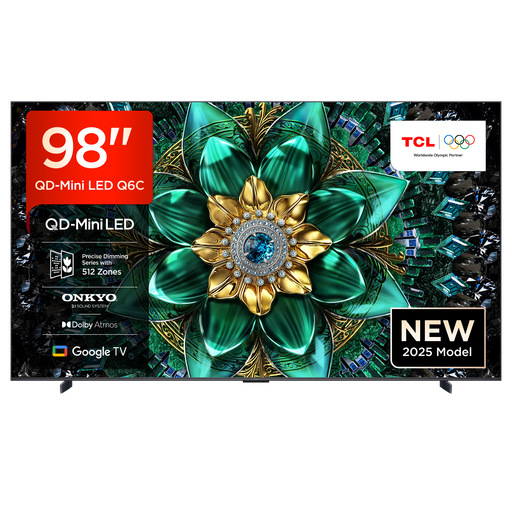
TCL 98Q6C 98-inch QD Mini LED TV
For a large screen at a longer viewing distance, if the 98-inch format suits your room.
98 inches, 4K, QD Mini LED, 144 Hz, VRR and HDMI 2.1.
View at Joybuy
 No image available
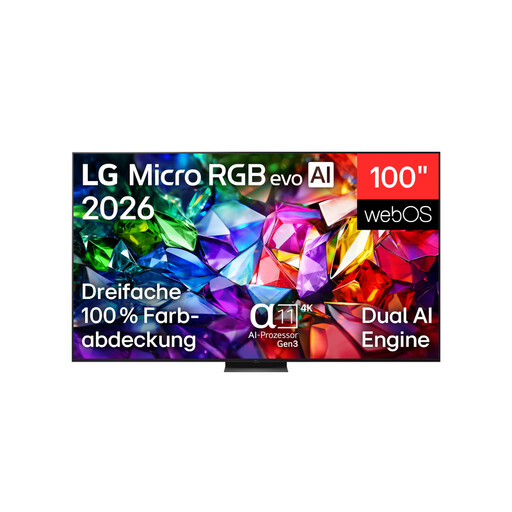
LG 100MRGB96B9.AEU 100-inch 4K Micro RGB evo AI TV
A 100-inch option for longer viewing distances. Check the route for delivery and the installation space beforehand.
100 inches and 4K. According to the product specifications, the TV weighs 67.3 kg. At least two people are needed to move and install it, and wall mounting must be carried out by a qualified professional.
View at Joybuy
 No image available
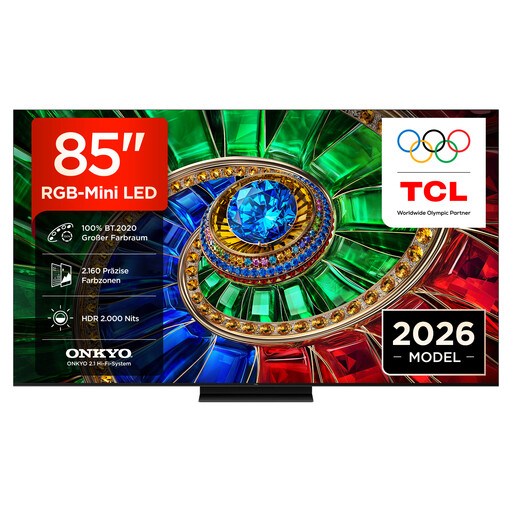
TCL 85RM7L 85-inch RGB Mini LED TV
An 85-inch option if you’re looking for a large screen and the TV suits your viewing distance and available space.
85 inches, 4K, RGB Mini LED, 144 Hz, VRR and FreeSync Premium Pro.
View at Joybuy
Frequently asked questions
Do I need 144 Hz for party mini-games?
No, not just for party games. First, check the frame rate your console and the specific game can output. For example, Nintendo states that the Switch 2 outputs a maximum of 60 fps at 4K. Input lag in the Game Mode you use is a separate consideration.
How do I work out the right screen size?
Measure the distance from the screen to the furthest seat that will regularly be used for gaming, then check the TV’s width against the space where you plan to install it. Recommendations for HDTV or SDTV are guidelines, not a fixed formula for how easy it will be to read a particular party game.
What should I adjust after connecting my console?
Choose the picture mode designed for gaming and check that the resolution and frame rate you want are coming through the input you’re using. As picture processing can affect input lag, compare the picture and responsiveness with other modes.
What information can help me compare energy use?
Compare the EU energy label and product information sheet for the specific model variant. The European Commission lists details for electronic displays including efficiency, screen size and energy use with different picture content. Your viewing habits and electricity tariff also affect your personal running costs.
What are my rights when buying a TV online in Germany?
For online purchases, you generally have a 14-day right to cancel, and you must notify the retailer that you wish to cancel. The Verbraucherzentrale also points out that your statutory rights under the legal guarantee are separate from any voluntary manufacturer’s warranty.


