What should you look for when buying?
OLED
A good fit if: several people will be sitting well off-centre and consistent picture quality is important.
Things to weigh up: If the same bright in-game HUD is displayed for very long periods, repeatedly, image retention is worth considering. The stress test cited by RTINGS.com cannot be directly applied to mixed everyday use.
IPS LCD
A good fit if: wide seating is a priority and the specific IPS model looks good from the furthest seat.
Things to weigh up: IPS typically offers wider viewing angles than conventional VA LCD, but with lower contrast. RTINGS.com describes this trade-off between LCD panel types.
VA LCD and Mini LED LCD with a VA panel
A good fit if: the seating angle is more moderate, or you value the contrast of the specific TV more than picture consistency at the edges.
Things to weigh up: A VA panel can lose picture accuracy when viewed off-centre. The Mini LED label alone is no guarantee of a wide viewing angle.
| What matters |
What should you look for when buying? |
Who will find it particularly important? |
| Picture visibility from the side |
View typical gameplay from the furthest seat; consider the panel type and viewing angle of the specific model. |
If I want to make out small prompts from the edge of the sofa, I check the colours and contrast from there. Around 36% of consumers pay particular attention to the picture from a side seat. |
| Responsiveness in Game Mode |
Compare input lag measurements for Game Mode and your console’s output format; check which HDMI input you’ll be using. |
If I want inputs to appear instantly on screen in fast mini-games, lag matters more to me than a high maximum refresh rate. Around 29% of consumers put responsiveness first. |
| Room lighting and reflections |
Assess picture quality in your usual lighting and from the seats you plan to use; check reflection tests for the specific model. |
If we play in daylight or with the lights on, I want to assess reflections and the side view together. Around 21% of consumers prioritise picture quality in room lighting. |
| Purchase and running costs |
Compare only the same model and screen-size variant; use the SDR and HDR figures in the EU product information sheet to check energy consumption. |
If I want to keep an eye on costs and avoid paying for a gaming feature I won’t use, I compare the features and product details for the exact model. Around 14% of consumers look at purchase and running costs first. |
A high refresh rate is no substitute for checking the viewing angle or Game Mode. Nintendo specifies a maximum of 60 fps for 4K output on the Switch 2, so a TV’s higher maximum refresh rate offers no benefit for that output alone.
Joybuy products for gaming and wide seating arrangements
These Joybuy products are OLED TVs for gaming and make a useful starting point if you want to check picture quality from side seats.
 No image available
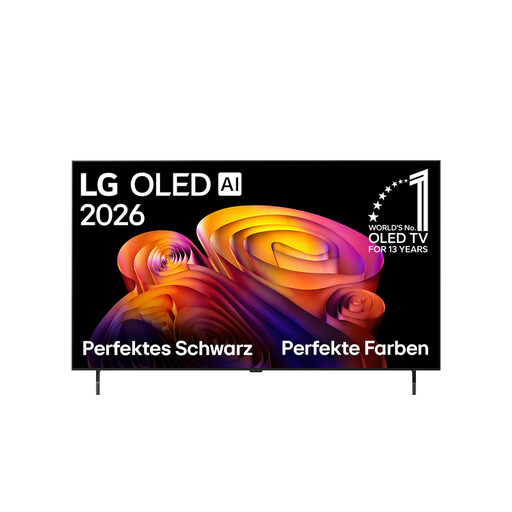
LG OLED48B68LA, 48-inch
The OLED version is an option for wide seating arrangements, but be sure to check the picture from the furthest seat.
4K OLED, 48-inch, 144 Hz VRR, Dolby Vision and Dolby Atmos.
View at Joybuy
 No image available
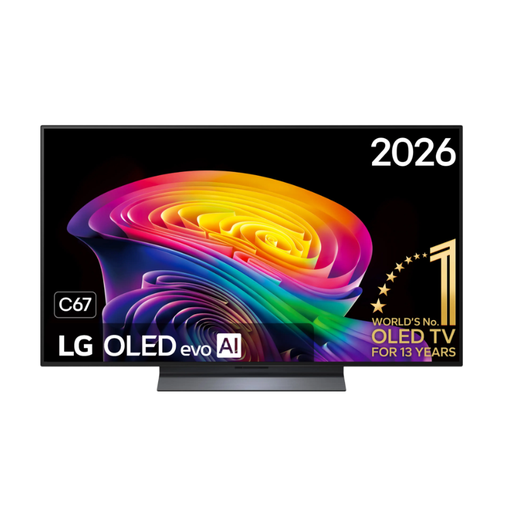
LG OLED48C67LA OLED evo AI C6, 48-inch
As an OLED model, it’s worth considering for wide seating arrangements; check the picture from the side seat you’ll actually use.
4K Smart TV, 144 Hz, Dolby Vision, HDR10 Pro, webOS, black.
View at Joybuy
 No image available
LG OLED55C67LA OLED Evo C6, 55-inch
The OLED version is an option for several people sitting to the side; check the picture in your usual lighting too.
4K Smart TV, 165 Hz gaming, Dolby Vision and Dolby Atmos, webOS 26.
View at Joybuy
 No image available
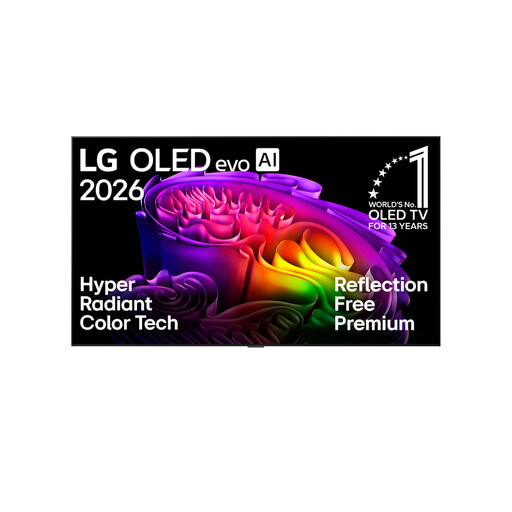
LG OLED83G67LW, 83-inch
This OLED model could suit a wide seating arrangement; first check that the screen size is right for your room.
4K OLED evo AI Smart TV, 165 Hz, Dolby Vision and Dolby Atmos.
View at Joybuy
 No image available
LG OLED55B68LA, 55-inch
The OLED version is an option for a wide seating arrangement; check contrast and colours from the furthest seat you plan to use.
OLED gaming TV, 144 Hz, G-SYNC and FreeSync Premium.
View at Joybuy
Frequently asked questions
Do I need a 144 Hz or 165 Hz TV for party mini-games?
Not necessarily. What matters is the output of the game and console, as well as the TV input they support. Nintendo specifies a maximum of 60 fps for 4K output on the Switch 2, so a higher maximum refresh rate on the TV offers no benefit for that alone.
What should I check after connecting everything to keep lag low?
Check Game Mode and the HDMI input you’re using. With a compatible source, ALLM can automatically request a low-latency mode. LG notes that automatic detection may not work with some devices or inputs.
How do I set up a Nintendo Switch for a gaming session on the TV?
Nintendo explains how to use TV Mode with the dock; for wireless play, the Joy-Con controllers need to be synchronised. The Switch Lite doesn’t support TV Mode. This limitation applies to the console, not to your choice of TV in general.
How do I compare the energy consumption of different TVs?
Compare the EU energy label and product information sheet for the exact model variant. The European Commission explains that the label includes figures for SDR and HDR. To work out your own electricity costs, you’ll also need to take usage time and your electricity tariff into account.
Is OLED suitable for games with a HUD that stays on screen?
If the same bright HUD is displayed for very long periods, repeatedly, you should factor image retention into your decision. However, a stress test described by RTINGS.com doesn’t support a blanket prediction for a mix of gaming content. Also check the terms of the specific offer.


