What should you look for when buying?
Start by considering your seating arrangement, viewing distance and typical lighting conditions. Then check the frame rate your games and console actually output.
| What matters |
What to check when buying |
Who should consider it? |
| Visibility from your seats |
Plan for the seats at the sides and the viewing distances; compare screen size and, where possible, viewing-angle information for the specific model. |
If you want everyone in a large group to see prompts from the side, weigh up viewing angle and screen size together. Around 36% of consumers put visibility for the group first. |
| Visibility in room lighting |
Consider windows and lights at your usual gaming times; check the anti-reflection features of the specific model. |
If we play in daylight or with the lights on, we want to keep distracting reflections in mind. Around 29% of consumers prioritise visibility in their usual lighting conditions. |
| Gaming responsiveness and console output |
Check the game mode and the resolution and frame rate supported by your console and connection. |
If you switch between mini-games, focus on the outputs your games actually support. Around 21% of consumers pay particular attention to gaming responsiveness and compatible console output. |
| Purchase price and energy use |
Choose a screen size that suits your seating arrangement; compare the EU energy label and consumption figures for similar models. |
If I’m weighing up both running costs and the purchase price, I want a screen that’s big enough for the group without taking up unnecessary space. Around 14% of consumers focus on the overall cost. |
The German Environment Agency notes that a larger screen can increase electricity consumption. The EU energy label must also be displayed when products are sold online.
Joybuy products for party games
This selection includes TVs in a range of sizes with listed gaming features, so you can compare them against your seating arrangement, room and console.
 No image available
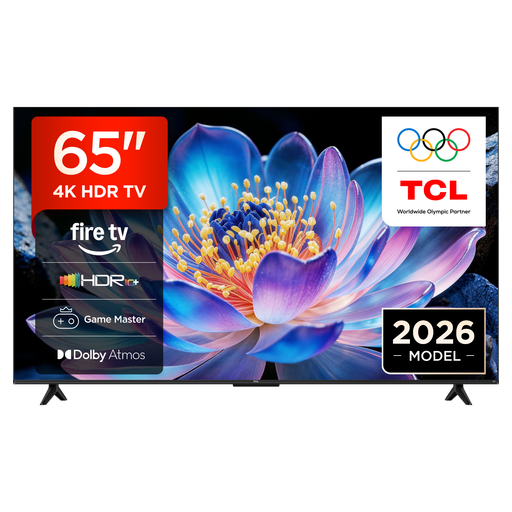
TCL 65V6D, 65-inch 4K UHD Smart TV
Compare the 65-inch screen size with your viewing distance and the space available for your gaming group.
The product description lists an HVA panel, Game Master, HDMI 2.1, ALLM and VRR. Check that your console and games support the output you want.
Joybuy
 No image available
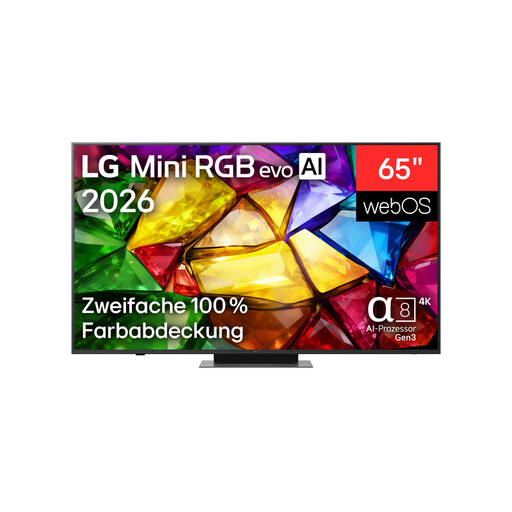
LG 65MRGB86B9A Mini RGB Evo 4K Smart TV, 65 inches
The 65-inch screen gives you a specific size to weigh up against your viewing distance and available space.
The product description lists gaming up to 4K at 165 Hz, FreeSync and Game Optimizer. It recommends using qualified professionals for wall mounting.
Joybuy
 No image available
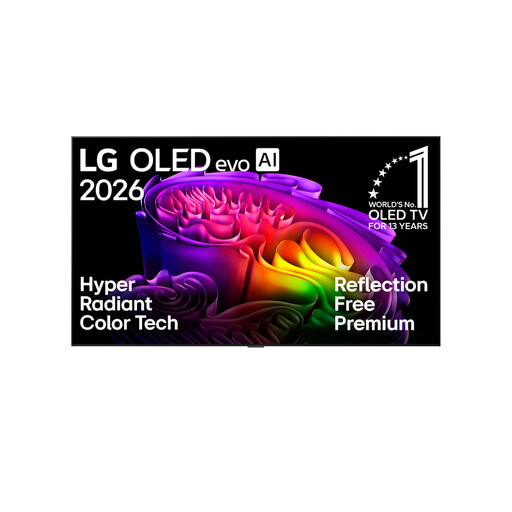
LG OLED83G67LW, 83-inch 4K OLED evo Smart TV
Compare the 83-inch screen with your viewing distance and the space available.
The product description lists 4K at 165 Hz, VRR and ALLM. Burn-in is a consideration if the same static game elements are displayed for a very long time, repeatedly. Professional installation is recommended for wall mounting. The stated weight is 37.2 kg without the stand.
Joybuy
 No image available
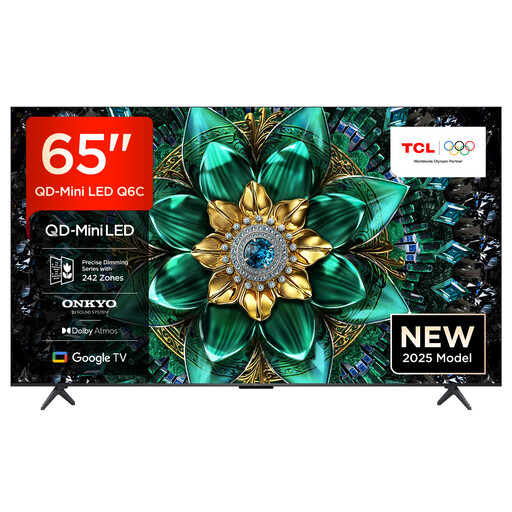
TCL 65Q6C QLED Mini LED TV, 65-inch 4K
The product description lists a 65-inch screen and a wide viewing angle. Compare these details with your seating arrangement and room conditions.
Gaming features include Game Master, HDMI 2.1, VRR and ALLM. “144Hz Motion Clarity Pro” appears in the product name; check the picture output supported by your games and console.
Joybuy
 No image available
TCL 75Q7C QLED Mini LED TV, 75-inch 4K
The product description lists a 75-inch screen and a wide viewing angle. Check that the screen size and viewing distance suit your group and the space available.
Features listed include 144 Hz, VRR, FreeSync Premium Pro and HDMI 2.1. The stated width with the stand is 166.6 cm; allow for this when planning where to place it.
Joybuy
Frequently asked questions
Do I definitely need a 120 Hz TV for party mini-games?
No, not just because of the figure listed for the TV. The frame rate you can actually use also depends on the game and console. Nintendo UK limits the Switch 2’s 4K output to a maximum of 60 fps; PlayStation explains 120 Hz output for supported games and TVs.
How can I check what the TV supports after connecting a PS5?
On your PS5, go to “Settings > Screen and Video > Video Output” and check the information for the connected HDMI device and 120 Hz output. A feature being listed as supported doesn’t mean every game will use it.
What should I consider if I use an OLED TV frequently?
Burn-in is a consideration if the same static game elements are displayed for a very long time. The endurance test described by RTINGS.com used static content at maximum brightness; it isn’t a direct prediction of what will happen with party mini-games that change frequently.
How can I factor in electricity use and my rights when buying online?
Once you’ve chosen a suitable screen size, compare the EU energy label and consumption figure. The EU label must be visible when products are sold online. According to the Verbraucherzentrale, if goods are faulty, you have statutory rights against the seller, separate from any voluntary guarantee. Online purchases generally come with a right to cancel, usually within 14 days of receiving the goods; check the conditions and any possible exceptions for your specific purchase.


