A group spread across the room
If several people are sitting well off to the side, everyone needs to be able to see the same clues. Viewing angles are an important factor to consider (RTINGS.com).


When choosing a TV for a big puzzle night, start with your seating layout and viewing distance. For people sitting off to the side, viewing angles matter; for those further back, make sure small clues are easy to read (RTINGS.com). Then check for reflections, the HDMI connection you need and Game Mode. A high refresh rate alone won’t make a co-operative puzzle game better.
If several people are sitting well off to the side, everyone needs to be able to see the same clues. Viewing angles are an important factor to consider (RTINGS.com).
If you’re joining in from further back, you should still be able to make out small text and objects. Consider screen size and viewing distance together (RTINGS.com).
Windows and lights can reflect off the screen. Check both where you plan to put the TV and how well the specific model handles reflections (RTINGS.com).
| Priority | What to look for when buying | Who it matters most to |
|---|---|---|
| Viewing from the side | The viewing angles of the specific model; where the group will sit | When we’re sitting spread out, everyone should be able to see the same puzzle clues. Around 31 % of consumers say viewing angles matter most to them. |
| Readability from further back | Screen size in relation to viewing distance; an unobstructed view of the screen | If other players are sitting further back, I want to be able to read small clues without constantly having them read out. Around 25 % of consumers say readability is their main concern. |
| Room lighting and reflections | Reflections where you plan to place the TV; the position of windows and lights | Clue text should remain visible in daylight or with the lights on. Around 19 % of consumers consider room lighting first. |
| Connecting your gaming platform | The right HDMI input; the Game Mode you need | If I want to connect my existing console or a host device, I check the connections I need first. Around 13 % of consumers say compatibility is their main concern. |
| Purchase and running costs | Compare only the features you need; check the energy label for the specific model | For a night spent mainly playing puzzle games, I don’t want to pay for gaming features I won’t use. Around 12 % of consumers say cost matters most to them. |
The refresh rate doesn’t tell you how easily people sitting at the edge of the room can make out small clues. Viewing angles and readability need to be checked separately.
Start by checking the seats furthest to the side and at the back. Then make sure the refresh rate and Game Mode match the gaming platform you’ll actually use.
Backlighting technology alone doesn’t show how well an LCD picture holds up when viewed from the side. RTINGS.com describes typical differences between VA and IPS panels, but these don’t automatically apply to every model.
Compare measurements for the specific TV or view it from the angles your group will be sitting at.
RTINGS.com notes that burn-in can be a risk with intensive, prolonged use of static images. This doesn’t necessarily reflect what happens during a typical puzzle night.
If the same game screen is often left unchanged for long periods, compare OLED and LCD in light of how you plan to use the TV.
LG OLED TVs are one option for groups where people may be sitting off to the side and gaming features are important.
Samsung includes the S95H range in its OLED line-up and promotes gaming features across different models.
The C7K range is a Mini LED LCD option you can compare based on your room and seating layout.
The 65OLED910/12 combines OLED with Ambilight and built-in Bowers-&-Wilkins sound.
The BRAVIA 5 K-65XR5 is a Mini LED option. Make sure its connections match the signal from your gaming platform.
The Joybuy models below include OLED and Mini LED options. Compare them based on what matters most to your group: viewing from the side, screen size or room lighting.
 No image available
The 55-inch screen is one option for sharing a picture with the group. Consider it alongside your viewing distance and available space.
The product name lists 4K, 144 Hz, 480 local dimming zones and anti-reflection. These specifications alone don’t tell you how clearly the screen can be seen from the side.
 No image available
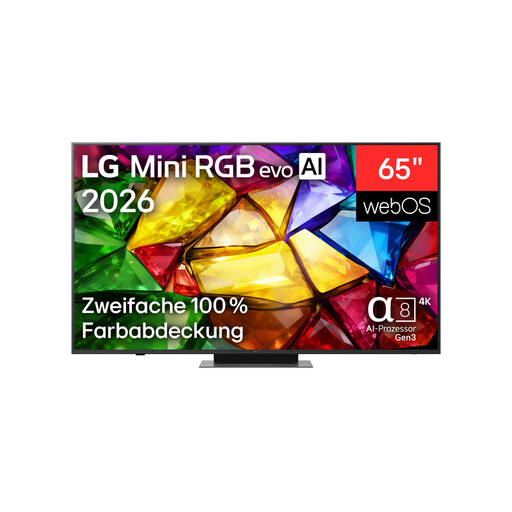
The product description says the picture remains clear from different viewing angles. Check whether that suits your group’s seating layout.
Features listed include Mini RGB backlight, Precision Dimming, 4K and 165 Hz. The product description recommends using a qualified professional to wall-mount the TV.
 No image available
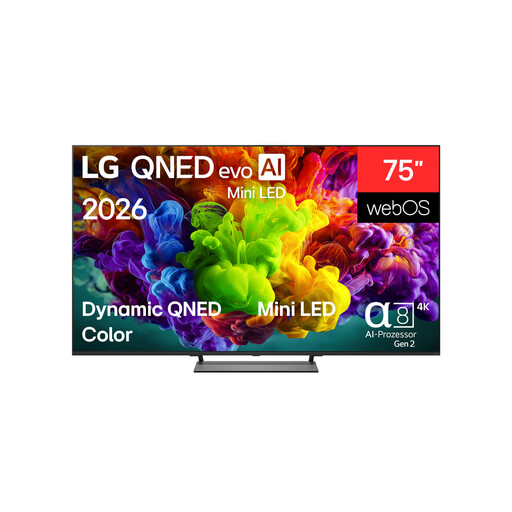
The 75-inch screen may suit a group with people sitting further back. Factor in your viewing distance and available space, too.
The product name lists 4K, Dolby Vision and 144 Hz. For wall mounting, the product description recommends a suitable bracket and a qualified professional. It also says that at least two people are needed for transport and installation.
 No image available
The product description says the TV offers wide viewing angles and consistent colours and contrast from different seating positions. Check how it performs in your own room.
The product name lists 4K and 165 Hz. For very long, repeated use with static game elements left on screen, the risk of OLED burn-in is still worth considering (RTINGS.com).
 No image available
The 75-inch screen may work well for a shared picture with people sitting further back. Check that your furniture or wall mount will fit, too.
The product name lists 4K, 144 Hz and VRR. The listing gives a width of 166,6 cm and a product weight of 26,54 kg.
No, not with the way Jackbox Games describes playing: one person starts the game on their device and shows it to the group, while the other players enter the room code on their internet-connected devices. Whether another puzzle game works in the same way depends on the game.
For the original Nintendo Switch, Nintendo explains that TV Mode uses the dock, power adapter and an HDMI cable connected to the TV. The Switch Lite doesn’t support TV Mode; check the relevant instructions for other console versions.
No, not as a rule. You can only use a higher refresh rate if the game and source output it; input lag, which matters for reaction-based games, is a separate consideration.
The EU energy label helps you compare energy information for the TVs you’re considering (European Commission). To work out your own electricity costs, you’ll also need to consider how long you use the TV and your electricity tariff.
The German Federal Network Agency says product checks include the CE marking, being able to identify the product and correct manufacturer details. These points don’t replace checking the specific offer.
According to the Verbraucherzentrale, when you buy online from a retailer you generally have 14 days from receiving the goods to cancel your order. You must notify the seller that you’re cancelling the contract. This is separate from your rights if the product is faulty.