What to look for when buying
Start by measuring your furniture, the stand and the viewing distance. Then choose based on how easy the screen is to read from both seats, the room’s lighting and the signals your gaming devices support.
| Buying priority |
What to look for |
Who should pay particular attention |
| Space and viewing distance |
Check the TV’s width and stand against your furniture measurements; consider the viewing distance and seating positions. |
If I need to fit a screen and stand into a small living room, I measure the furniture and viewing distance first. Around 31% of consumers put space and distance first. |
| Easy to read for both players |
View a typical scene from both seats; consider viewing angles and reflections in the room. |
If we’re reading clues together, I want to be able to make them out from the seat at the side, too. Around 25% of consumers prioritise readability for both players. |
| Gaming signals and inputs |
Check the signal output, supported frame rate, VRR and the appropriate HDMI input on the specific model. |
If I also play games with high frame rates or VRR, I check that the TV and gaming device are compatible. Around 19% of consumers focus primarily on compatible gaming signals and connections. |
| Lighting and picture quality |
Assess reflections in daylight and dark details in your usual lighting; treat manufacturer claims as such. |
If windows or lights shine on the screen, I want to know how the picture looks where I plan to put it. Around 13% of consumers prioritise room lighting, reflections and dark scenes. |
| Energy consumption and installation |
Check the EU energy label figures in kWh per 1,000 hours, including the HDR rating; plan for a table-top or wall-mounted installation. |
If the TV is on a lot, I take its stated energy consumption into account and plan the installation to suit. Around 12% of consumers put energy use and installation planning first. |
Joybuy TVs for playing together
This Joybuy selection includes TVs listed as 43 inches, with a range of features in their product names for playing together in a small living room.
 No image available
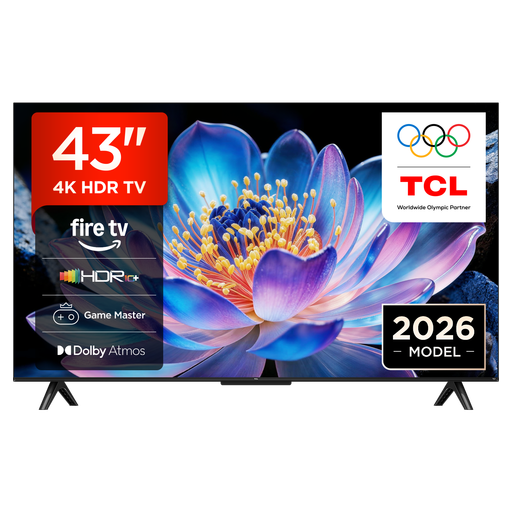
TCL 43V6D 43-inch 4K UHD Smart TV
The 43-inch screen could be a good fit where space is limited; check the stand, furniture and viewing distance.
Features listed in the product name: 43 inches, 4K UHD, HDR10+, Dolby Atmos and Game Master.
Joybuy
 No image available
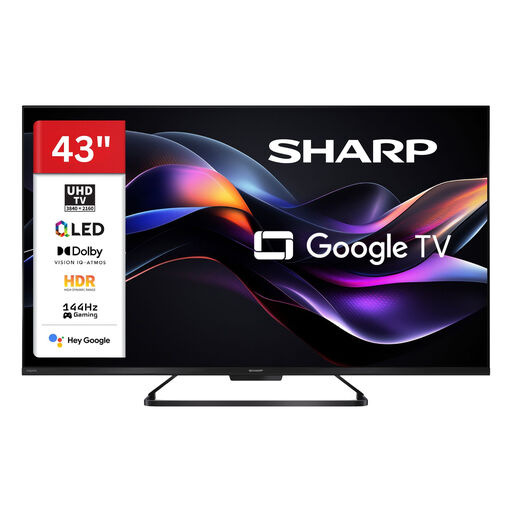
SHARP 43HR7765E QLED TV
If your gaming devices can output compatible higher frame rates, compare the gaming features listed in the product name with the signals they support.
Features listed in the product name: 43 inches, QLED, 4K UHD and 144 Hz.
Joybuy
 No image available
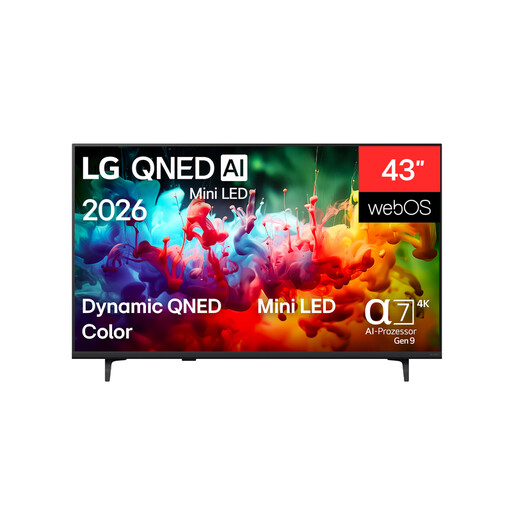
LG 43QNED72B6B 43-inch 4K Smart TV
The 43-inch size could work well in a small living room; check the TV’s actual dimensions and stand measurements against your available space.
Features listed in the product name: 4K Smart TV and Mini LED.
Joybuy
 No image available
LG 43QNED86B6B 43-inch gaming TV
If your console or PC can output compatible signals, compare the frame rate and VRR listed in the product name with the features you need.
Features listed in the product name: 144 Hz, VRR and Mini LED.
Joybuy
 No image available
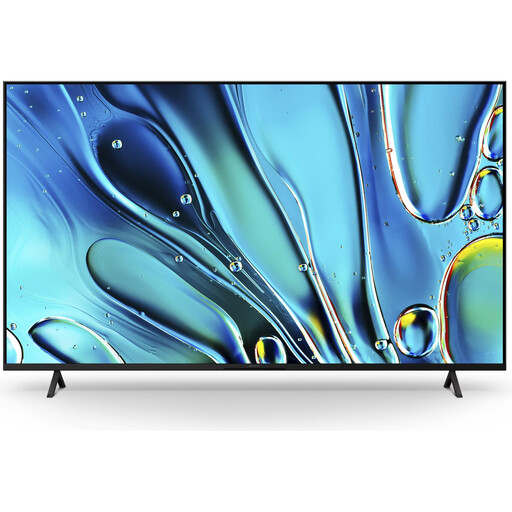
Sony BRAVIA 3 Direct LED 43-inch K43S32
For the 43-inch version, check that the dimensions and stand suit your space, and that the seat at the side has a good view.
Features listed in the product name: Direct LED, Google TV and Game Menu 2.
Joybuy
Frequently asked questions
Is a 60 Hz TV enough for our puzzle games?
Yes. If your games don’t output a higher frame rate and you don’t need VRR, a higher frame rate isn’t a reason to buy on its own. Check the output of your gaming platform and the capabilities of the specific TV input. For example, Sony lists a 50/60 Hz panel and no VRR for the KD-43X75WL.
How can we safely position the TV or mount it on the wall?
If you’re placing it on a table, remember to measure the stand as well. For wall mounting, the bracket and wall must be suitable for the specific model. For safety reasons, Sony recommends having its TVs installed by qualified professionals.
How should we care for the screen after a gaming session?
LG recommends unplugging the TV before cleaning, letting it cool down and carefully using a microfibre cloth. Don’t use glass cleaner or alcohol, and don’t spray anything directly onto the panel. For OLED, LG notes the risk of image retention if pictures remain on screen for a long time.
How can we compare the energy use of different TVs?
Check the EU energy label figures for each model in kWh per 1,000 hours of operation, and take the separate HDR figure into account. To understand your own energy use, also consider the actual hours of operation and the picture settings you use.
What rights apply when buying online from a trader?
According to consumer information from the European Union, this type of distance purchase generally comes with a 14-day right to cancel, starting from delivery. Exceptions and any return costs notified in advance should be taken into account. Statutory rights relating to faulty goods apply to the seller and are not replaced by an additional manufacturer’s guarantee.


