Football gaming with limited space
If you play with others in a small living room, consider the screen area, visibility from the seating and the TV’s actual dimensions together.


Start by measuring the available space, the stand dimensions and the seating: 42 or 43 inches is a useful compact size to compare, but it isn’t a one-size-fits-all recommendation for every living room. 120Hz output and other gaming features are most worthwhile when your TV, console and the games you actually play support them. For other games, room lighting, visibility from different seats and choosing the right screen size may matter more.
If you play with others in a small living room, consider the screen area, visibility from the seating and the TV’s actual dimensions together.
If you want to play supported games with 120Hz output, check the gaming features of the specific TV and make sure your console and game support the output you want.
If you play during the day or from seats to the side, window placement, reflections and viewing angle are just as important to check as the refresh rate.
| Consideration | What to check | Who it matters most to |
|---|---|---|
| Screen area and clear sightlines | Compare the available space and the TV’s width, including the stand, with the seating; the screen size in inches doesn’t tell you the dimensions of the TV. | If several people need to see the pitch from the sofa, positioning matters as well as screen size. Around 36% of consumers prioritise space and shared viewing. |
| Console output and game mode | Check the right HDMI input, along with 4K/120Hz output, VRR and ALLM support for your TV, console and game. | If you want to play supported console games with the right output options, check compatibility across every device involved. Around 29% of consumers prioritise console output. |
| Picture in bright rooms and from the side | Consider windows and seating positions; if possible, compare models in similar lighting conditions. | If you watch in daylight or from seats to the side, visibility in your room may matter more than a high refresh rate. Around 21% of consumers prioritise room lighting and viewing angles. |
| Power consumption and usage habits | Compare the EU energy label and product information sheet for the exact model. For OLED TVs, also read the care guidance for displaying static images for long periods. | If you’re weighing up ongoing power use and long-term use, refer to the information for the specific model. Around 14% of consumers prioritise running costs and durability. |
Actual output also depends on the TV, console, connection and game. A high maximum refresh rate alone doesn’t guarantee a particular frame rate in-game.
Check which game modes are supported, then see which video output the console detects once it’s connected.
For a piece of furniture, the TV’s actual width and depth, including the stand, are what matter. Everyone playing also needs a clear view of the screen from their seat.
Check the dimensions of the specific model against the available space and seating before you order.
LG notes that image retention can occur when images remain unchanged for a long time. Protective features don’t eliminate this consideration.
Take your gaming habits into account, and read the care guidance and terms of any voluntary warranty for the specific model.
The output options you can use depend on the specific input and the connected devices.
For the exact model and the input you plan to use, check support for 4K at 120Hz, VRR and ALLM.
The 42-inch OLED42C67LA is a compact OLED option for buyers weighing up contrast and gaming features.
The 43-inch GQ43QN90FATXZG is a compact Mini LED option for buyers looking to manage reflections.
The 42OLED810/12 and 43PUS9000/12 combine Ambilight with different display technologies.
The 50C7K adds a 50-inch QD Mini LED TV to the selection, provided your available space and seating can accommodate it.
The We. SEE 42 oled dc combines a 42-inch OLED screen with built-in speakers and TV recording features.
The Joybuy models below are 42- or 43-inch TVs to compare for gaming in a small living room. Before choosing, check the actual dimensions and the gaming and console features you need.
 No image available
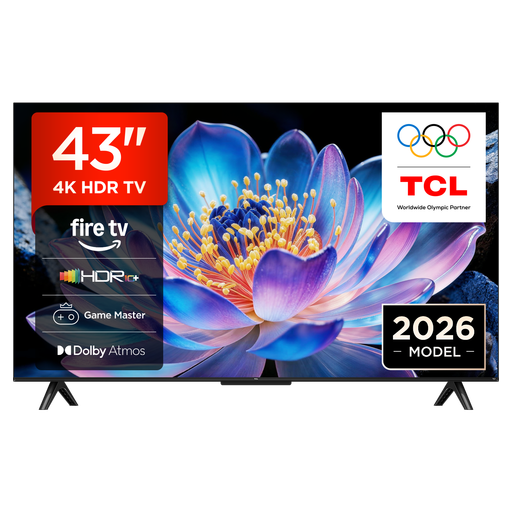
As a 43-inch model, the TCL 43V6D may suit a limited space. Check the actual TV and stand dimensions before buying.
Product details list Fire TV, HDR10+, Dolby Atmos, DTS:X, Game Master, Motion Clarity and AirPlay 2.
 No image available
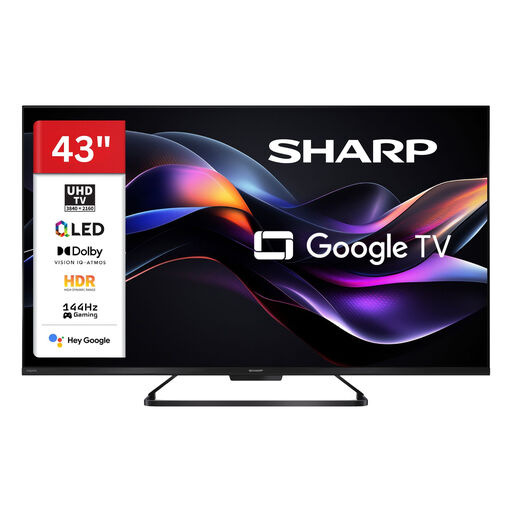
The 43-inch size is a compact option to compare. Measure the available space and stand area before choosing this model.
Product details list 4K UHD, 144Hz gaming, Google Smart TV, HDR and Dolby Vision.
 No image available
This 43-inch model may suit a small room. Check the dimensions, including the stand, and make sure you have the right HDMI input.
Product details list 144Hz VRR, AMD FreeSync, Dolby Atmos and gaming features.
 No image available
At 42 inches, this OLED model is a compact option if its size, contrast and gaming features suit your room and the games you play.
Product details list 4K, 165Hz VRR, G-SYNC, Dolby Vision and Dolby Atmos. If you display the same game image for long periods, bear in mind LG’s care guidance on potential image retention.
 No image available
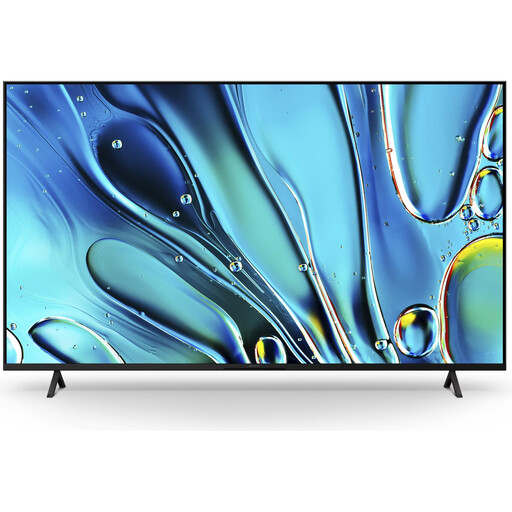
The 43-inch version offers a compact size option. Check that the screen is large enough for your seating arrangement.
Product details list Direct LED, X-Balanced Speaker, Dolby Vision and Dolby Atmos, as well as Game Menu 2.
No. The PS5 supports 120Hz output in games that offer it, but your TV and connection must also be suitable. Check the games and devices you actually use rather than assuming the panel’s maximum refresh rate will benefit every match.
On your PS5, open ‘Settings > Screen and Video > Video Output’. You’ll find information about the connected HDMI device, including resolution, VRR and HDR, and can check 120Hz output and other video options.
Compare the dimensions of the specific TV with the available space. For wall mounting, also consider the type of wall and the installation environment. If you choose OLED, factor long periods displaying unchanged images into your usage habits and read the care guidance for your model.
In Germany, old electrical appliances must not go in household waste. The German Environment Agency says you can drop them off free of charge at a recycling centre. When you buy a new appliance of the same type, you can also return a large old appliance free of charge, including with online purchases delivered to your home.
Compare the EU energy label and the model-specific information for the exact TVs you’re considering. This lets you assess the stated consumption for each model, rather than estimating it from the display technology alone.